⚡ Key Takeaways
- The Three Budget Tiers
- Where Your Money Actually Goes
- Budget Build: 1080p Gaming Under $900
- Mid-Range Build: 1440p Sweet Spot
- High-End Build: 4K and Beyond
- Why the GPU Dominates the Budget
- Where to Save and Where to Splurge
- How Component Prices Have Shifted
- Pre-Built vs. Custom: The Real Math
- Hidden Costs People Forget
- Stretching Your Budget Without Cutting Corners
- Frequently Asked Questions
- Final Thoughts
- Related Articles
- Related Guides
As an Amazon Associate we earn from qualifying purchases at no extra cost to you.






Get instant results in seconds — no signup.
- Most builders fall into one of three brackets.
- In a gaming build, the graphics card is almost always the single largest expense, typically eating 30–45% of the budget.
- A budget rig in 2026 still delivers a fantastic 1080p experience.
- The $1,100–$1,500 range is the value champion of PC gaming.
Figuring out the real gaming PC cost in 2026 means cutting through marketing hype and looking at what each component actually delivers. The truth is that a great gaming machine can be had at several very different price points, and the smart move is matching your budget to the resolution and frame rate you actually want. This guide breaks down realistic build costs across three tiers, shows where your money goes, and explains where to splurge and where to save.
Related: best PC building tool kits.
🛒 Best Price Today on Amazon
Prime members get fast, free shipping on everything above, plus member-only deals. New members get a 30-day free trial — cancel anytime.
Quick answer: Our top pick in 2026 is the Budget — our #1 rated choice. See the full ranked comparison, alternatives and buying advice below.
The Three Budget Tiers
Most builders fall into one of three brackets. Each targets a different gaming experience, and knowing which one fits your goals saves you from overspending or buying parts that bottleneck each other.
| Tier | Budget (2026) | Target Experience |
|---|---|---|
| Budget | $700–$900 | 1080p high settings, 60–100+ FPS |
| Mid-range | $1,100–$1,500 | 1440p high/ultra, 100+ FPS |
| High-end | $2,000–$3,000+ | 4K ultra with ray tracing, high refresh |
Where Your Money Actually Goes
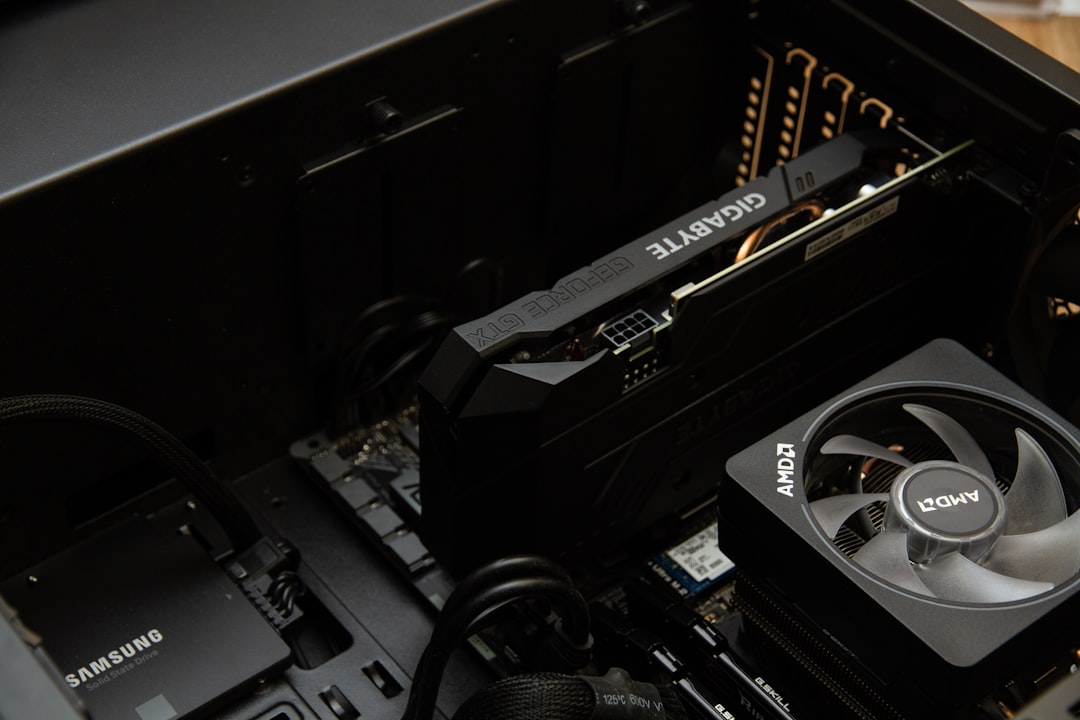
In a gaming build, the graphics card is almost always the single largest expense, typically eating 30–45% of the budget. The CPU comes next, followed by the motherboard, memory, storage, power supply, cooling, and case. Here’s how a balanced $1,300 mid-range build splits up:
| Component | Approx. Cost | Share of Budget |
|---|---|---|
| Graphics card | $500 | 38% |
| CPU (Ryzen 7 / Core Ultra 5) | $280 | 22% |
| Motherboard (B650 / B860) | $160 | 12% |
| 32GB DDR5 RAM | $110 | 8% |
| 1TB Gen4 NVMe SSD | $80 | 6% |
| Power supply (750W) | $100 | 8% |
| Case + cooling | $120 | 9% |
Notice how the GPU and CPU dominate. That’s deliberate—these two parts determine your frame rate more than anything else. The supporting cast (board, RAM, PSU) should be solid but not where you blow your budget.
Budget Build: 1080p Gaming Under $900
A budget rig in 2026 still delivers a fantastic 1080p experience. Pair a Ryzen 5 9600X or Core Ultra 5 with a mainstream GPU featuring 8–12GB of VRAM, 16GB or 32GB of DDR5, a B650 board, and a 1TB SSD. You’ll comfortably run modern titles at high settings and well over 60 FPS. This tier is where careful shopping—watching for GPU sales and combo deals—pays the biggest dividends.
Mid-Range Build: 1440p Sweet Spot
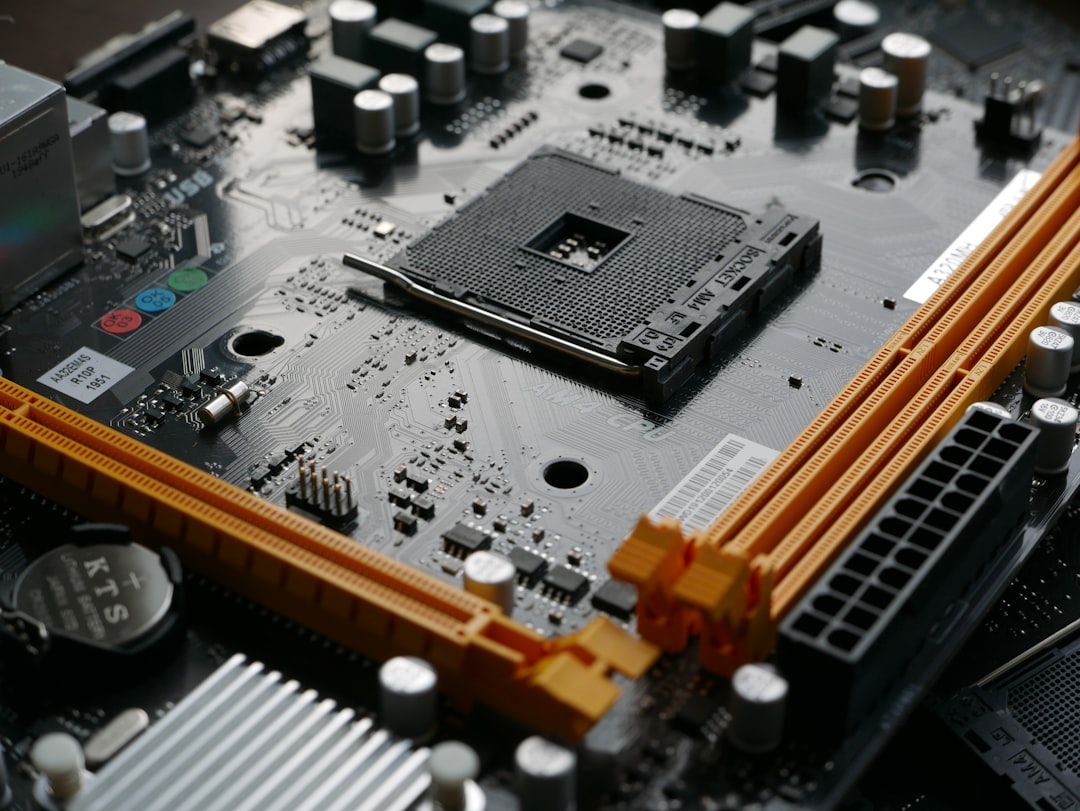
The $1,100–$1,500 range is the value champion of PC gaming. Here you get a capable CPU like the Ryzen 7 9700X (see our best CPU for gaming guide), 32GB of DDR5, and a GPU with 12–16GB of VRAM that chews through 1440p at high refresh rates. Spend a bit on a quality gaming motherboard with good VRM cooling and you’ll have a stable platform you can upgrade later.
High-End Build: 4K and Beyond
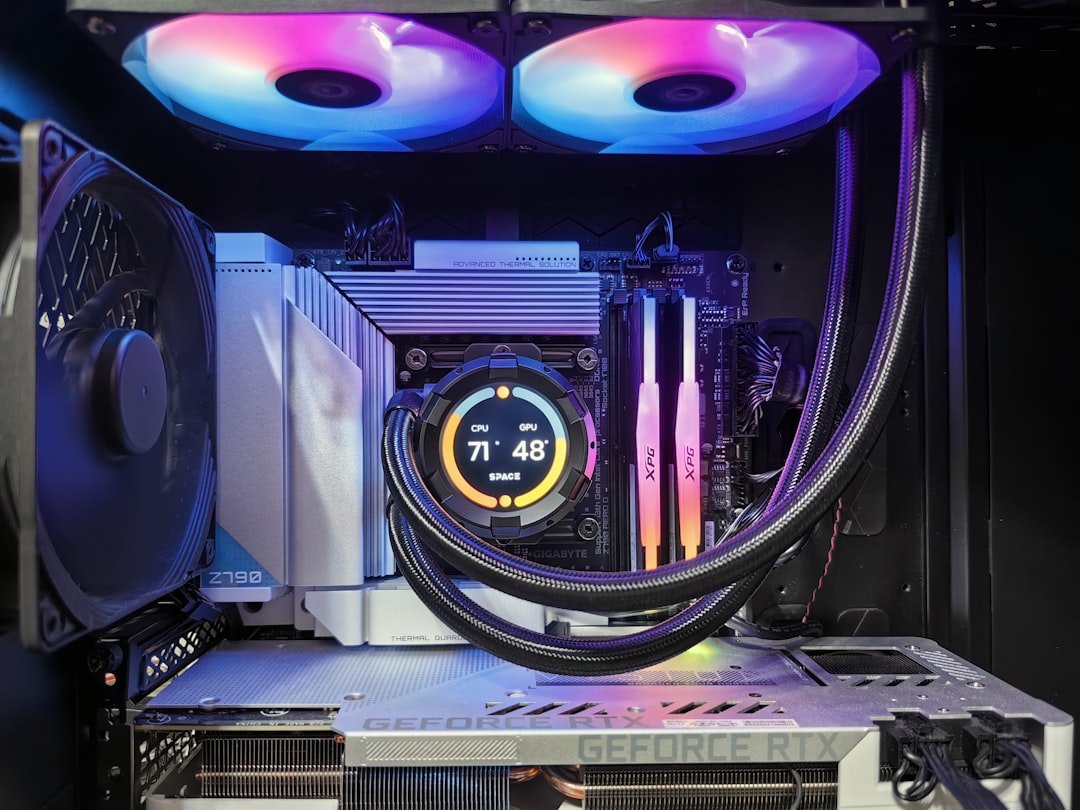
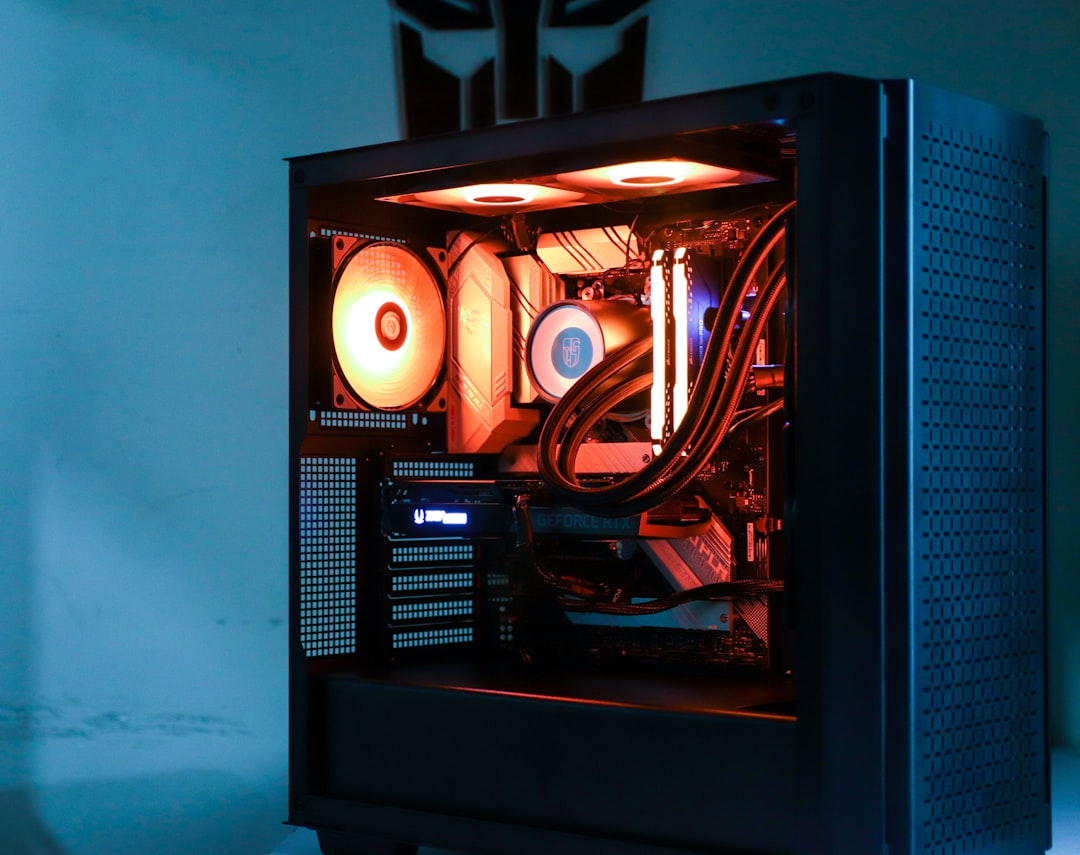
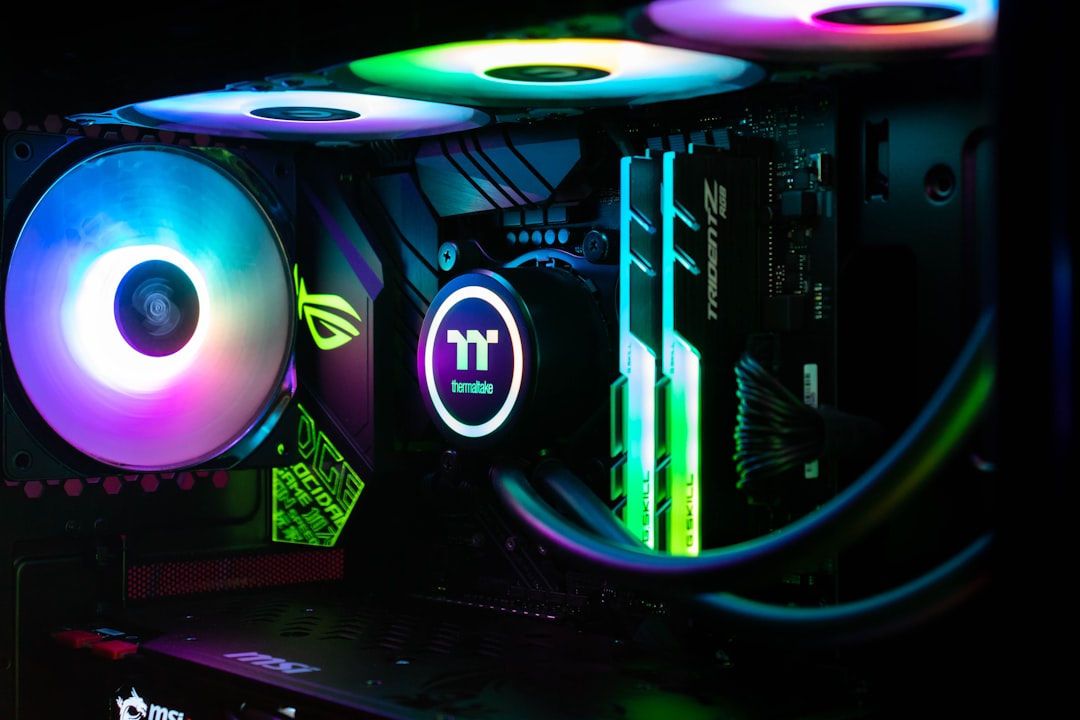
At $2,000 and up, you’re chasing 4K ultra with ray tracing or ultra-high frame rates at 1440p. This means a flagship GPU (often 16–24GB VRAM), a top-tier CPU like the Ryzen 7 9800X3D, fast DDR5, and robust cooling. A quality liquid CPU cooler keeps a high-end chip running cool and quiet. The law of diminishing returns kicks in hard here—you pay a steep premium for the last 15% of performance.
Why the GPU Dominates the Budget
It’s worth understanding why the graphics card commands such a large share of any gaming build. Unlike productivity workloads that lean on the CPU, gaming is overwhelmingly GPU-bound at the resolutions most people target. The card does the heavy lifting of rendering every frame, applying lighting, shadows, and effects, so its performance maps almost directly to the frame rate and visual quality you experience. That’s why a balanced build pours money into the GPU first and treats the rest as supporting cast.
This also explains why over-spending on the CPU while skimping on the GPU is a classic budgeting error. A flagship processor paired with a weak graphics card will still deliver mediocre gaming performance, because the GPU becomes the bottleneck. The reverse—a strong GPU with a sensible mid-range CPU—almost always produces a better gaming experience for the money. Lead with the graphics card, match a capable processor to it, and you’ll extract the most frames per dollar from your total budget.
Where to Save and Where to Splurge
- Splurge on the GPU. It defines your gaming experience and is the hardest part to upgrade affordably later.
- Save on the case. A $90 well-ventilated case performs as well as a $250 designer one.
- Don’t cheap out on the PSU. A quality unit protects every other part. Buy from a reputable brand with an 80 Plus rating.
- Buy storage on sale. NVMe SSD prices fluctuate; grab capacity when it’s cheap.
- Reuse peripherals. Your existing monitor, keyboard, and mouse don’t need replacing on day one.
How Component Prices Have Shifted
The cost landscape in 2026 looks different from a few years ago. DDR5 memory, once expensive at launch, has dropped to very affordable levels, making 32GB kits a no-brainer for new builds. NVMe SSD prices have also fallen, so generous storage is cheap. Motherboards span a wide range—you can find a perfectly capable B650 or B860 board without paying flagship prices, since the premium boards mostly add features enthusiasts never use.
The graphics card remains the stubborn exception. GPU pricing has stayed elevated across recent generations, and it’s the component most likely to blow a budget. This is precisely why building backward from the GPU works so well: lock in the card that fits your resolution target and budget first, then size the rest of the system to complement it without overspending.
Pre-Built vs. Custom: The Real Math
System integrators occasionally get better GPU pricing than individual buyers, which can make a pre-built look competitive during shortages. But when you build it yourself, the savings show up in the parts they cut corners on—the power supply, case, and cooling. A custom build lets you choose a quality PSU and a well-ventilated case, parts a pre-built often skimps on to hit a price. You also avoid bloatware, get a proper warranty on each component, and gain the ability to upgrade piece by piece. For most people willing to spend an afternoon assembling, building wins on both value and quality.
Hidden Costs People Forget
The base build is only part of the picture. Budget for Windows (or use a free Linux distro), a monitor that matches your GPU’s output, and peripherals if you’re starting fresh. A high-refresh 1440p monitor can add $200–$300. Factor these in so the final number doesn’t surprise you at checkout.
Stretching Your Budget Without Cutting Corners
Smart shopping can meaningfully change what tier you can afford. Graphics card prices fluctuate throughout the year, so timing a purchase around major sales events can save a significant chunk that you redirect into a better CPU or more storage. Watching for memory and SSD deals lets you grab 32GB and a 1TB or 2TB drive for less than the everyday price. Bundle and combo deals on a CPU plus motherboard occasionally appear and can shave another chunk off the total.
What you should not do is chase savings on the components that protect your build. A bargain-bin power supply or a cramped, poorly cooled case undermines the expensive parts you carefully chose. The right approach is to be aggressive about timing and deals on the GPU, CPU, RAM, and storage, while holding firm on a quality PSU and adequate cooling. Done well, this strategy routinely lets builders reach the next performance tier for the same money.
Frequently Asked Questions
How much does a good gaming PC cost in 2026?
A genuinely good 1440p gaming PC lands around $1,100–$1,500. You can game well at 1080p for under $900, while 4K builds start near $2,000.
Is it cheaper to build or buy a gaming PC?
Building is usually cheaper for equivalent components, and you get a better power supply and case. Pre-builts occasionally win during GPU shortages when system integrators get better card pricing.
What’s the most expensive part of a gaming PC?
The graphics card, almost always. It typically consumes 30–45% of the total budget and has the biggest impact on gaming performance.
Can I build a gaming PC for $500?
It’s tight in 2026. You can with used parts or a previous-generation GPU, but a new $500 build will be entry-level. Stretching to $700 unlocks a much better experience.
Do gaming PC prices go down over time?
Individual components do as newer generations launch, but flagship GPU prices have stayed high. Watching for seasonal sales is the best way to save.
Final Thoughts
The right gaming PC cost is the one that matches your goals. Decide your target resolution first, then build backward from the GPU. Spend where it counts, save where it doesn’t, and you’ll end up with a machine that delivers exactly the experience you want without a dollar wasted.
Related: Summer 2026 PC Build: Keep Your Rig Cool in a Hot Room
Ready to decide? Our #1 pick for 2026 is the Budget.
Live price & availability on Amazon.