⚡ Key Takeaways
- How Each Cooling Method Works
- Cooling Performance Compared
- The Case for Air Cooling
- The Case for Liquid Cooling
- Noise: Which Is Quieter?
- Installation and Fit Considerations
- Which Should You Choose?
- Custom Loops vs All-in-One Liquid Coolers
- Long-Term Costs and Resale Value
- Frequently Asked Questions
- Conclusion
- Related Articles
- Related Guides
As an Amazon Associate we earn from qualifying purchases at no extra cost to you. Product prices and availability are accurate as of the date shown and are subject to change.








- An air cooler is a block of metal, usually with copper heat pipes, that sits on top of your processor and draws heat away into a stack of aluminum fins.
- At the top end, a large liquid cooler with a big radiator usually edges out even the best air coolers, especially for power-hungry, overclocked processors.
- Air cooling wins on simplicity, value, and reliability.
- Liquid cooling shines when you need maximum thermal capacity in a clean package.
One of the most debated topics among PC builders is air vs liquid cpu cooling, and for good reason. Your cooler determines how quietly your system runs, how high your processor can boost, and how your build looks inside the case. Both approaches are perfectly capable of keeping a modern processor at safe temperatures, but they go about it in very different ways and suit different priorities. Air coolers use metal heatsinks and fans, while liquid coolers circulate fluid through a pump and radiator. This guide compares the two head to head so you can decide which one fits your build, your budget, and your goals.
🛒 Best Price Today on Amazon
Prime members get fast, free shipping on everything above, plus member-only deals. New members get a 30-day free trial — cancel anytime.
Quick answer: Our top pick in 2026 is the Peak cooling capacity — our #1 rated choice. See the full ranked comparison, alternatives and buying advice below.
How Each Cooling Method Works
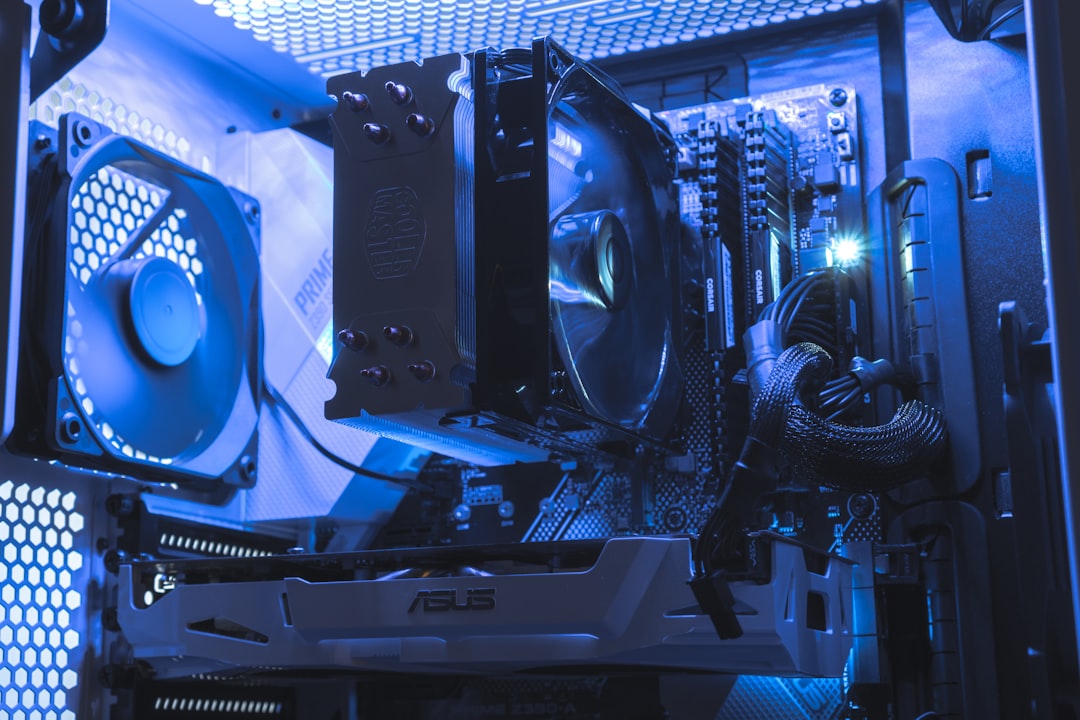
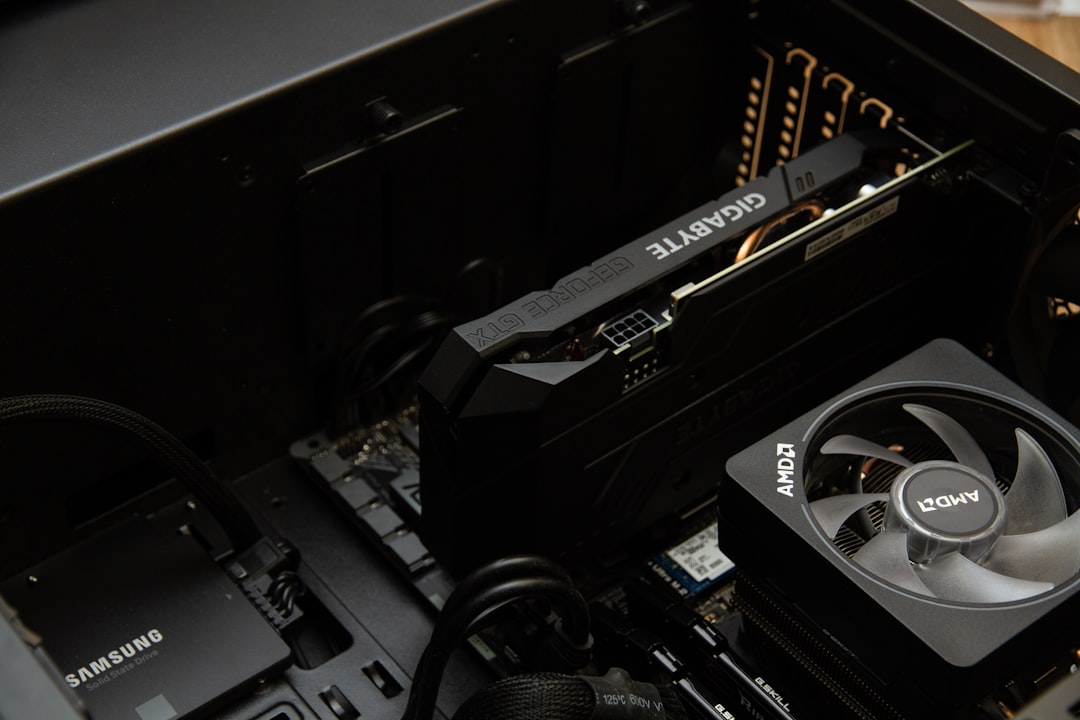
An air cooler is a block of metal, usually with copper heat pipes, that sits on top of your processor and draws heat away into a stack of aluminum fins. One or more fans then blow air through those fins to carry the heat out of the case. It is a simple, time-tested design with no moving liquid.
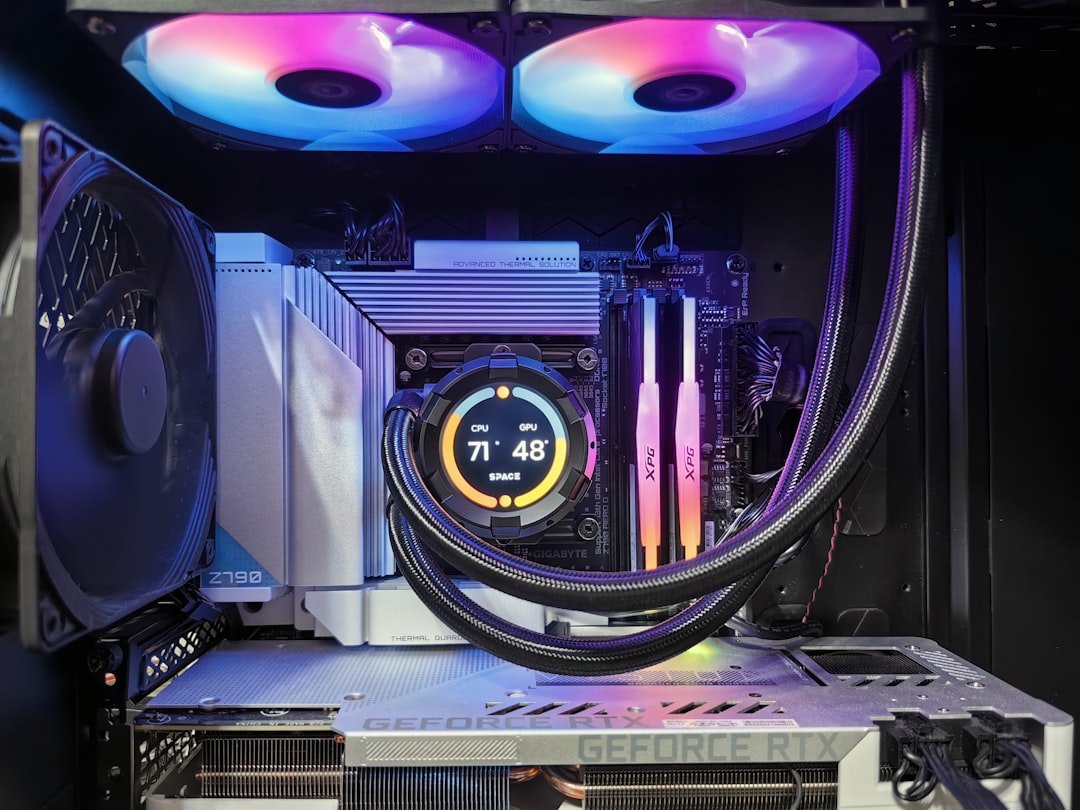
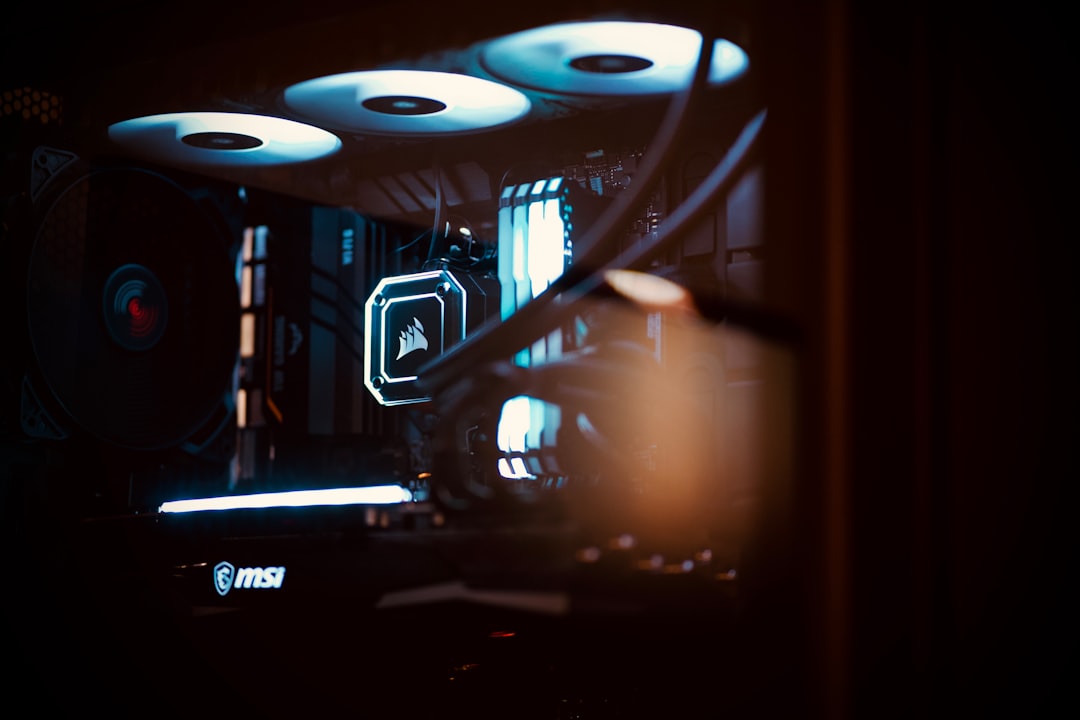
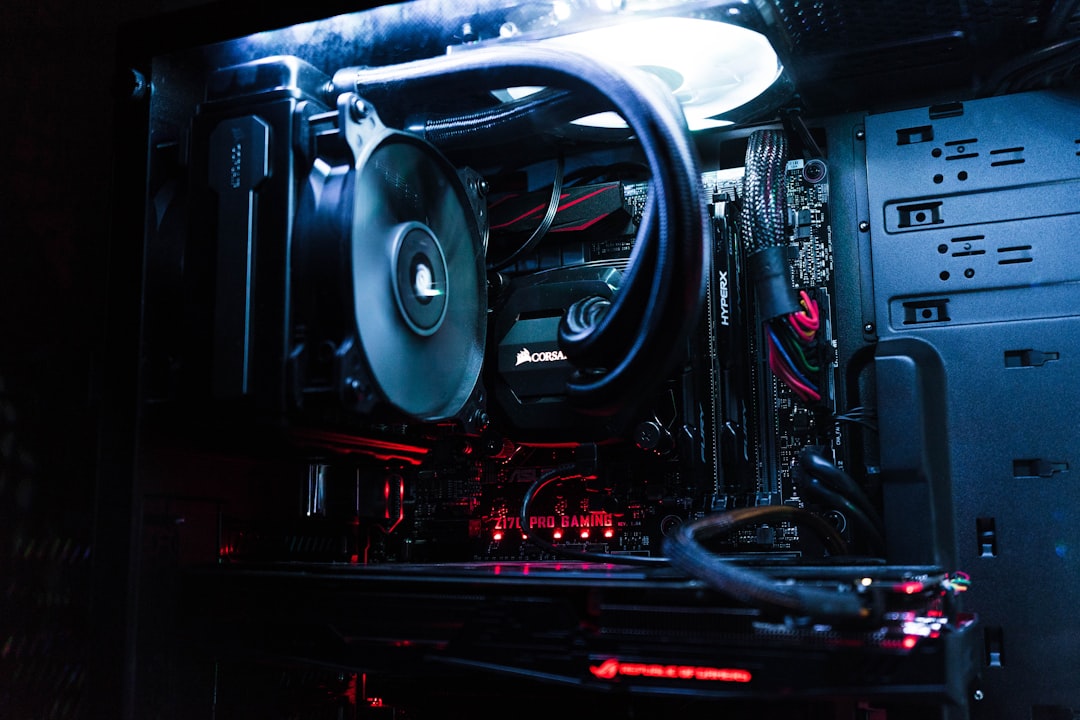
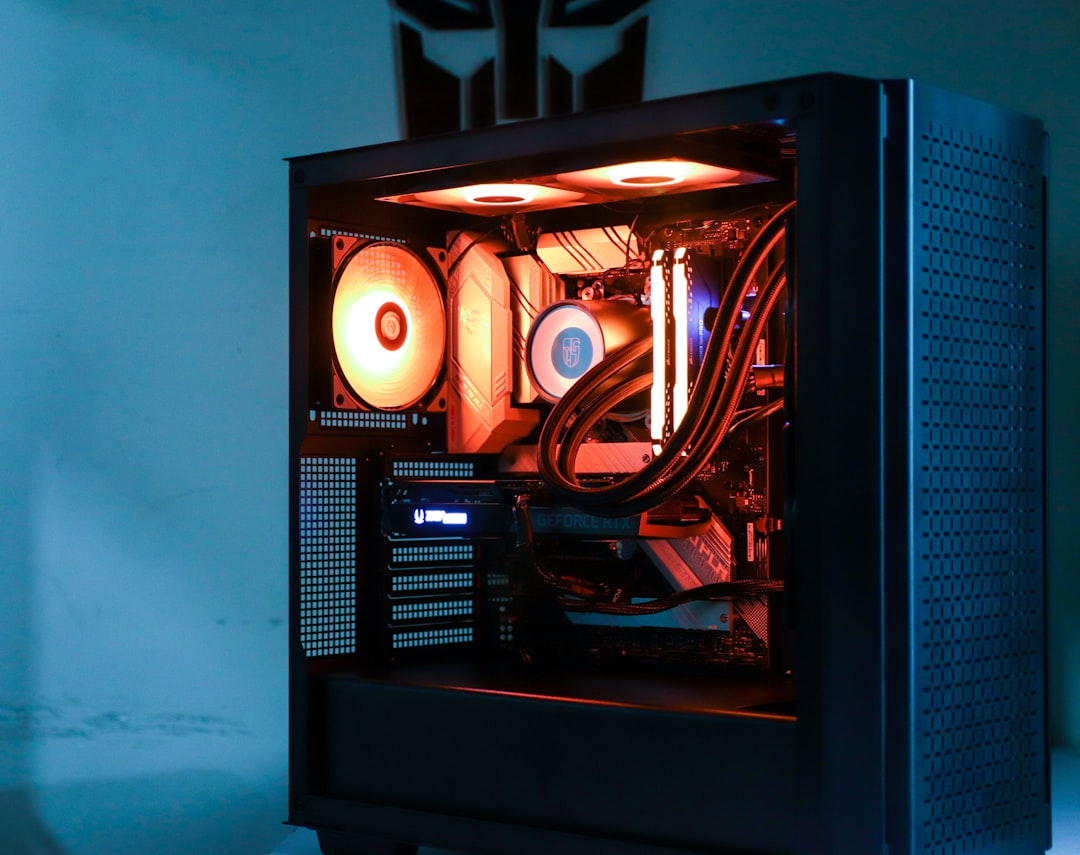
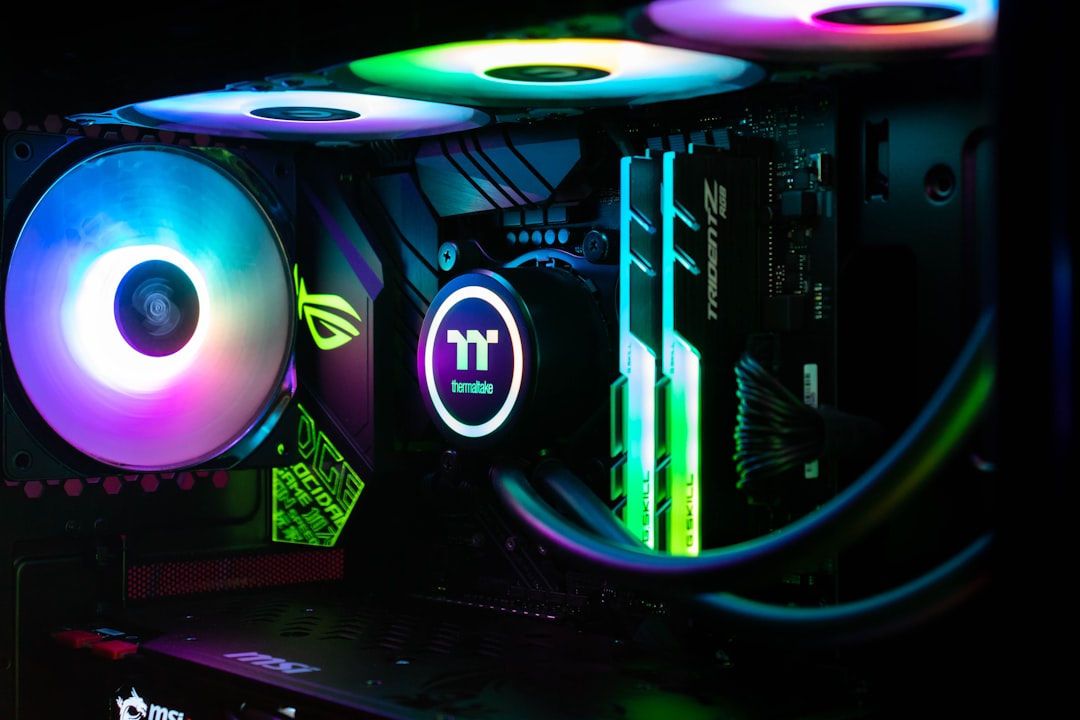
A liquid cooler, specifically the all-in-one type most builders use, pumps coolant across a metal plate on the processor, through tubes, and into a radiator where fans dissipate the heat. The liquid moves heat to the radiator more efficiently than metal fins alone, which is why high-end liquid coolers can handle a lot of thermal output.
Cooling Performance Compared
At the top end, a large liquid cooler with a big radiator usually edges out even the best air coolers, especially for power-hungry, overclocked processors. However, premium air coolers are remarkably close in real-world performance and can match smaller liquid coolers outright. The gap only really matters for the most demanding chips pushed to their limits.
| Factor | Air Cooling | Liquid Cooling (AIO) |
|---|---|---|
| Peak cooling capacity | High | Highest |
| Noise at load | Low to moderate | Low (with quality pump) |
| Price | Lower | Higher |
| Installation difficulty | Easy to moderate | Moderate |
| Maintenance | Minimal | Pump can fail over years |
| Aesthetics | Bulky heatsink | Clean, modern look |
The Case for Air Cooling
Air cooling wins on simplicity, value, and reliability. There is no pump to fail and no liquid to leak, so a good air cooler can outlast the rest of your components without ever needing attention. They are also cheaper for the performance they deliver, making them the smart pick for most budget and mid-range builds. The main downsides are size and weight. A large air cooler can be tall enough to interfere with memory or the side panel, and its heft puts more strain on the motherboard. Still, for the majority of gaming processors, a quality air cooler is more than enough.
The Case for Liquid Cooling
Liquid cooling shines when you need maximum thermal capacity in a clean package. By moving the heat to a radiator mounted at the edge of the case, an AIO clears the area around the processor socket, leaving room for tall memory and improving the visual openness of the build. It also tends to handle short bursts of heavy load gracefully because the coolant absorbs heat before the fans need to spin up. For enthusiasts running top-tier chips or chasing a particular aesthetic, liquid cooling is appealing. If you decide to go this route, our roundup of the best liquid CPU coolers is a great starting point.
Noise: Which Is Quieter?
Noise is not as simple as one type always being quieter than the other. A large air cooler with a slow-spinning fan can be nearly silent because it moves a lot of air at low speed. A liquid cooler can also be very quiet, but it adds a pump that produces a faint hum, and smaller radiators force the fans to spin faster to keep up. In general, both can be made quiet with quality components, but a big air cooler is often the easiest path to a near-silent system on a budget.
Installation and Fit Considerations
Before choosing, check what physically fits in your case. Air coolers have a maximum height rating, and you must confirm your case clears it. Liquid coolers require radiator mounting space, typically at the top or front of the case, and you need to verify your case supports the radiator size you want. Your motherboard socket compatibility matters too, though most modern coolers include brackets for current platforms. Roomy cases like those in our best mid-tower case guide accommodate both large air coolers and big radiators comfortably.
Which Should You Choose?
For most gamers, a quality air cooler is the practical choice. It is affordable, reliable, quiet, and powerful enough for the vast majority of processors, including strong gaming chips. Choose liquid cooling if you are running a top-tier, high-wattage processor, if you plan to overclock aggressively, if your case has limited clearance for a tall heatsink, or if you simply prefer the cleaner look. Neither option is wrong; it comes down to your specific hardware and what you value most.
Custom Loops vs All-in-One Liquid Coolers
When people say liquid cooling, they usually mean an all-in-one unit, but there is a more advanced option worth understanding. A custom open loop uses separate components, a pump, reservoir, tubing, water blocks, and a radiator, that you assemble and fill yourself. Custom loops can deliver the absolute best cooling and a striking custom look, and they allow you to cool the graphics card with the same loop. However, they are expensive, time-consuming to build, and require periodic maintenance such as refilling and checking for leaks. For the overwhelming majority of gamers, an all-in-one unit captures most of the benefit with none of the hassle. Custom loops are best left to enthusiasts who view the build itself as a hobby and are comfortable with ongoing upkeep.
Long-Term Costs and Resale Value
It is worth thinking beyond the sticker price when choosing a cooler. An air cooler is essentially a one-time purchase that you can carry from build to build for years, since its only wearing part is an easily replaced fan. A liquid cooler, by contrast, has a finite service life governed by its pump and may need replacing after several years. When you factor in longevity, a quality air cooler often works out cheaper over the life of multiple builds. On the resale side, both types add value to a used system, though buyers sometimes view an older liquid cooler with caution because of pump wear. If long-term value and simplicity rank high for you, air cooling has a quiet advantage that the spec sheets do not always make obvious.
Frequently Asked Questions
Is liquid cooling always better than air cooling? No. The best liquid coolers outperform the best air coolers at the extreme high end, but quality air coolers match or beat smaller liquid units. For most builds, the difference is small, and air cooling offers better value and reliability.
Can a liquid cooler leak and damage my PC? It is possible but rare with modern sealed all-in-one units. They are tested and built to be leak-resistant. Over many years, the pump is more likely to wear out than the system is to leak. Custom open-loop systems carry slightly more risk and maintenance.
Do I need liquid cooling for gaming? Usually not. Gaming loads are typically lighter on the processor than heavy productivity tasks, so a good air cooler handles gaming comfortably. Liquid cooling becomes worthwhile mainly for high-end or overclocked chips.
How long does a liquid cooler last? A quality AIO typically lasts five to seven years or more before the pump may begin to weaken. Air coolers can effectively last indefinitely, since their only moving part is an easily replaceable fan.
Will a big air cooler block my RAM? It can. Tall air coolers sometimes overlap the memory slots, requiring low-profile RAM. Always check the cooler’s clearance specifications against your memory height and case before buying.
Conclusion
The air vs liquid cooling debate has no single winner, only the right answer for your build. Air cooling delivers excellent performance, low noise, and rock-solid reliability at a lower price, making it ideal for most gamers. Liquid cooling offers the highest thermal capacity, a cleaner look, and more clearance around the socket, which suits enthusiasts and demanding processors. Match your cooler to your hardware and priorities, and either path will keep your processor running cool and stable.
Ready to decide? Our #1 pick for 2026 is the Peak cooling capacity.
Live price & availability on Amazon.