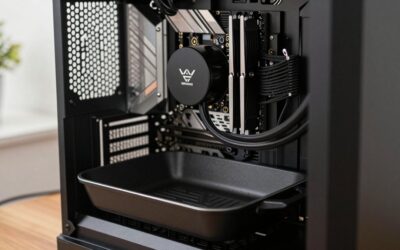
- Top Pick: Portable Air Conditioner, Cooling Fan 3 Speeds & 3 Modes Personal Cooling Fan Mini Air Conditioner Fan with Remote, 1500ML Water Tank, Night Light, No battery, for Home Office Bedroom
- Best Value: KMUSET Cooling Blanket Twin (60"x80"), College Dorm Essentials for Guys,Summer Cold Blankets for Hot Sleepers & Night Sweats, Cool Lightweight Breathable Blanket for Twin Size Bed Light Grey
- Premium Choice: Dyson Purifier Hot+Cool HP1
As an Amazon Associate, we earn from qualifying purchases.
- Why Summer Heat Hurts PC Performance
- Start With Case Airflow, Not Just Raw Cooling Power
- Choosing the Right CPU Cooler for a Hot Room
- Don’t Forget Thermal Paste and Contact Quality
- Comparison: Cooling Components That Fight Summer Heat
- Software Wins: Undervolt and Fan Curves
- Recommended Cooling Gear
- Putting It All Together for Summer 2026
- Frequently Asked Questions
- Related reading
- Related Articles
As an Amazon Associate we earn from qualifying purchases at no extra cost to you.




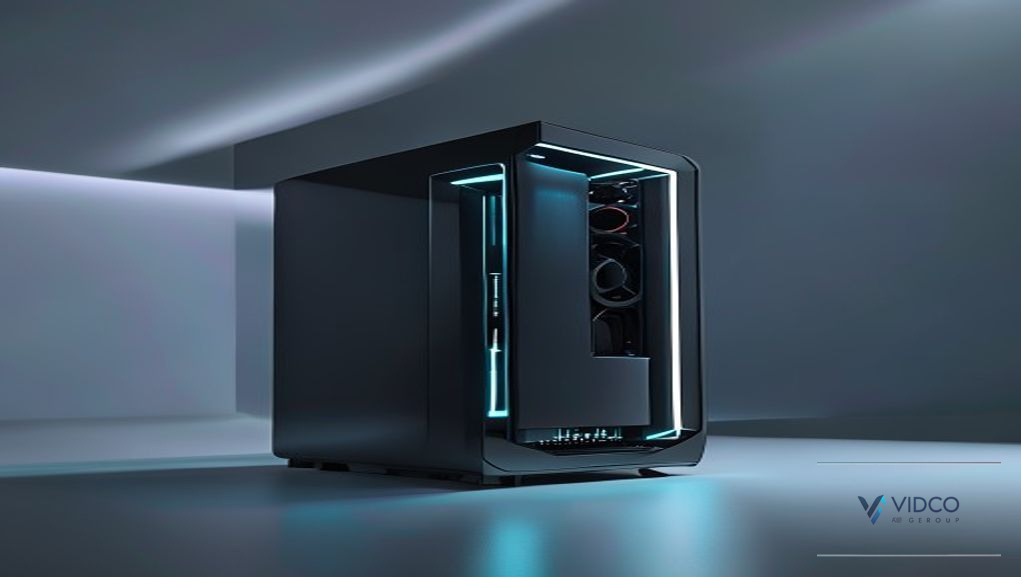
Summer 2026 is shaping up to be another scorcher, and if your gaming rig lives in a warm room, rising ambient temperatures can quietly throttle your performance. This guide walks you through building and cooling a PC that stays fast and quiet even when the thermometer climbs, so heat never steals your frame rate.
🛒 Best Price Today on Amazon
Prime members get fast, free shipping on everything above, plus member-only deals. New members get a 30-day free trial — cancel anytime.
Why Summer Heat Hurts PC Performance
Your components can only run as cool as the air around them. Every CPU and GPU cooler works by moving heat from silicon into your case air, then out into the room. When that room air is already 28-32°C, your cooling system has far less headroom to work with. The result is higher core temperatures, aggressive thermal throttling, louder fans, and in extreme cases, sudden shutdowns during long gaming sessions or rendering jobs.
The good news: with smart airflow planning, the right case fans, a capable cooler, and a few software tweaks like an undervolt, you can build a machine that shrugs off summer heat. Let’s start at the foundation, the case itself. If you’re picking parts from scratch, our full build guide pairs perfectly with the cooling advice below.
Start With Case Airflow, Not Just Raw Cooling Power
Beginners often spend big on a fancy cooler while ignoring the case. That’s backwards. A cooler can only dump heat into air that is actually moving. Great airflow is the single most impactful, and cheapest, upgrade for a hot room.
Mesh Front Panels Beat Tempered Glass in Summer
A solid glass or acrylic front panel looks slick but chokes intake air. In a warm room, a high-airflow mesh case can drop component temperatures by 5-10°C compared to a restrictive design. The mesh front lets cool air pour directly onto your GPU and radiator, which matters far more in July than in January.
Positive Pressure and Fan Placement
Aim for slightly more intake than exhaust, this is called positive pressure, so dust gets pushed out through filters instead of sucked through every crack. A common layout is two or three front intake case fans pulling cool air in, plus one rear and one top fan pushing hot air out. Keep cables tidy so nothing blocks the front-to-back air corridor. For more layout tips, see our airflow optimization notes.
Choosing the Right CPU Cooler for a Hot Room
Once airflow is sorted, the CPU cooler is your next priority. You have two main paths: a large air tower or an all-in-one liquid cooler.
Air Coolers: Reliable and Fuss-Free
A quality dual-tower air cooler handles most mid-range and even high-end CPUs with ease. There’s no pump to fail and no liquid to worry about. In a hot room, look for a cooler with two fans and a large fin stack. The tradeoff is size, big air coolers can crowd tall RAM or block a fan slot.
AIO Liquid Coolers: More Headroom for Hot Rooms
An AIO (all-in-one) liquid cooler moves heat to a radiator mounted at your case edge, where fresh air can hit it directly. A 240mm or 360mm AIO gives high-core-count CPUs extra thermal headroom, which is exactly what you want when ambient temps are already high. Mount the radiator as intake at the front for the coldest coolant, or as top exhaust if you prefer to prioritize GPU intake air. Not sure which CPU you need? Check our CPU recommendations first.
Don’t Forget Thermal Paste and Contact Quality
Old, dried-out thermal paste is a silent killer in summer. Paste transfers heat from the CPU lid into the cooler baseplate, and it degrades over time. If your PC is a couple of years old and running hot, re-pasting with a fresh high-performance compound can shave several degrees off your peak temperatures for just a few dollars. Apply a pea-sized amount, seat the cooler evenly, and you’re done. It’s the highest return-on-investment fix on this entire list.
Comparison: Cooling Components That Fight Summer Heat
| Cooling component | What it does | Best for |
|---|---|---|
| High-Airflow Case Fans | Move cool air in and hot air out to feed every other cooler | Any build, the cheapest temperature win in a hot room |
| 360mm AIO Liquid Cooler | Sends CPU heat to a large edge-mounted radiator for maximum headroom | High-core-count CPUs and warm rooms above 28°C |
| Dual-Tower Air Cooler | Cools the CPU with a big fin stack, no pump or liquid needed | Set-and-forget builders who value long-term reliability |
| High-Performance Thermal Paste | Transfers heat efficiently from the CPU into the cooler base | Older rigs running hot, or fresh cooler installs |
| High-Airflow Mesh Case | Lets cool room air flood directly onto components | New builds that will live in warm, poorly ventilated rooms |
| Fan Controller Hub | Tunes fan curves so cooling ramps up only when needed | Quiet-focused builders juggling many fans |
Software Wins: Undervolt and Fan Curves
Hardware isn’t the whole story. A smart undervolt reduces the voltage fed to your CPU or GPU while keeping clock speeds nearly identical. Less voltage means less heat and lower power draw, a perfect combination for a hot room. Modern GPUs can often drop 10-15°C with a careful undervolt, and your fans stay quieter as a bonus.
Pair that with a custom fan curve. Instead of letting fans idle too low and let heat build, set them to spin up gradually as temperatures rise. A fan controller or your motherboard software makes this easy. The goal is steady, proactive cooling rather than panicked full-speed bursts. For a deeper dive into tuning, read our performance tuning guide.
Recommended Cooling Gear
Here are the core components we’d reach for when building or upgrading a summer-ready rig. Each link opens an Amazon search so you can compare current options and reviews:
- 120mm PWM Case Fans (3-Pack) for strong front-to-back airflow.
- 240mm AIO Liquid Cooler for extra CPU headroom in warm rooms.
- High-Conductivity Thermal Paste to refresh aging contact points.
- Airflow-Focused Mesh ATX Case to let cool air flow freely.
- PWM Fan Controller Hub to fine-tune every fan curve.
- Magnetic Dust Filters to keep intakes clean and airflow high.
Putting It All Together for Summer 2026
A cool, quiet summer rig comes down to layers working together: a high-airflow mesh case as the foundation, plenty of well-placed case fans, a capable air or AIO cooler, fresh thermal paste, and a smart undervolt with tuned fan curves. Start with airflow because it’s cheap and effective, then add cooling capacity where your specific CPU and GPU need it. Do that, and your machine will hold its clocks through the hottest afternoons while your neighbors’ rigs are throttling and roaring. For your next steps, browse our complete build walkthrough and match these cooling picks to your parts list.
Frequently Asked Questions
Do I need an AIO cooler, or is air cooling enough for summer?
For most mid-range CPUs, a quality dual-tower air cooler is plenty, even in a warm room, as long as your case has good airflow. Step up to a 240mm or 360mm AIO if you run a high-core-count CPU under heavy sustained loads or your room regularly climbs above 30°C, since the radiator gives you extra thermal headroom.
How much can undervolting really lower my temperatures?
It varies by chip, but many modern GPUs drop 10-15°C with a careful undervolt while holding nearly the same clock speeds, and CPUs can see similar gains. Because you’re feeding less voltage, you also reduce power draw and fan noise. It’s a free software win that pairs perfectly with better airflow.
How often should I replace my thermal paste?
For most users, every two to three years is a reasonable schedule. If your CPU suddenly runs hotter than it used to during summer, dried-out paste is a likely culprit and a re-paste can shave several degrees off peak temperatures for just a few dollars.
Should case fans be set as intake or exhaust for a hot room?
Aim for slightly more intake than exhaust to create positive pressure. A typical layout is two or three front intakes pulling cool air in, plus one rear and one top exhaust removing hot air. This keeps fresh air flowing over your GPU and radiator while pushing dust out through filtered intakes.
Related reading
- How to Cable Manage a PC Build (Clean Setup Guide)
- How to Build a Gaming PC: A Complete Step-by-Step Guide
- How Much Does It Cost to Build a Gaming PC in 2026?
Related guide: See our Best PC Cable Management Kits & Accessories in 2026 for the top picks and buying advice.
Try our free tool: Not sure which parts to pick? Use the Gaming PC Builder to get a complete, compatible parts list for your budget.
Ready to decide? Our #1 pick for 2026 is the High-Airflow Case Fans.
Live price & availability on Amazon.