⚡ Key Takeaways
- Physical Lifespan vs Useful Lifespan
- What Determines How Long It Stays Relevant
- The Components That Age Fastest
- The Components That Last Longest
- How to Make Your Gaming PC Last Longer
- The Upgrade Path Advantage
- When Is It Time to Upgrade?
- How Console Cycles Affect PC Longevity
- Buying New vs Building With Longevity in Mind
- Top-Rated Picks
- Frequently Asked Questions
- Conclusion
- Related Articles
- Related Guides
- The physical lifespan refers to how long the hardware keeps working before parts fail, and quality components can run reliably for ten years or more with proper care.
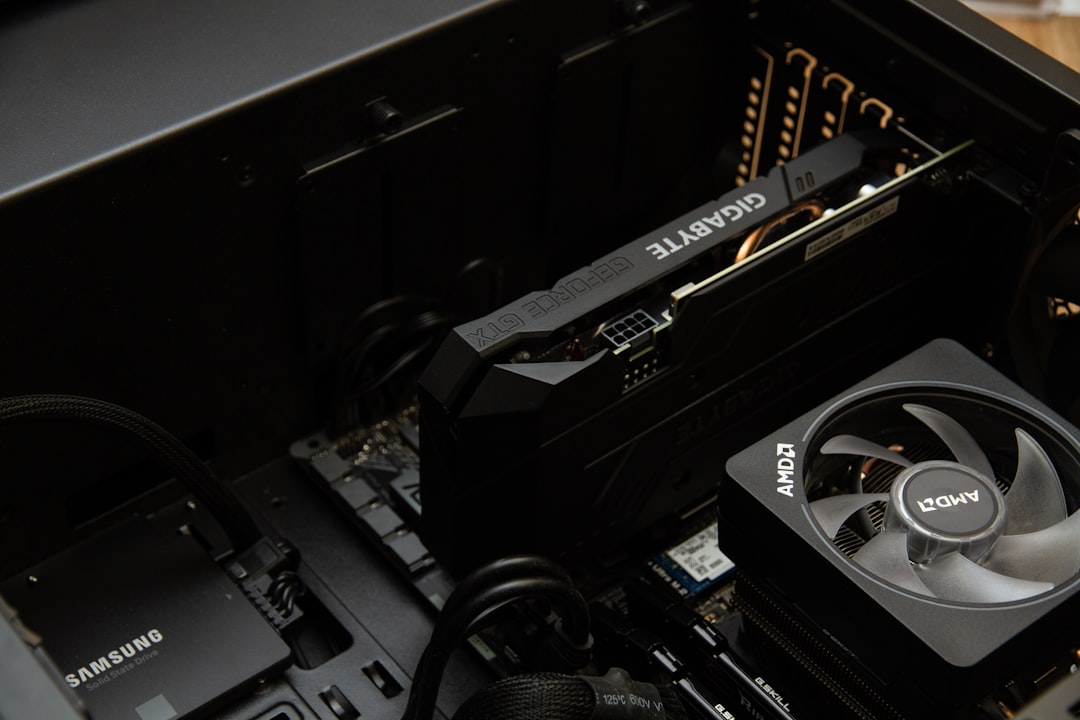
- The single biggest factor in how long your PC stays capable is the graphics card, since it does the heavy lifting in games and is usually the first component to feel outdated.
- The graphics card is the component most likely to need upgrading first, because new games push visual demands higher every year.
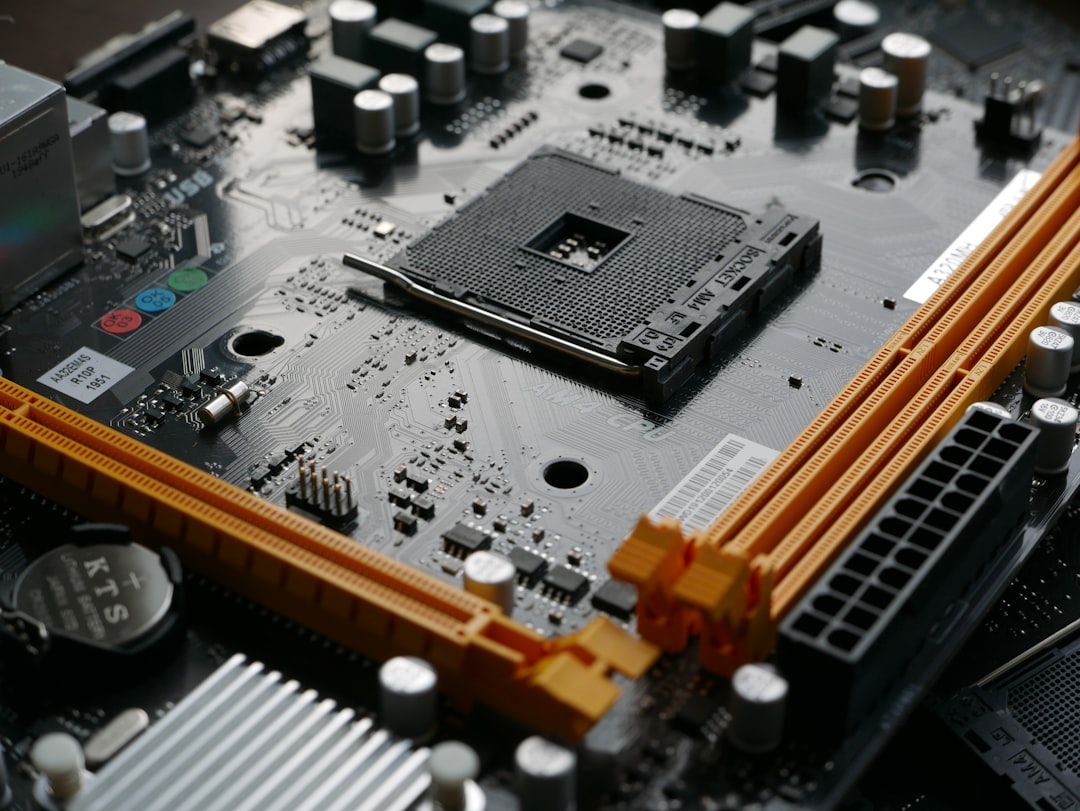
- Some parts are built to go the distance.
One of the most practical questions before investing in a build is how long does a gaming pc last. A gaming computer is a significant purchase, so it makes sense to want a clear idea of how many years of service you will get before it feels outdated or stops keeping up with new games. The honest answer is that a well-built gaming PC can last a very long time physically, often well beyond a decade, but how long it stays capable of playing modern games at the settings you want is a different matter. This guide breaks down the realistic lifespan of a gaming PC, what limits it, and how to make yours last as long as possible.
🛒 Best Price Today on Amazon
Prime members get fast, free shipping on everything above, plus member-only deals. New members get a 30-day free trial — cancel anytime.
Quick answer: Our top pick in 2026 is the Budget build — our #1 rated choice. See the full ranked comparison, alternatives and buying advice below.
Physical Lifespan vs Useful Lifespan
There are two very different ways to measure how long a gaming PC lasts. The physical lifespan refers to how long the hardware keeps working before parts fail, and quality components can run reliably for ten years or more with proper care. The useful lifespan, however, is how long the machine can play current games at acceptable settings, and that is usually shorter because game requirements keep rising. Understanding this distinction is key to setting realistic expectations.
| Build Tier | Strong Gaming Years | Playable Years |
|---|---|---|
| Budget build | 2-3 years | 4-5 years |
| Mid-range build | 3-5 years | 6-7 years |
| High-end build | 5-7 years | 8+ years |
What Determines How Long It Stays Relevant
The single biggest factor in how long your PC stays capable is the graphics card, since it does the heavy lifting in games and is usually the first component to feel outdated. A powerful graphics card at the time of purchase buys you more years of strong performance. Your processor matters too, but processors tend to stay relevant longer than graphics cards because gaming demands on the CPU rise more slowly. The amount of memory and the speed of your storage also influence how smoothly modern games run as years pass.
The Components That Age Fastest
Not all parts age at the same rate. The graphics card is the component most likely to need upgrading first, because new games push visual demands higher every year. Memory capacity can also become a limitation as games require more, though it is easy and inexpensive to add more later. By contrast, parts like your motherboard, power supply, and case can serve across multiple upgrades, often outliving several graphics cards. Knowing which parts age fastest helps you plan upgrades strategically rather than replacing the whole system.
The Components That Last Longest
Some parts are built to go the distance. A quality power supply can power several generations of components, which is why investing in a reliable unit pays off. Our guide to the best 850W power supplies highlights units with the longevity and headroom to support future upgrades. Cases, coolers, and motherboards also tend to last through multiple builds. Solid-state storage is durable too, easily surviving years of normal use. These long-lasting components form the backbone that you upgrade around over time.
How to Make Your Gaming PC Last Longer
You have a lot of control over how long your PC stays useful. These habits extend both its physical and useful lifespan.
- Keep it clean. Regular dust removal prevents overheating that wears components down.
- Maintain good cooling. Lower temperatures extend the life of your processor, graphics card, and other parts.
- Upgrade strategically. Add memory or swap the graphics card rather than replacing the whole system.
- Buy quality where it counts. A reliable power supply and good cooling protect the rest of your investment.
- Buy with headroom. A more powerful build at purchase stays capable for more years.
- Keep software updated. Current drivers and a clean operating system keep performance smooth.
The Upgrade Path Advantage
One of the great strengths of a desktop gaming PC is that you do not have to replace the whole thing when it starts to age. Unlike a console or laptop, a desktop lets you swap individual components to extend its useful life dramatically. When games start to struggle, dropping in a newer graphics card can transform performance for a fraction of the cost of a new system. Adding memory, swapping to faster storage, or upgrading your processor down the line are all ways to refresh your machine. This upgrade path is why a well-chosen desktop can keep gaming far longer than its original parts suggest.
When Is It Time to Upgrade?
You will know your PC needs attention when new games no longer run smoothly even at lower settings, when you find yourself constantly lowering quality to maintain a playable frame rate, or when your hardware no longer meets the minimum requirements for titles you want to play. The first step is usually a graphics card upgrade, since that addresses the most common bottleneck. Only if multiple components are holding you back, or your platform is several generations old, does a full rebuild make sense. Watching how your favorite games perform over time is the best gauge of when to upgrade.
How Console Cycles Affect PC Longevity
An often-overlooked factor in PC lifespan is the rhythm of console generations. Because most major games are developed with current consoles as a baseline, the hardware inside those consoles effectively sets the minimum target that PC games are built around for years at a time. When a new console generation launches, game requirements tend to plateau for a while, since developers design around that fixed hardware. A gaming PC that comfortably exceeds current console performance at the time of purchase therefore tends to stay relevant for much of that console cycle. This is good news for planning, because buying a build that outpaces the current consoles gives you a reliable runway of strong performance. It also means the early years of a console generation can be a smart time to invest in a PC that will age gracefully.
Buying New vs Building With Longevity in Mind
How you approach your initial purchase has a large effect on how long the system lasts. Building with longevity in mind means choosing a platform with an upgrade path, a power supply with headroom for future components, and a graphics card with enough performance to stay capable for years. Spending a little more on these foundational elements often delivers far better value over time than buying the cheapest possible parts that need replacing sooner. It also helps to favor standard, widely supported components so future upgrades drop in easily. A thoughtfully specced build costs more up front but stretches its useful life and minimizes how often you reach for your wallet, making it the more economical choice across the years you will own it.
Top-Rated Picks
As an Amazon Associate we earn from qualifying purchases at no extra cost to you. Product prices and availability are accurate as of the date shown and are subject to change.




| Product | Brand | Rating | Reviews | Price |
|---|---|---|---|---|
| Redragon K552 Mechanical Gaming Keyboard, 87-Key Comp… | REDRAGON | ★ 4.5 | 51.5k | $36.99 |
| Redragon S101-3 PRO Gaming Keyboard and Mouse, RGB Ba… | REDRAGON | ★ 4.5 | 51.3k | $39.99 |
| Gaming Keyboard and Mouse Combo, K1 RGB LED Backlit K… | MageGee | ★ 4.5 | 16.4k | $26.99 |
| MageGee Portable 60% Mechanical Gaming Keyboard, MK-B… | MageGee | ★ 4.3 | 11k | $26.99 |
| HyperX Alloy Core RGB – Membrane Gaming Keyboard, Com… | HyperX | ★ 4.6 | 5.3k | $32.99 |
Frequently Asked Questions
How long does a gaming PC last on average? A well-built gaming PC physically lasts ten years or more, but it typically stays strong for gaming for around three to five years before you may want to upgrade. A high-end build can deliver excellent performance for five to seven years, and remain playable even longer.
What part of a gaming PC needs upgrading first? The graphics card almost always needs upgrading first, because games push visual demands higher each year. Upgrading the GPU is usually the most effective way to refresh an aging gaming PC and extend its useful life.
Can I just upgrade parts instead of buying a new PC? Yes, and this is a major advantage of desktop gaming PCs. You can swap the graphics card, add memory, upgrade storage, or replace the processor to extend the machine’s life, often at a fraction of the cost of a complete new build.
Does a more expensive PC last longer? Generally yes, in terms of useful lifespan. A higher-end build has more performance headroom, so it stays capable of running new games well for more years before needing an upgrade. Quality components also tend to be more reliable physically.
How can I make my gaming PC last longer? Keep it clean and well-cooled, upgrade components strategically rather than replacing everything, invest in a quality power supply and cooling, and buy with some performance headroom. Good maintenance and smart upgrades dramatically extend a PC’s useful life.
Conclusion
A gaming PC can last well over a decade physically, while staying capable of strong gaming for roughly three to seven years depending on how powerful it was at purchase. The graphics card ages fastest, while parts like the power supply, case, and motherboard endure across multiple upgrades. By keeping your system clean and cool, upgrading strategically, and investing in quality where it matters, you can stretch your gaming PC’s useful life far beyond its original components and get outstanding value from your build.
Ready to decide? Our #1 pick for 2026 is the Budget build.
Live price & availability on Amazon.