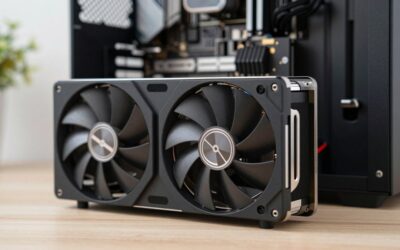
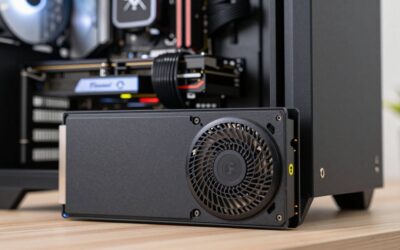
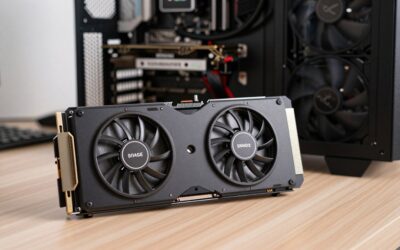
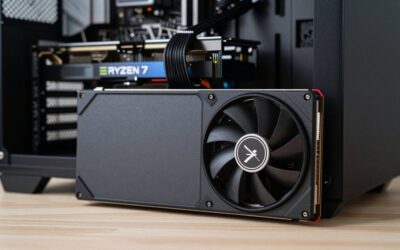
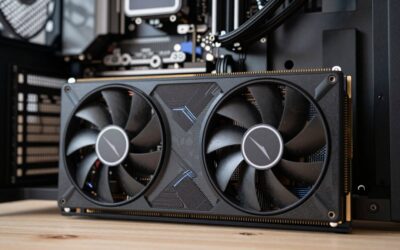
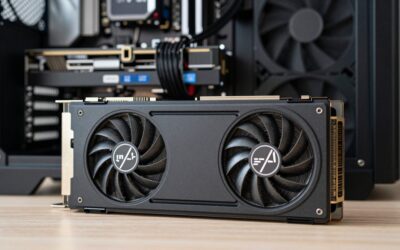
The best graphics card for 3D rendering in 2026 is the GeForce RTX 5090 if your scenes need its 32 GB of VRAM and you can absorb its inflated street price, but for most freelancers and hobbyists the RTX 5070 Ti or RTX 5080 (both 16 GB) is the smarter buy, and the RTX PRO 4000 Blackwell (24 GB, 140 W) is the pick when VRAM and power draw matter more than raw speed. NVIDIA still leads GPU rendering because OptiX, CUDA and its RT cores are supported by nearly every renderer: Blender Cycles, Redshift, Octane, V-Ray GPU and Arnold GPU. AMD’s 32 GB Radeon AI PRO R9700 is the exception worth knowing about when memory capacity beats speed.
Quick answer: For most people in 2026, the best graphics cards for 3d rendering is the Product shots, single hero object, 2K textures — our #1 rated choice. See the full ranked comparison, alternatives and buying advice below.
VRAM decides whether a render finishes; cores decide how fast
A gaming benchmark tells you almost nothing about rendering, because the first question is whether your scene fits in video memory. When it does not, Cycles falls back to slower system memory, and engines like Octane or Redshift either use out-of-core modes with a big speed penalty or fail outright. So size the card to the scene first, then pick the fastest card in that memory tier.

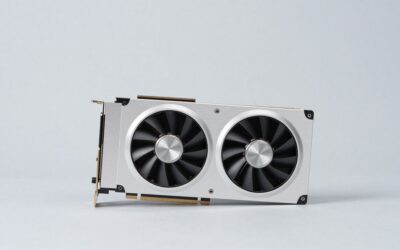
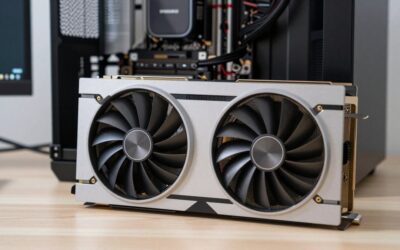
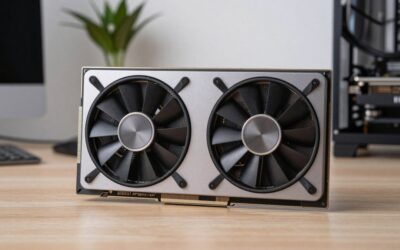
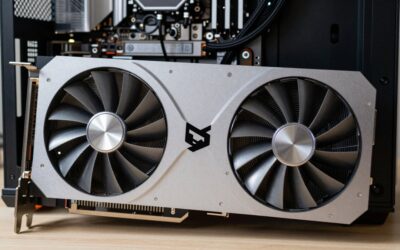
GIGABYTE GeForce RTX 5080 Gaming OC 16G Graphics Card, WINDFORCE Cooling System, 16GB 256-bit GDDR7, GV-N5080GAMING OC-16GD Video Card
Included for 'Best Graphics Cards for 3D Rendering in 2026: Sized by VRAM, Not Hype' because the listing specifies WINDFORCE Cooling System and 16GB 256-bit GDDR7, details this guide uses to compare options.
View on AmazonWorked example: how much VRAM does a scene need?
Take an archviz interior with 40 materials, each using four 4K textures (base color, roughness, normal, displacement):
- One 4K texture at 8-bit RGBA = 4096 × 4096 × 4 bytes ≈ 67 MB uncompressed.
- 40 materials × 4 maps × 67 MB ≈ 10.7 GB of textures.
- Add about 2–3 GB for geometry and BVH (a few million polygons with instanced furniture), around 1 GB for the 4K render buffers and denoiser, and roughly 1 GB of driver and viewport overhead.
- Total: about 15 GB.
That scene barely fits a 16 GB card and will spill over the moment you add an HDRI, 16-bit displacement maps or a second room. Converting non-color maps to 2K, or using 8-bit roughness, can cut texture memory by half or more, which is the cheapest “upgrade” you can make. If your projects regularly look like this, a 24–32 GB card is not a luxury.
| Typical project | VRAM usually needed | Minimum tier |
|---|---|---|
| Product shots, single hero object, 2K textures | 4–8 GB | 12–16 GB card is comfortable |
| Character turntables, stylized scenes | 6–10 GB | 16 GB |
| Archviz interiors with 4K textures | 12–20 GB | 16 GB minimum, 24 GB safer |
| Exterior archviz, dense vegetation, large instanced sets | 20–30 GB+ | 24–32 GB |
| Heavy simulation caches, VFX shots, 8K stills | 28 GB+ | 32 GB |
The cards worth considering
| GPU | VRAM | Memory bandwidth | Board power | Typical 2026 street range |
|---|---|---|---|---|
| GeForce RTX 5090 | 32 GB GDDR7 | 1,792 GB/s | 575 W | $4,300+ (MSRP $1,999) |
| GeForce RTX 5080 | 16 GB GDDR7 | 960 GB/s | 360 W | $1,350–$1,600 |
| GeForce RTX 5070 Ti | 16 GB GDDR7 | 896 GB/s | 300 W | $950–$1,150 |
| GeForce RTX 5060 Ti 16 GB | 16 GB GDDR7 | 448 GB/s | 180 W | $650–$800 |
| RTX PRO 4000 Blackwell | 24 GB GDDR7 (ECC) | 672 GB/s | 140 W | $1,900–$2,500 |
| Radeon AI PRO R9700 | 32 GB GDDR6 | 640 GB/s | 300 W | $1,300–$1,600 |
Prices across the board are well above launch MSRP because of the 2026 memory shortage, and GDDR7 cards have been hit hardest. Treat the ranges as a snapshot and compare per-GB value rather than a fixed dollar figure.
RTX 5090: the fastest card if the budget survives
Blackwell’s top consumer card is the fastest single GPU for Cycles, Redshift and Octane, and its 32 GB removes most out-of-core worries. The catch is price: it has more than doubled from launch, so you are paying a pro-card premium anyway. It also needs a 1,000 W or larger ATX 3.1 power supply and a case that fits a 3.5–4-slot cooler.
RTX 5080: the fast 16 GB option
Roughly the speed of a previous-generation flagship in OptiX workloads, with the same 16 GB as the 5070 Ti. Buy it if your scenes stay under about 14 GB and you value faster iterations; otherwise the 5070 Ti is better value.
RTX 5070 Ti: the value sweet spot
Same memory capacity and close to the 5080’s bandwidth for considerably less money. For product visualization, motion graphics and most character work it is the card to beat.
RTX 5060 Ti 16 GB: the entry ticket
Its narrow 128-bit bus limits speed, but 16 GB of VRAM at 180 W lets students and hobbyists render scenes that would crash an 8 GB card. Avoid the 8 GB version for rendering.
RTX PRO 4000 Blackwell: 24 GB in a single slot
A professional card with ECC memory, certified drivers and only 140 W of draw. It is slower than a 5070 Ti in raw throughput, but the extra 8 GB lets it finish scenes the 16 GB GeForce cards cannot, and its single-slot blower design means two or even three can share a workstation.
Radeon AI PRO R9700: the most memory per dollar
32 GB for far less than an RTX 5090. Blender’s HIP backend works, but Cycles rendering trails similarly priced GeForce cards, and Redshift, Octane and V-Ray GPU support on AMD is limited or absent. Choose it for very large Blender scenes, Unreal Engine, DaVinci Resolve or local AI work, not for raw Cycles speed.
Decision matrix
| If you… | Buy |
|---|---|
| Render in Blender as a hobby or student, scenes under 12 GB | RTX 5060 Ti 16 GB |
| Freelance product viz or motion graphics in Redshift/Octane | RTX 5070 Ti |
| Need faster previews with the same scene sizes | RTX 5080 |
| Do archviz with 16–24 GB scenes, care about power and noise | RTX PRO 4000 Blackwell |
| Render huge Blender scenes on a budget, or mix rendering with AI | Radeon AI PRO R9700 |
| Bill clients by the hour and need the fastest single GPU | RTX 5090 |
Setup details that change render times
- Use OptiX, not CUDA, in Blender’s Preferences > System on any RTX card; it is usually noticeably faster and enables the OptiX denoiser.
- Use the Studio driver on GeForce cards for creative work; it trails the Game Ready driver slightly but is validated against major DCC apps.
- Plan system RAM at twice your VRAM. A 32 GB card paired with 32 GB of system memory will struggle during scene loading; 64 GB is the practical floor for a 5090 or R9700 build, which costs more than it used to with DDR5 prices up in 2026.
- Multiple GPUs add speed, not memory. Two 16 GB cards render faster but still cap scenes at 16 GB in most engines.
- Power-limit long renders. Capping an RTX 5090 to around 75–80% power typically costs only a small share of render speed while cutting heat and noise considerably.
FAQ
Is a gaming GPU fine for professional rendering?
Yes for most freelancers. GeForce cards are fully supported by every major GPU renderer. Pro cards add ECC, certified drivers and better multi-GPU density, which matter mostly in studios.
Should I wait for RTX 50 Super cards?
They are not released and are not expected before 2027. If a deadline or client project depends on faster renders now, buy the memory tier you need today.
Ready to decide? Our #1 pick for 2026 is the Product shots, single hero object, 2K textures.
Live price & availability on Amazon.