⚡ Key Takeaways
- How Much Power Does a Typical Gaming PC Use?
- What Drives Power Consumption
- How to Estimate Your System’s Power Draw
- What This Means for Your Electricity Bill
- Power Supply Sizing and Efficiency
- How to Reduce Power Consumption
- Heat and Room Comfort
- Idle vs Load: Why the Gap Is So Large
- Measuring Your Real-World Draw With a Meter
- Top-Rated Picks
- Frequently Asked Questions
- Conclusion
- Related Articles
- The honest answer is that it varies enormously depending on your components.
- Two components dominate your power budget: the graphics card and the processor.
- Follow these steps to get a realistic estimate before you buy a power supply or worry about your electricity bill.
- To estimate running cost, multiply your average power draw by the hours you game and your local electricity rate.
Understanding gaming pc power consumption matters more than most people realize. It affects which power supply you need to buy, how much your electricity bill climbs, how much heat your room collects, and even whether your circuit can handle everything plugged into it. A gaming PC draws far more power than a typical office computer because the graphics card and processor can pull serious wattage under load. This guide explains how much power gaming PCs actually use, what drives those numbers, how to estimate your own system’s draw, and practical ways to keep consumption in check without sacrificing performance.
🛒 Best Price Today on Amazon
Prime members get fast, free shipping on everything above, plus member-only deals. New members get a 30-day free trial — cancel anytime.
Quick answer: Our top pick in 2026 is the Entry-level — our #1 rated choice. See the full ranked comparison, alternatives and buying advice below.
How Much Power Does a Typical Gaming PC Use?
The honest answer is that it varies enormously depending on your components. A modest entry-level gaming rig might pull 200 to 300 watts under load, while a high-end machine with a powerful graphics card and an overclocked processor can exceed 500 or even 600 watts during demanding games. At idle, the same systems draw far less, often between 50 and 120 watts, because the components scale their power use down when they are not working hard.
| System Tier | Idle Draw | Gaming Load | Peak Load |
|---|---|---|---|
| Entry-level | 50-70 W | 180-280 W | ~320 W |
| Mid-range | 60-90 W | 300-420 W | ~480 W |
| High-end | 80-120 W | 450-600 W | ~700 W |
| Enthusiast (overclocked) | 100-150 W | 550-750 W | 850 W+ |
What Drives Power Consumption
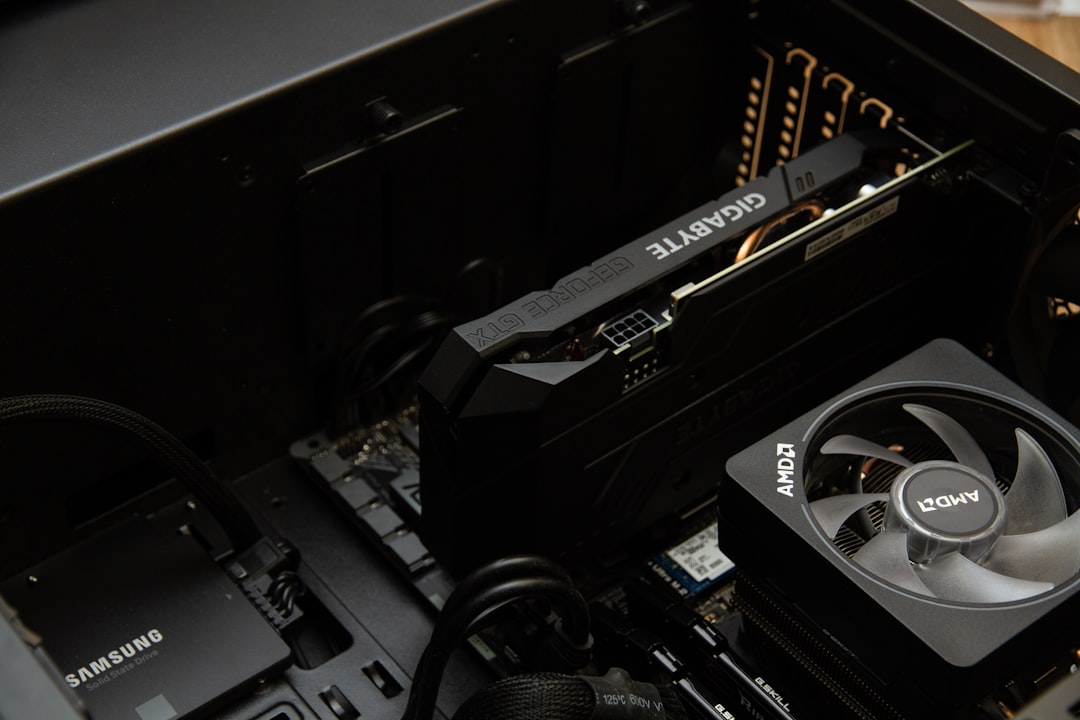
Two components dominate your power budget: the graphics card and the processor. A modern high-end GPU alone can draw 300 to 450 watts under full load, making it by far the hungriest part in most gaming systems. The CPU is second, typically pulling anywhere from 65 to 250 watts depending on the model and whether it is overclocked. Everything else, including the motherboard, memory, storage drives, fans, and RGB lighting, adds up to a relatively small slice, usually under 100 watts combined. This is why your choice of graphics card and processor has the biggest impact on overall consumption.
How to Estimate Your System’s Power Draw
You do not need to guess. Follow these steps to get a realistic estimate before you buy a power supply or worry about your electricity bill.
- Find your GPU’s rated board power. Manufacturers list a total graphics power figure for each card. This is your single biggest number.
- Add your CPU’s power rating. Look up the processor’s typical or maximum package power.
- Add a fixed amount for the rest. Allow roughly 80 to 100 watts for the motherboard, RAM, storage, fans, and peripherals.
- Add headroom. Total the figures, then add 20 to 30 percent so the system never runs at its limit. This is your recommended power supply wattage.
For a build with a 350-watt graphics card and a 150-watt processor, you would land around 600 watts of component draw, suggesting a power supply in the 750 to 850 watt range. Our guide to the best 850W power supplies covers solid units for exactly this kind of high-performance build.
What This Means for Your Electricity Bill
To estimate running cost, multiply your average power draw by the hours you game and your local electricity rate. Suppose your PC pulls 400 watts while gaming, you play three hours a day, and you pay around 15 cents per kilowatt-hour. That works out to roughly 1.2 kilowatt-hours per day, or about 18 cents daily and a little over five dollars a month for gaming alone. Heavier use or higher rates push that figure up, but for most people a gaming PC is a modest line item compared to appliances like air conditioners or electric heaters.
Power Supply Sizing and Efficiency
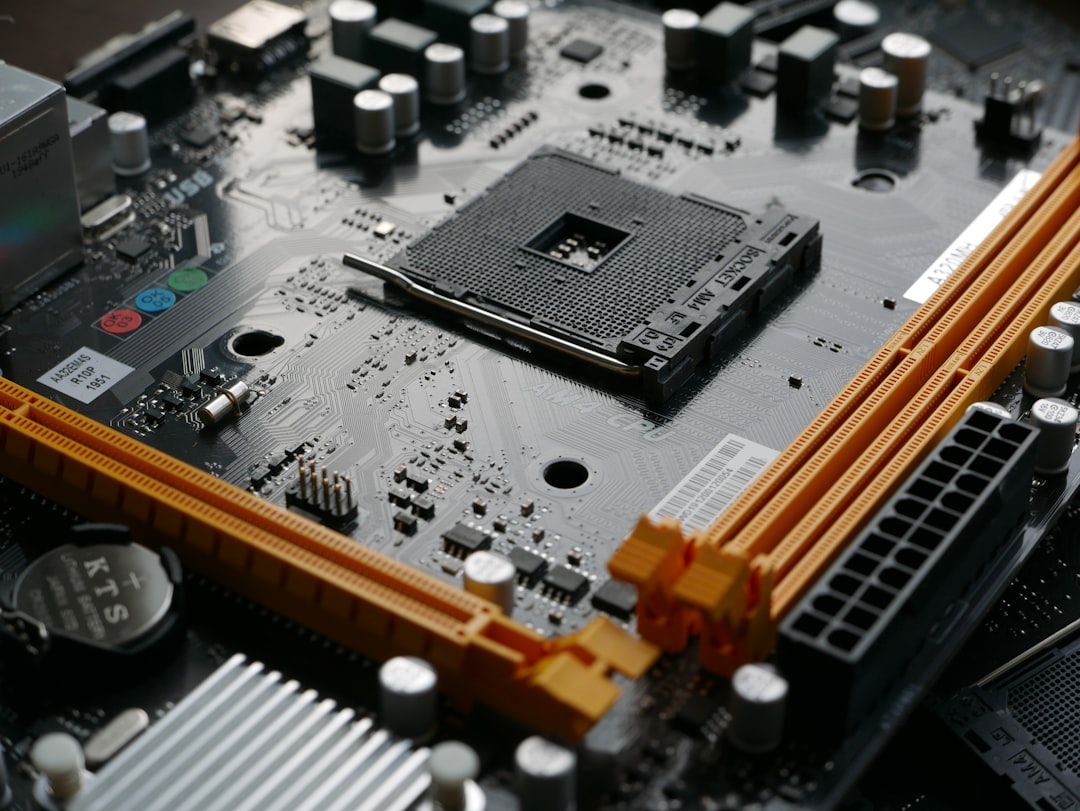
Choosing the right power supply is not just about meeting the minimum wattage. An 80 Plus efficiency rating tells you how much of the wall power actually reaches your components rather than being lost as heat. Higher ratings like Gold or Platinum waste less energy, run cooler, and can pay for themselves over years of use. It is also worth noting that power supplies are most efficient when loaded to around 50 to 80 percent of their capacity, which is another reason to leave headroom rather than buying a unit that exactly matches your draw. Pairing a quality unit with an efficient motherboard helps keep the whole system stable and cool.
How to Reduce Power Consumption
If you want to trim your gaming PC’s appetite, there are several effective tactics. Capping your frame rate to match your monitor’s refresh rate prevents the GPU from working harder than necessary. Enabling power-saving features in Windows and your graphics driver lets components idle down more aggressively. Undervolting your GPU or CPU, which reduces the voltage while keeping performance nearly identical, can shave off a meaningful amount of wattage and heat. Finally, simply turning the PC off or putting it to sleep when you are away eliminates idle draw entirely.
Heat and Room Comfort
Every watt your PC consumes ultimately becomes heat in your room. A system pulling 500 watts during a long gaming session warms a small room noticeably, much like a space heater on a low setting. This is worth considering for summer comfort and for cooling your components effectively. Good case airflow helps the heat escape your PC, but it does not remove it from the room, so ventilation matters for your own comfort during marathon sessions.
Idle vs Load: Why the Gap Is So Large
One thing that surprises many new builders is just how dramatically power draw swings between idle and load. At rest, modern components are very efficient, dropping their clock speeds and voltages to sip power while you browse the web or watch a video. The moment you launch a demanding game, the graphics card and processor ramp up to full speed, and consumption can quadruple in seconds. This dynamic behavior is by design and is good for your electricity bill, since your PC only draws heavy power when it is actually working hard. It also means that average daily consumption is usually far lower than the peak figures suggest, because most computers spend a lot of time idling or under light load rather than maxed out in a game.
Measuring Your Real-World Draw With a Meter
If you want to know exactly how much power your system pulls rather than relying on estimates, an inexpensive plug-in power meter is the most accurate tool available. You simply plug the meter into the wall, plug your PC into the meter, and read the live wattage on its display. Watch the number at idle, then launch a demanding game and observe how high it climbs during intense moments. This real-world measurement accounts for your specific components, settings, and even the efficiency losses in your power supply, giving you a far more reliable figure than any calculator. It is also useful for confirming that your power supply has adequate headroom and for spotting whether a component is drawing more than expected.
Top-Rated Picks
As an Amazon Associate we earn from qualifying purchases at no extra cost to you. Product prices and availability are accurate as of the date shown and are subject to change.




| Product | Brand | Rating | Reviews | Price |
|---|---|---|---|---|
| Redragon K552 Mechanical Gaming Keyboard, 87-Key Comp… | REDRAGON | ★ 4.5 | 51.5k | $36.99 |
| Redragon S101-3 PRO Gaming Keyboard and Mouse, RGB Ba… | REDRAGON | ★ 4.5 | 51.3k | $39.99 |
| Gaming Keyboard and Mouse Combo, K1 RGB LED Backlit K… | MageGee | ★ 4.5 | 16.4k | $26.99 |
| MageGee Portable 60% Mechanical Gaming Keyboard, MK-B… | MageGee | ★ 4.3 | 11k | $26.99 |
| HyperX Alloy Core RGB – Membrane Gaming Keyboard, Com… | HyperX | ★ 4.6 | 5.3k | $32.99 |
Frequently Asked Questions
Does a bigger power supply use more electricity? No. A power supply only delivers as much power as your components demand. A 1000-watt unit running a system that needs 400 watts draws roughly the same from the wall as a 600-watt unit running the same system, aside from small efficiency differences. Buying a larger supply gives headroom, not higher bills.
How many watts does gaming actually add over idle? The jump is significant. A system idling at 80 watts can easily climb to 400 or 500 watts during demanding games, since the GPU and CPU ramp up under load. The exact increase depends on the game and your settings.
Is it cheaper to game on a PC or a console? Consoles generally draw less power, often under 200 watts, so they cost slightly less to run. However, the difference in electricity cost is usually small compared to the price of games and hardware, so power draw alone rarely decides the matter.
Will undervolting hurt my performance? Usually not noticeably. A careful undervolt reduces voltage while keeping clock speeds stable, lowering power and heat with little or no performance loss. It does require testing for stability, but many gamers undervolt with excellent results.
Do RGB lighting and fans use much power? Very little. Lighting and case fans together typically draw only a handful of watts, an insignificant amount next to the graphics card and processor. You do not need to worry about RGB affecting your power budget.
Conclusion
Gaming PC power consumption ranges widely, from around 200 watts for a modest build to 600 watts or more for a high-end machine under load. The graphics card and processor account for the vast majority of that draw. By estimating your components’ needs, choosing an efficient and appropriately sized power supply, and applying a few power-saving habits, you can keep both your electricity bill and your room temperature comfortably in check while still enjoying smooth, high-performance gaming.
Ready to decide? Our #1 pick for 2026 is the Entry-level.
Live price & availability on Amazon.