Two hundred bucks buys a lot more gaming monitor in 2026 than it did a couple of years back — 1440p IPS panels at $160, 1080p/280Hz competitive screens at $157, 27-inch curved VA displays at 200Hz for $180. The sub-$200 segment has matured to the point where there are no duds left, only tradeoffs between resolution, refresh and panel tech. Here are the best gaming monitors under $200 for every kind of player.


| Monitor | Resolution | Refresh | Panel | Price | Best For |
|---|---|---|---|---|---|
| ASUS VG249Q3A | 1080p | 165Hz | IPS | $119.99 | Entry esports |
| ASUS TUF 280Hz | 1080p | 280Hz | IPS | $156.99 | Competitive FPS |
| Acer Nitro 1440P | 1440p | 165Hz | IPS | $159.99 | Best overall value |
| SANSUI 1440P VA | 1440p | 200Hz | VA | $179.99 | Dark room gaming |
| Samsung Odyssey G5 | 1440p | 165Hz | VA | $199.99 | Curved 1440p |
🛒 Best Price Today on Amazon
Prime members get fast, free shipping on everything above, plus member-only deals. New members get a 30-day free trial — cancel anytime.
Start 30-Day Prime Free Trial →See Today’s Amazon DealsQuick answer: For most people in 2026, the best gaming monitor under $200 is the ASUS VG249Q3A — our #1 rated choice. See the full ranked comparison, alternatives and buying advice below.
The Best Pick Under $200: Acer Nitro 27″ 1440P 165Hz
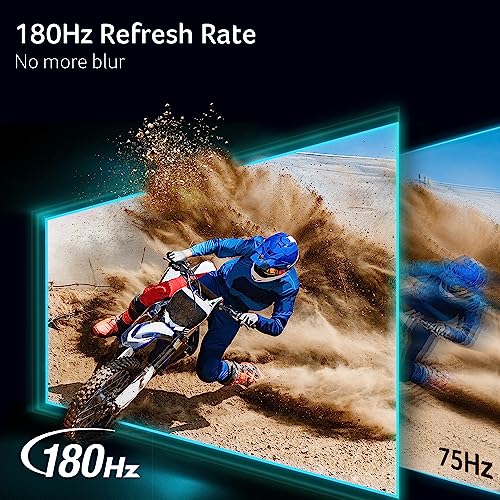
For most PC gamers working with under $200, the Acer Nitro 27″ 1440P IPS at $159.99 is the clear pick. Landing 1440p, a 27-inch screen, an IPS panel and 165Hz for under $160 is the value sweet spot of 2026. The jump from 1080p to 1440p is instantly visible, the IPS panel serves up accurate color and wide viewing angles, and 165Hz is fast enough for everything short of hardcore competitive play. It pairs happily with any PC from $800 to $3,000+ — it won’t hold back a thing from an RTX 5060 Ti up to a 5090.
Acer Nitro 27in QHD 2560x1440 IPS 180Hz Gaming Monitor KG271U N3bmiipx




As an Amazon Associate we earn from qualifying purchases. Product prices and availability are accurate as of the date/time indicated.
Best for Competitive Gaming Under $200: ASUS TUF 280Hz
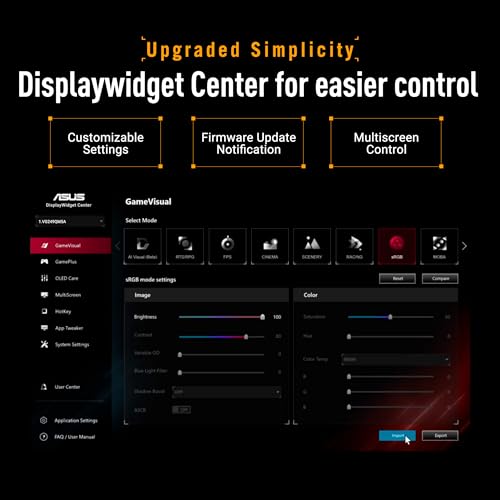
Competitive players grinding CS2, Valorant, Apex Legends or Overwatch 2 at 1080p will wring the most out of the ASUS TUF Gaming 280Hz at $156.99. At 280Hz every rendered frame gets shown — so when your rig pumps out 250fps in CS2 (no trouble for an RTX 5060 Ti), this panel displays all 250 versus the 165 a 165Hz screen caps you at. Seeing fast-moving enemies a fraction earlier is a real, measurable edge in ranked play. The Fast IPS panel backs it up with 0.5ms GtG response.


ASUS TUF Gaming Series 5 24” 1080P Gaming Monitor (VG249QM5A) - Full HD, Fast-IPS, 240Hz, 0.3ms, G-SYNC Compatible, FreeSync Premium, Extreme Low Motion Blur Sync, 99% sRGB, Gaming AI, 3 yr Warranty




As an Amazon Associate we earn from qualifying purchases. Product prices and availability are accurate as of the date/time indicated.
Best Curved Option Under $200: Samsung Odyssey G5
Samsung’s Odyssey G5 27″ 1440P 165Hz at $199.99 brings the curved look with a 1000R curvature that wraps the edges gently toward you for a touch of peripheral immersion. The VA panel pushes a 3000:1 contrast ratio — deeper, richer darks than any IPS at this price. 165Hz keeps it competitive-grade. If you favor the curve and lean toward immersive AAA games where contrast depth pays off, the Odyssey G5 at the $200 cap is a strong call.
Frequently Asked Questions
Can you get a 1440p monitor under $200 in 2026?
Yes, budget 1440p panels have arrived at this price, though most sit at 27 inches with 100Hz to 165Hz refresh. For the smoothest experience some buyers still prefer a faster 1080p 180Hz panel under $200, so weigh sharpness against refresh rate for your games.
Is IPS or VA better for a budget gaming monitor?
IPS gives wider viewing angles and more accurate color, ideal for mixed gaming and content. VA offers deeper blacks and higher contrast for immersive single-player titles but can smear in dark fast scenes. Under $200 you will find strong examples of both, so match the panel to your priorities.
What refresh rate should I expect for under $200?
Most sub-$200 monitors now hit 165Hz or 180Hz at 1080p, a huge jump over 60Hz that sharpens motion and lowers input lag. Some reach 200Hz. Pair one with FreeSync or G-Sync Compatible to avoid tearing when frame rates fluctuate during demanding scenes.
Do budget monitors support FreeSync or G-Sync?
Almost all do. FreeSync is standard on cheap panels and works with both AMD and most NVIDIA cards through G-Sync Compatible mode. This syncs the display to your GPU frame rate, eliminating tearing and stutter without adding cost, so verify the spec before buying.
Is a curved monitor worth it at this budget?
A gentle 1500R curve on a 27-inch VA panel can boost immersion for single-player and racing games by wrapping the image slightly around your vision. It offers little benefit for competitive shooters, though, so treat curvature as a preference rather than a performance feature.
Ready to decide? Our #1 pick for 2026 is the ASUS VG249Q3A.
Live price & availability on Amazon.