
Competitive esports in 2026 runs on precision hardware — a rig that can hold 240fps+, a monitor that throws every 1080p frame with sub-1ms response, and peripherals tuned for accuracy over flash. Whether you’re grinding ranked in Counter-Strike 2, Valorant or Apex Legends, this full esports setup guide gives you the ideal hardware stack for competitive play without paying for eye-candy that won’t move your rank.
As an Amazon Associate we earn from qualifying purchases at no extra cost to you.


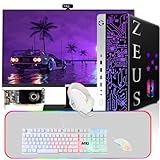


| Component | Product | Price | Why It Matters |
|---|---|---|---|
| PC | CyberpowerPC Core Ultra 5 | $1,529 | 240fps+ in all esports titles |
| Monitor | ASUS TUF 24″ 1080P 280Hz | $156 | 280Hz for maximum frames |
| Keyboard | Attack Shark X68 HE 60% | $39 | Rapid trigger for spray control |
| Mouse | Razer Cobra Wired | $29 | 58g ultralight for fast flicks |
| Headset | Razer BlackShark V2 X | $34 | 7.1 surround for footsteps |
🛒 Best Price Today on Amazon
Prime members get fast, free shipping on everything above, plus member-only deals. New members get a 30-day free trial — cancel anytime.
Start 30-Day Prime Free Trial →See Today’s Amazon DealsWhy 1080p/240Hz is Still King for Esports in 2026
Even with 1440p and 4K gaming going mainstream, the competitive crowd has overwhelmingly landed on 1080p/240Hz+ as the format of choice. The logic holds up: GPU power you don’t burn on resolution goes straight into frames. A 280Hz monitor at 1080p serves a frame every 3.57ms — quicker input response than any human opponent can exploit at 1440p/165Hz. CS2 pros run 1080p or lower across the board, and the same reasoning carries over to ranked Valorant, Apex and Overwatch 2.
Minimum Specs for 240fps+ Esports Gaming in 2026
To hold 240fps in CS2, Valorant and Apex Legends at 1080p medium, you’ll want: a CPU with strong single-thread performance (Ryzen 5 9600X, Core Ultra 5 225F, or better), a GPU that can hit 240fps at 1080p medium (RTX 4060 Ti, RTX 5060, or better), 32GB DDR5 to kill background stutter, and a 1TB+ NVMe SSD to cut between-round loading.
Best Esports Gaming Setup — Component Breakdown
PC: CyberpowerPC Gamer Xtreme — Core Ultra 5 + RTX GPU
The CyberpowerPC Gamer Xtreme at $1,529 is the esports machine I’d build a setup around for 2026. Its Intel Core Ultra 5 225F has the strong single-thread performance these engines love in CS2, Valorant and Apex Legends. The discrete GPU pushes 1080p at 300–400fps in those games with tuned settings — well past the 240fps you need to fully feed a 280Hz monitor. It ships with 16GB DDR5, which is fine for esports, though I’d bump it to 32GB if you also stream.
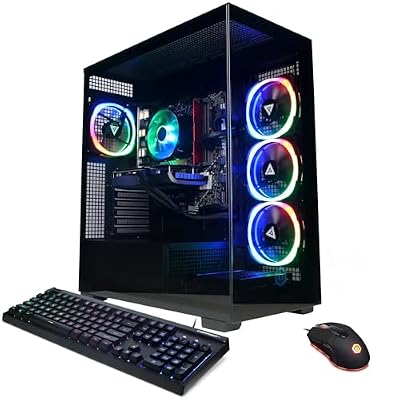
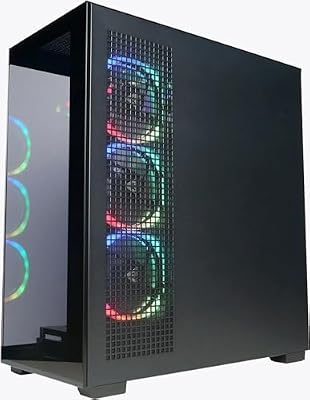
CyberpowerPC Gamer Xtreme VR Gaming PC, Intel Core Ultra 5 225F, GeForce RTX 5060 8GB, 32GB DDR5, 2TB PCIe 4.0 SSD, WiFi Ready & Windows 11 Home



As an Amazon Associate we earn from qualifying purchases. Product prices and availability are accurate as of the date/time indicated.
Monitor: ASUS TUF Gaming 24″ 1080P 280Hz
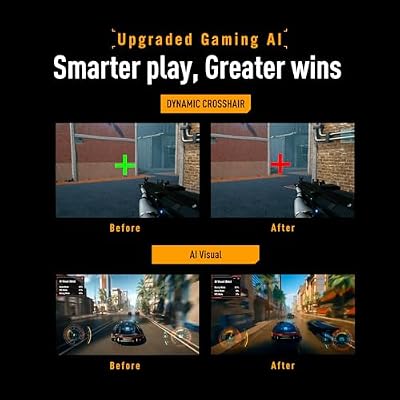
The ASUS TUF Gaming VG249QM5A is the standout esports monitor value of 2026 — a 24-inch 1080P Fast IPS panel at 280Hz with 1ms GTG response and NVIDIA G-Sync Compatible certification. At 24 inches, 1080P works out to roughly 92 PPI — plenty sharp for competition while keeping GPU demands lower than 1440p. The Fast IPS panel banishes the ghosting that haunted older IPS displays at high frame rates, and 280Hz makes tracking fast targets exceptionally smooth.

ASUS TUF Gaming VG249QM5A 24 Inch 1080p 240Hz G-SYNC Gaming Monitor | ELMB Sync, FreeSync Premium, Gaming AI, Fast-IPS, 0.3ms, 99% sRGB,Extreme Low Motion Blur Sync,3yr warranty


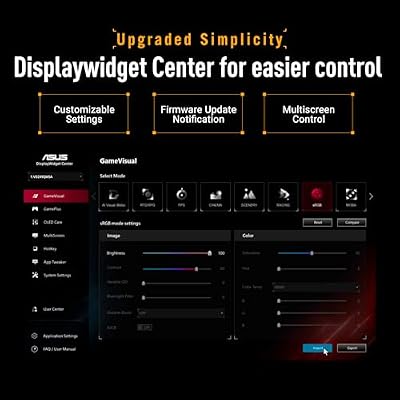


As an Amazon Associate we earn from qualifying purchases. Product prices and availability are accurate as of the date/time indicated.
Keyboard: Attack Shark X68 HE Rapid Trigger 60%
The Attack Shark X68 HE is a Hall Effect magnetic mechanical keyboard at a price that barely makes sense. Its Rapid Trigger feature — resetting the actuation point on the fly instead of at a fixed depth — has become the calling card of top esports keyboards in 2026. Re-press inputs register as fast as physically possible, which is huge for CS2 movement tricks (bunny hop, counter-strafe) and Valorant jiggle-peeking. The 60% layout ditches the numpad and function row to free up mouse space.

ATTACK SHARK X68 HE RT Mechanical Gaming Keyboard 60% Wired TKL-Black | Adjustable Actuation,Hall Effect Magnetic Switch,8KHz Polling Rate,RGB Backlit,Top Mount, Web Driver for PC Mac Esport Gamer


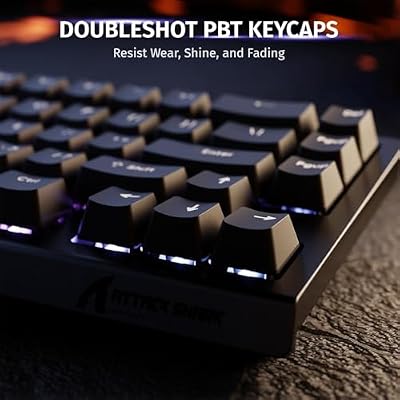

As an Amazon Associate we earn from qualifying purchases. Product prices and availability are accurate as of the date/time indicated.
Mouse: Razer Cobra Wired Gaming Mouse — 58g
The Razer Cobra is a 58-gram ultralight wired mouse with Razer’s Gen-3 optical sensor, hitting 30,000 DPI with no interpolation or angle snapping. At $29 it’s the best value ultralight going — no honeycomb-shell gimmicks, just a clean ergonomic body with the weight stripped from needless plastic. The wired link wipes out latency entirely, which counts when you’re clicking 8-10 times a second in an FPS.

Razer Cobra Wired Gaming Mouse, Gen-3 Optical Switches, 58g, Black | Chroma RGB Lighting with Underglow, Precise 8500 DPI Optical Sensor, 100% PTFE Mouse Feet
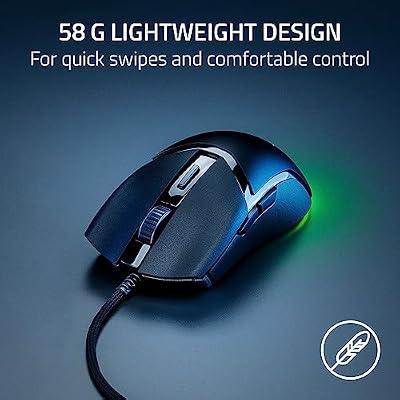


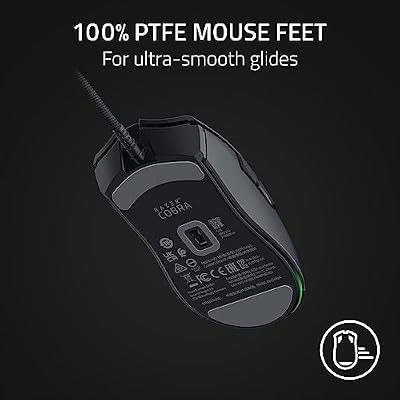


As an Amazon Associate we earn from qualifying purchases. Product prices and availability are accurate as of the date/time indicated.
Headset: Razer BlackShark V2 X — 7.1 Surround
The Razer BlackShark V2 X is still one of the most-recommended budget esports headsets in 2026, serving up clean directional audio from its 50mm TriForce drivers and THX Spatial Audio 7.1 surround. In competitive FPS, headset audio directly affects play — catching footsteps, reloads and ability cues before you see them is a genuine mechanical edge. The BlackShark V2 X’s clarity through the mid-to-high range keeps those critical cues clearly audible.

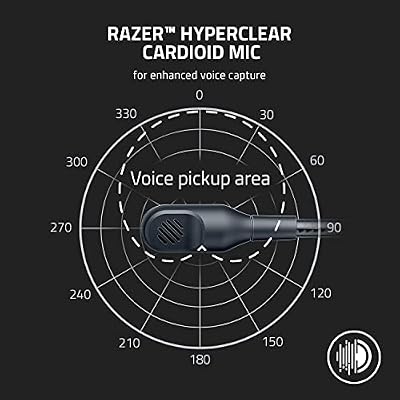
Razer BlackShark V2 X Gaming Headset for PC, 3.5mm Audio Jack, White | 50mm Drivers, Cardioid Mic, Memory Foam Cushion, Lightweight- Comfortable, Noise Isolating Earcups, For Mac, PS4, PS5, Switch




As an Amazon Associate we earn from qualifying purchases. Product prices and availability are accurate as of the date/time indicated.
Total Esports Setup Cost: ~$1,789
This full esports setup (PC + monitor + keyboard + mouse + headset) runs about $1,789 — a real investment, but it puts professional-grade gear in your hands for competitive play. The $1,529 PC is 85% of that total; the peripherals are priced as lean as possible without giving up any competitive edge. A desk and chair are all that’s left to finish the station.
Optimizing Your Esports Setup: Settings and Software
Hardware alone won’t win you games — software tuning matters just as much: (1) Windows 11 Game Mode + disable Xbox DVR + enable hardware-accelerated GPU scheduling. (2) Display resolution: native 1080p on your 1080P monitor (never scale it). (3) In-game: kill motion blur, depth of field and ambient occlusion; set textures to high (no fps cost), shadows to low-medium. (4) Mouse polling: 1000Hz (default) or 2000Hz if your mouse allows. (5) Nvidia Reflex + Low Latency Mode: turn on in both the driver and in-game for every supported esports title.
Frequently Asked Questions
Why target 1080p and 240fps for esports?
Competitive titles reward high frame rates and low latency over resolution, so 1080p lets even mid-range GPUs push 240fps or more. Paired with a 240Hz or 360Hz monitor, this delivers the ultra-smooth motion and fast response that competitive players rely on for quicker reactions.
What GPU do I need for 240fps esports gaming?
Popular esports titles are well optimized, so a mid-range card like an RTX 5060 Ti or RX 9060 easily exceeds 240fps at 1080p. You do not need a flagship GPU; instead invest the savings into a high-refresh monitor and low-latency peripherals that matter more for competitive play.
What monitor refresh rate is best for competitive play?
A 240Hz monitor is the current competitive standard, with 360Hz and faster available for the most demanding players. The jump from 144Hz to 240Hz sharpens motion and lowers perceived input lag, giving a genuine edge in reaction-based games where every millisecond of clarity counts.
Do peripherals really affect competitive performance?
Yes. A lightweight low-latency mouse, a fast-actuating keyboard, and a responsive monitor reduce the delay between your intent and on-screen action. Consistent, high-quality peripherals let you aim and react more precisely, which matters far more in esports than raw graphical horsepower or eye-candy settings.
Should I lower settings for competitive advantage?
Often yes. Many pros reduce graphical settings to maximize frame rate, minimize distractions, and keep the game running above their monitor’s refresh rate. Lower settings can also make enemies easier to spot, so tuning visuals for clarity and performance is a common competitive practice worth adopting.
Top picks from this guide
RazerRazer BlackShark V2 X Gaming Headset for PC, 3.5mm Audio…$50 \xc2\xb7 99/100 RazerRazer Viper V3 Pro Wireless Esports Gaming Mouse, 55g Lightweight,…$125 \xc2\xb7 99/100RazerRazer Cobra Wired Gaming Mouse, Gen-3 Optical Switches, 58g, Black…$30 \xc2\xb7 99/100CyberpowerPCCyberpowerPC Gamer Xtreme VR Gaming PC, Intel Core Ultra 5…$1,509 \xc2\xb7 98/100








