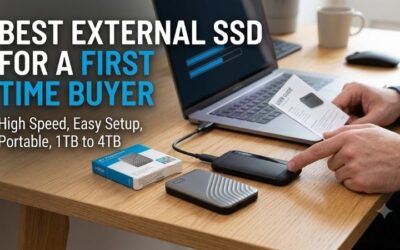
Best external ssd for beginners searches often begin with a crowded laptop and confusing specifications. Capacity, connector compatibility, and advertised transfer speeds can obscure a straightforward purchase. Samsung T7 is the most balanced starting point for everyday documents, family photographs, and occasional backups.
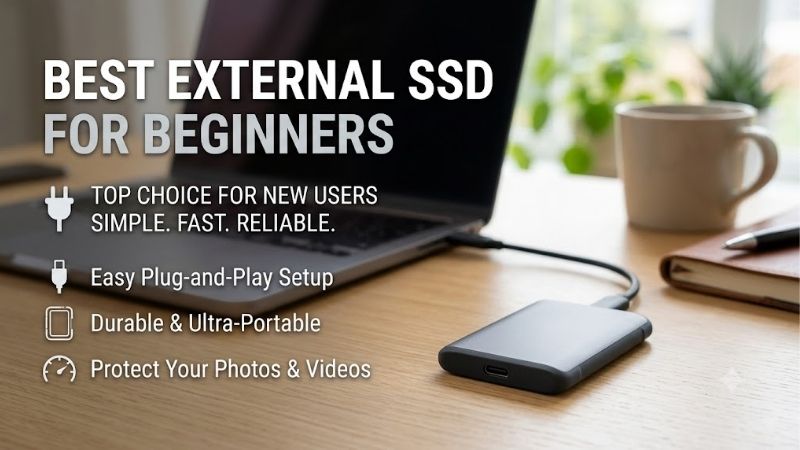
Quick answer: For most people in 2026, the best external ssd for beginners is the Samsung T7 — our #1 rated choice. See the full ranked comparison, alternatives and buying advice below.
How to Choose an External SSD
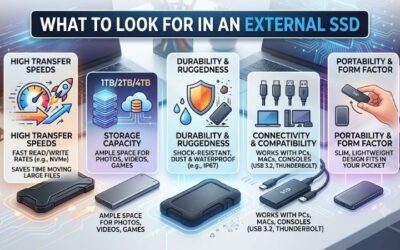
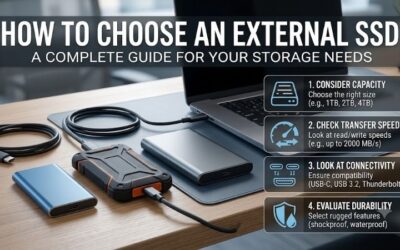
This guide identifies the best external ssd for beginners through four practical considerations: storage capacity, connection speed, physical protection, and setup convenience. The recommendations cover everyday transfers, budget-conscious backups, travel, and larger creative projects, with specific compromises explained.
Capacity and Room for Growth
Start with the space your files use now, then allow room for the next year. A 1TB drive is a sensible first size for documents, photos, and a few games; 2TB fits larger media folders. Compare the same capacity when shopping, since a cheap 500GB model can look like a deal beside a more useful 1TB drive until you check the label.
A single backup of a nearly full 1TB laptop can leave little space on a 1TB external drive. Extra copies and old file versions need more room, too. For a small first purchase, choose Kingston XS1000 in 1TB; for a growing video folder that may need 4TB, Kingston XS2000 offers that larger option without a separate enclosure.
USB Speed and Computer Compatibility
USB-C identifies connector shape rather than transfer performance. Three recommendations here use USB 3.2 Gen 2, while Kingston XS2000 requires Gen 2×2 for maximum throughput. Computer specifications matter because backward compatibility permits slower connections without delivering the performance advertised on the packaging.
The best external ssd for beginners matches your computer rather than hypothetical upgrades. USB4 and Thunderbolt branding alone does not establish support for every USB transfer mode; verify Gen 2×2 explicitly. Choose Samsung T7 for ordinary 10Gbps connections, or Kingston XS2000 for confirmed 20Gbps Gen 2×2 compatibility.
Protection and Portability
Physical protection matters most when storage regularly accompanies you outside. Dust and water ratings describe tested enclosure resistance, rather than general reliability guarantees. Samsung T7 Shield carries IP65 protection, making its thicker enclosure appropriate for commuters, photographers, and frequently transported backups.
Water resistance is not permission to put an SSD under water, and a drop rating does not promise that every fall is harmless. Keep any connector clean and dry before use. For frequent travel, the Samsung T7 Shield is the stronger fit here; for mostly indoor use, Samsung T7 keeps the size and weight down in a laptop sleeve.
Cable Kit and Setup Convenience
A complete portable SSD eliminates enclosure assembly and separate internal-drive purchases. Supplied accessories determine whether initial connection requires additional shopping. Examine connector types and cable length carefully: compact cables suit laptop workstations, while desktop towers sometimes require longer replacement cables.
Optional password protection adds an unlocking requirement, which can complicate shared-computer access despite improving privacy. Consider compatibility before enabling security features, particularly when transporting coursework between computers. For the best external ssd for beginners with both common cable types, choose Samsung T7.
Top Picks
The best external ssd for beginners prioritizes appropriate features over impressive specifications. These recommendations distinguish everyday convenience, economical storage, travel protection, and compatible high-speed transfers. Listed speeds represent manufacturer maximums rather than independent measurements from our own testing.
| Product | Best For | Key Spec | Watch Out For |
|---|---|---|---|
| Samsung T7 | Best Overall | Up to 1,050MB/s read; approximately 58g | No dust or water rating |
| Kingston XS1000 | Best Value | 1TB or 2TB; 28.7g | No 4TB option or ingress protection rating |
| Samsung T7 Shield | Best for Travel | IP65; tested drops up to three meters | Heavier enclosure; 10Gbps interface |
| Kingston XS2000 | Best for Compatible 20Gbps PCs | Up to 2,000MB/s read and write | Maximum speed requires USB Gen 2×2 |
Samsung T7: Best Overall
Samsung T7 suits a first-time buyer who moves files between a home PC and a laptop. It is rated up to 1,050MB/s read and 1,000MB/s write over USB 3.2 Gen 2, and its slim metal body weighs about 58 grams. The included USB-C-to-C and USB-C-to-A cables make it easier to start without buying an adapter for your other computer.
The overall recommendation reflects its balanced accessory package and pocket-friendly dimensions rather than guaranteed benchmark superiority. The substantive limitation is absent dust and water certification, reducing suitability for demanding travel. Choose this model for coursework, household photo collections, and routine office transfers.
Kingston XS1000: Best Value
Kingston XS1000 is the value pick for students and home users who need basic file storage. It offers 1TB or 2TB, weighs 28.7 grams, and is rated up to 1,050MB/s read and 1,000MB/s write. Its small body is easy to carry, and the five-year limited warranty is a useful advantage for a drive you plan to keep through college.
The XS1000 qualifies as the best external ssd for beginners seeking value when same-capacity pricing undercuts competing recommendations. Compromises include absent dust and water certification and no 4TB version. Current packaging includes a USB-A cable and USB-C adapter; confirm accessories when purchasing older inventory.
Samsung T7 Shield: Best for Travel
Samsung T7 Shield addresses frequent transportation and outdoor photography through IP65 dust and water resistance. Manufacturer testing also specifies drop resistance up to three meters under controlled conditions. Advertised sequential reads reach 1,050MB/s through USB 3.2 Gen 2, maintaining a practical everyday performance tier.
The approximately 98-gram enclosure is noticeably heavier and thicker than Samsung T7, which matters in compact luggage. Its 10Gbps interface also lacks the faster Gen 2×2 transfer mode. Select this recommendation for physical protection rather than higher advertised speed; enclosure durability cannot substitute for independent backups.
Kingston XS2000: Best for Compatible 20Gbps PCs
Kingston XS2000 targets beginning multimedia creators whose computers explicitly support USB 3.2 Gen 2×2. Advertised sequential reads and writes reach 2,000MB/s, providing additional transfer headroom for substantial projects. Capacities range from 500GB to 4TB, with a protective rubber sleeve and USB-C cable supplied together.
The catch is that its top speed needs a compatible 20Gbps Gen 2×2 connection, which many laptops lack. On a slower port, the main reason to pay for it may disappear. Choose it when you can use that speed now, or need its 4TB option at a good price. For small school files on a basic laptop, the XS1000 is the simpler buy.
Frequently Asked Questions
Choosing the best external ssd for beginners also involves understanding everyday operation. Filesystem compatibility, backup routines, and realistic performance expectations influence satisfaction beyond advertised specifications. These answers address common setup questions and explain practical exceptions before your first substantial transfer.
Do I Need Software to Use an External SSD?
Usually, no: a ready-made external SSD can store files without a separate driver or backup app on a compatible computer. Plug it in and look in File Explorer on Windows or Finder on a Mac. Manufacturer software may still be useful for firmware updates or password settings, but those tools are separate from basic file storage.
If the drive does not appear, try the supplied cable through a direct computer port before introducing a hub. Windows Disk Management or macOS Disk Utility can reveal whether hardware detection succeeds. Avoid formatting a drive that holds needed files; first investigate its filesystem compatibility and mounting status.
Can I Use the Same SSD on Windows and Mac?
Yes, one external SSD can share files between Windows and Mac when it uses a format both systems can write, such as exFAT. That is useful for class projects or family photos passed between computers. A drive formatted only for one system may be readable on the other yet refuse new files, even though the cable fits fine.
APFS is appropriate for dedicated Mac storage when your backup workflow requires it. Reformatting erases existing contents, making copies essential before conversion. For the best external ssd for beginners shared across operating systems, verify filesystem compatibility and test small folder transfers before relocating important collections.
Is an External SSD Enough for a Backup?
No, an external SSD containing your only surviving files is primary storage rather than a backup. Maintain independent duplicates alongside the original documents, with additional off-site or cloud protection for irreplaceable photographs. Every recommendation remains vulnerable to accidental deletion, hardware failure, loss, and theft.
Backup frequency should reflect how regularly important documents change. Verify saved copies by opening sample files rather than assuming every transfer succeeded. Manufacturer warranties generally address hardware replacement, not document recovery. Retain purchase records, but prioritize recoverable duplicates over warranty duration alone.
Will My SSD Always Reach Its Advertised Speed?
No, advertised maximum speeds cannot predict every transfer. Numerous small documents introduce filesystem overhead, while large sequential files generally provide more favorable conditions. Source storage, connection bandwidth, temperature, and changing write behavior can limit performance independently, producing results below packaging claims.
A meaningful initial check uses a large file copied from fast internal storage through the supplied cable and a direct connection. Keep available capacity and minimize competing drive activity. Compare equivalent transfers rather than different workloads: hubs, older source drives, and mobile devices introduce additional constraints.
Final Thoughts
Samsung T7 is the best external ssd for beginners seeking balanced everyday convenience. Kingston XS1000 favors economical storage, Samsung T7 Shield adds travel protection, and Kingston XS2000 suits verified Gen 2×2 connections. Prioritize appropriate capacity and compatible accessories, while maintaining independent copies of irreplaceable files.
Ready to decide? Our #1 pick for 2026 is the Samsung T7.
Live price & availability on Amazon.