
If you have ever wondered what a good temp for CPU performance looks like, you are asking exactly the right question before problems appear. Processor temperature affects everything from boost clocks and noise levels to how many years your hardware lasts. This 2026 guide gives you clear, accurate temperature targets, explains the warning signs of overheating, and recommends the cooling gear that keeps your CPU running at its best.
As an Amazon Associate I earn from qualifying purchases.

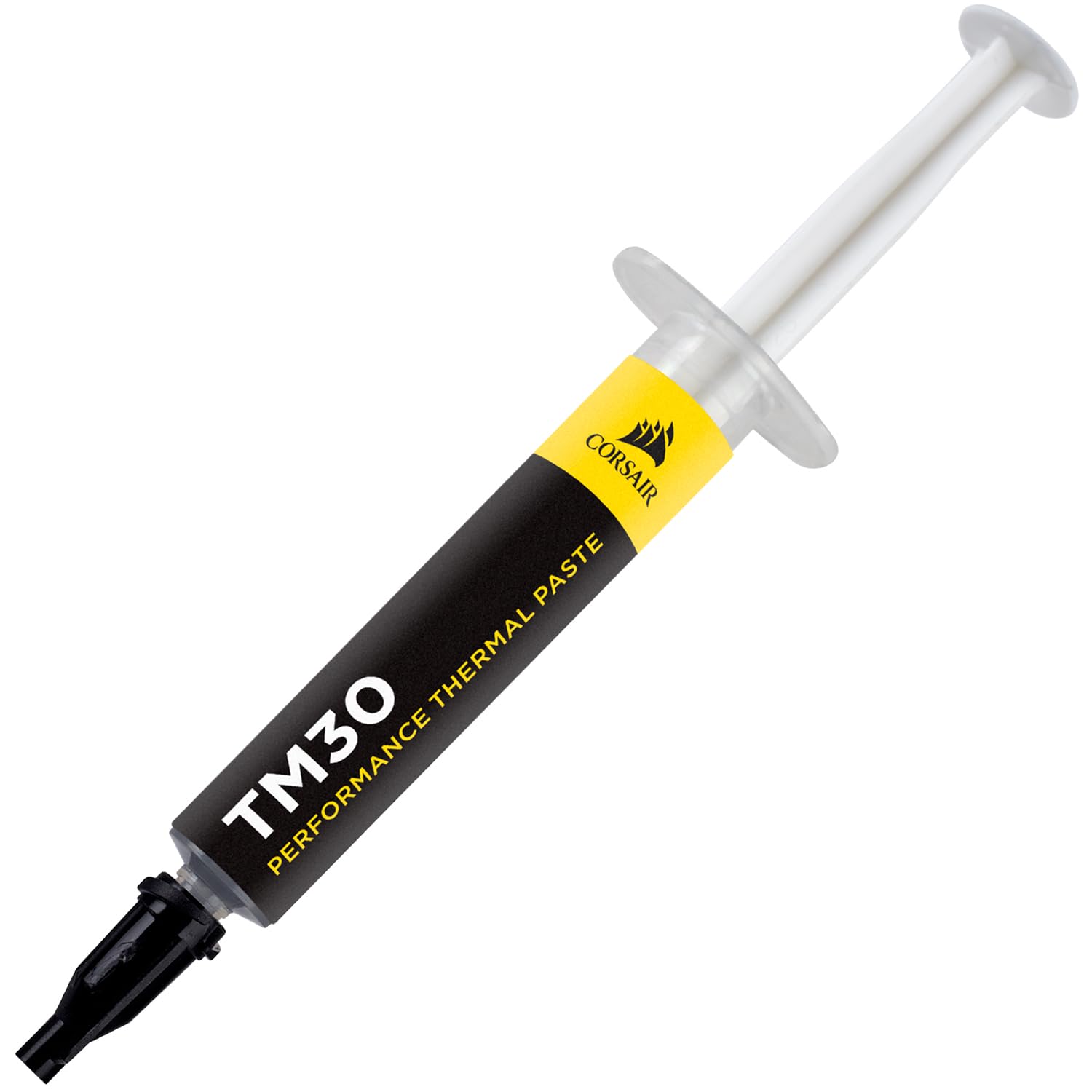
Corsair TM30 Performance Thermal Paste | Ultra-Low Thermal Impedance CPU/GPU | 3 Grams|w/applicator, Silver for Desktop
A good temp for a CPU is 30°C to 45°C at idle and 55°C to 80°C under load. Short spikes into the low 80s during demanding tasks are fine, but you want to keep sustained temperatures under 90°C, where thermal throttling kicks in. These ranges apply to modern AMD Ryzen and Intel Core desktop processors; laptops naturally run warmer. Staying within these numbers gives you the best mix of performance, quiet operation, and long-term reliability.
Quick answer: Our top pick in 2026 is the be quiet! Dark Rock Pro 5 — our #1 rated choice. See the full ranked comparison, alternatives and buying advice below.
What a Good Temp for CPU Means in Practice
A good CPU temperature is not one fixed value; it changes with your workload and depends heavily on your cooling setup. The difference between a hot, throttling chip and a cool, stable one usually comes down to the cooler, thermal paste, and airflow. The table below rounds up dependable cooling products that help you hit a good temp for your CPU no matter what you throw at it.
| Product | Best For | Standout Feature | Rating |
|---|---|---|---|
| be quiet! Dark Rock Pro 5 | Quiet cool builds | Silent high-capacity cooling | 4.8/5 |
| ARCTIC Liquid Freezer III 280 | Efficient liquid cooling | Included VRM fan | 4.8/5 |
| Thermalright Peerless Assassin 120 SE | Value cooling | Dual-tower on a budget | 4.8/5 |
| Cooler Master Hyper 212 Halo | Entry-level upgrades | Proven affordable design | 4.6/5 |
| Thermal Grizzly Kryonaut Paste | Better heat transfer | Ultra-low thermal resistance | 4.9/5 |
What a Good Idle Temp for CPU Looks Like
When your computer is sitting idle, a good temp for your CPU is between 30°C and 45°C. At this point the processor is only handling background tasks, so it should be cool to the touch inside the case. Idle temperatures climbing toward 55°C signal dust, a loose cooler, or aging paste. Our cooler maintenance checklist walks you through the quick fixes that restore healthy idle numbers.
What a Good Gaming Temp for CPU Looks Like
Gaming raises your processor’s workload, so a good temp for CPU during play is 60°C to 80°C. This is entirely normal because the CPU works alongside your graphics card, which adds heat to the case. If you routinely exceed 85°C while gaming, your airflow or cooler likely needs attention. The upgrades in our gaming cooling guide reliably drop temperatures during long sessions.
What a Good Load Temp for CPU Looks Like
Under heavy tasks such as rendering, streaming, or stress testing, a good temp for your CPU can reach 75°C to 85°C. These workloads push the processor continuously, so higher readings are expected and safe as long as they stay below the throttling threshold. If sustained load temperatures worry you, a larger cooler from our high-performance cooler roundup adds valuable thermal headroom.
Signs Your CPU Temp Is Too High
Several symptoms indicate your CPU has drifted past a good temperature. Sudden performance drops during demanding tasks point to thermal throttling, while loud, constantly ramping fans suggest the cooler is struggling. Random shutdowns are a more serious warning that your chip is hitting its safety limit. Diagnosing these issues early, as our overheating diagnosis guide explains, prevents lasting damage to your hardware.
How to Maintain a Good Temp for Your CPU
Keeping a good temp for your CPU is mostly about upkeep. Clean dust from your fans and heatsink regularly, confirm your cooler is mounted firmly, and maintain a clear front-to-back airflow path. Refreshing thermal paste every couple of years restores efficient heat transfer. When maintenance alone falls short, upgrading with help from our CPU cooler buying guide gives you a permanent improvement in temperature.
Frequently Asked Questions About a Good Temp for CPU
What is a good temp for a CPU while gaming?
A good temp for a CPU while gaming is between 60°C and 80°C. This range is normal because the processor works alongside your graphics card, which raises internal case temperature. Readings consistently above 85°C mean you should improve your case airflow or consider upgrading to a more capable cooler.
Is 75°C a good temp for a CPU?
Yes, 75°C is a good temp for a CPU under load such as gaming or rendering. Modern processors handle this temperature comfortably for years of use. You would only need to take action if temperatures climbed toward 90°C, where the chip begins throttling to prevent overheating and potential damage.
What temperature is too high for a CPU?
Temperatures sustained above 90°C are too high for a CPU and trigger thermal throttling that reduces performance. Consistently running near 95°C to 100°C accelerates hardware wear over time. Occasional brief peaks are acceptable, but you should address cooling if your CPU regularly stays in that dangerous range.
How do I keep a good temp for my CPU?
To keep a good temp for your CPU, clean dust from your fans and heatsink, reapply fresh thermal paste periodically, and maintain clear case airflow with proper intake and exhaust. Upgrading to a larger air or liquid cooler provides the biggest lasting improvement for hot-running or overclocked processors.
Ready to decide? Our #1 pick for 2026 is the be quiet! Dark Rock Pro 5.
Live price & availability on Amazon.
Top picks from this guide
 KINGCOOLKINGCOOL Pure Flow 360mm AIO CPU Liquid Cooler, Enhanced 4500RPM…$66 \xc2\xb7 99/100
 ARCTICARCTIC MX-6 (2 g) - Ultimate Performance Thermal Paste for…$5 \xc2\xb7 98/100Corsair TM30 Performance Thermal Paste | Ultra-Low Thermal Impedance CPU/GPU…$7 \xc2\xb7 98/100
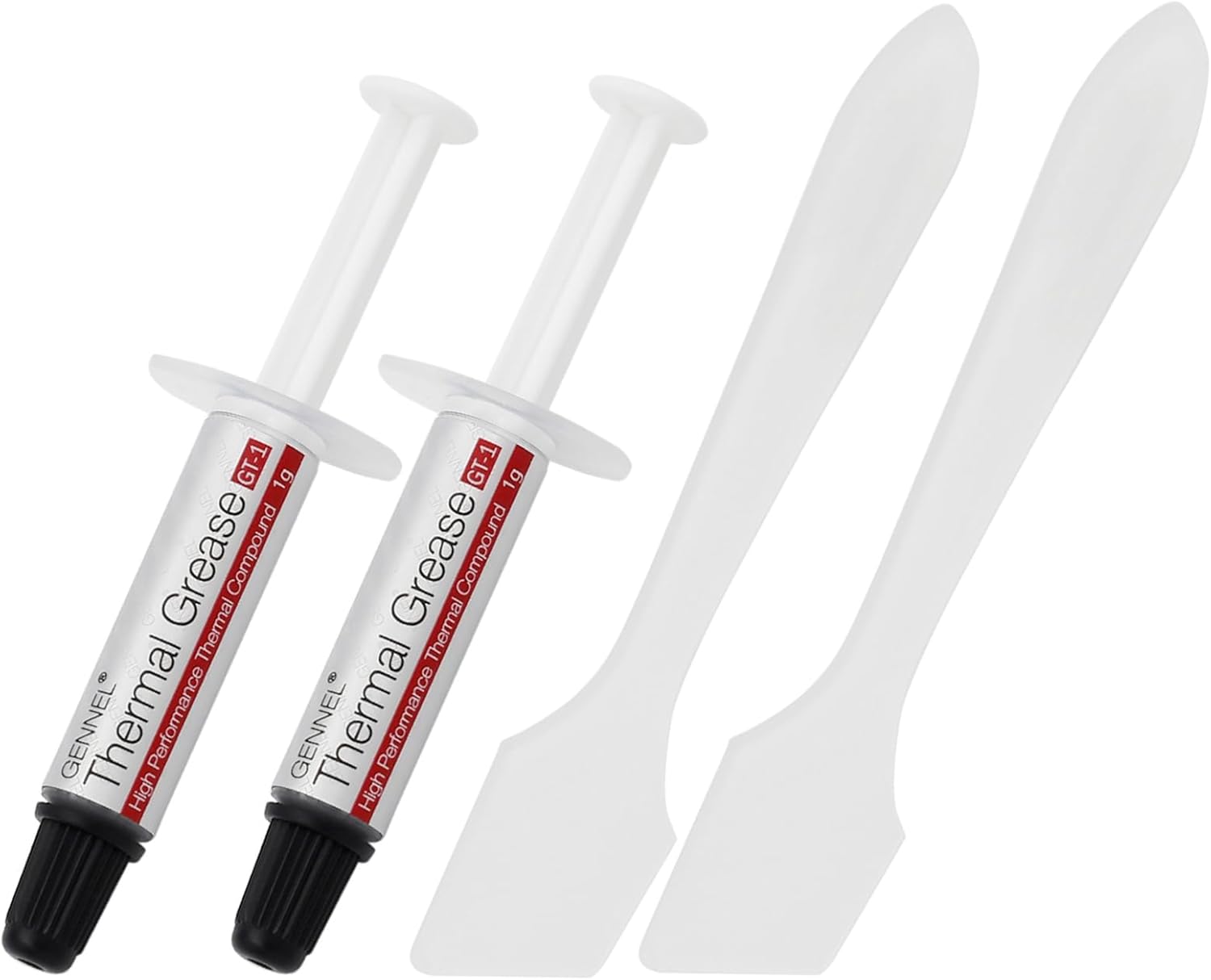 GENNEL2-Pack GT-1 Silver CPU Thermal Paste (1g*2), GPU Heat Sink…$5 \xc2\xb7 98/100

