
CPU temperature is one of the most common worries for PC builders, and for good reason: heat directly affects performance, stability, and longevity. If you have ever watched your monitoring software climb and wondered whether something is wrong, this guide clears it up. We explain what a normal CPU operating temp looks like at idle, under load, and while gaming, plus the tools you need to keep your chip cool.
As an Amazon Associate I earn from qualifying purchases.


A normal CPU operating temp is roughly 30 to 45 degrees Celsius at idle and 60 to 80 degrees Celsius under heavy load such as gaming or rendering. Temperatures up to around 85 degrees Celsius are still safe for most modern processors, and thermal throttling typically begins near 90 to 100 degrees Celsius. In short, if your CPU stays under 80 degrees during normal use, it is running perfectly healthy. The products below help you monitor and maintain those temperatures.
| Product | Best For | Standout Feature | Rating |
|---|---|---|---|
| Noctua NH-D15 Air Cooler | High-end air cooling | Twin-tower dual-fan design | 4.9/5 |
| ARCTIC Liquid Freezer III 360 | All-in-one liquid cooling | Excellent thermals and value | 4.8/5 |
| Thermal Grizzly Kryonaut Paste | Improving heat transfer | Low thermal resistance compound | 4.8/5 |
| be quiet! Pure Rock 2 Cooler | Budget air cooling | Quiet operation, easy install | 4.6/5 |
| ARCTIC P12 Case Fans | Improving case airflow | High static pressure, low noise | 4.7/5 |
Quick answer: Our top pick in 2026 is the Noctua NH-D15 Air Cooler — our #1 rated choice. See the full ranked comparison, alternatives and buying advice below.
What Counts as a Normal CPU Operating Temp?
Modern processors are designed to run hot without harm, but understanding the ranges helps you spot genuine problems. At idle, with the desktop open and little running, expect 30 to 45 degrees Celsius. Under sustained load, whether gaming, encoding video, or running a benchmark, 60 to 80 degrees Celsius is completely normal. Brief spikes into the mid-80s are not a cause for alarm. Only when temperatures consistently approach 90 to 100 degrees Celsius does the CPU begin thermal throttling to protect itself. For a related breakdown, see our gaming CPU temperature guide.
Idle CPU Temperatures Explained
Idle temperature is what your CPU reads when the system is on but doing almost nothing. A healthy idle sits between 30 and 45 degrees Celsius, though warm rooms, small cases, or dried-out thermal paste can push it higher. If your idle temperature exceeds 50 degrees Celsius, it is worth checking your cooler mounting and case airflow. A clean, well-ventilated system with a quality cooler should idle comfortably in the low-to-mid 30s. Our airflow optimization guide covers how to lower those baseline readings.
Load and Gaming CPU Temperatures
When your CPU is working hard, temperatures rise, and that is entirely expected. During gaming, most processors sit between 60 and 75 degrees Celsius, while heavy all-core workloads like video rendering can push a well-cooled chip into the high 70s or low 80s. These figures are all within normal operating limits. The key is consistency: as long as the temperature stabilizes rather than climbing indefinitely toward the throttling point, your cooling is doing its job. Learn what to expect from specific chips in our CPU thermal comparison.
When Temperatures Signal a Problem
A CPU that repeatedly hits 90 degrees Celsius or higher under normal use may have a real issue. Common culprits include a poorly seated cooler, old or insufficient thermal paste, clogged dust filters, or inadequate case airflow. Thermal throttling, where the chip lowers its clock speed to shed heat, causes stutters and reduced performance. If you see throttling, address the cooling before it affects your experience. Our overheating troubleshooting checklist walks through each fix in order.
How to Lower Your CPU Operating Temp
Several straightforward steps can bring temperatures down. Reapplying quality thermal paste often yields a noticeable drop, especially on older systems. Upgrading from a stock cooler to a capable air or liquid cooler makes a bigger difference still. Improving case airflow with well-placed intake and exhaust fans helps your cooler breathe, and simply cleaning out dust every few months keeps thermals in check. For enthusiasts, undervolting can reduce heat with little to no performance loss. See our undervolting tutorial for a safe walkthrough.
Choosing the Right Cooling for Safe Temperatures
The cooler you need depends on your CPU and workload. Budget six-core chips run happily on a mid-range air cooler or even a good stock unit, while high-core-count or overclocked processors benefit from a premium air cooler or a 240mm-plus liquid cooler. Case airflow matters just as much as the cooler itself, so pair a strong CPU cooler with quality case fans for the best results. Our cooler buying guide matches coolers to CPUs across every budget.
Frequently Asked Questions
What is a normal CPU operating temp at idle?
A normal idle CPU temperature is between 30 and 45 degrees Celsius. Warmer rooms, compact cases, or aging thermal paste can push idle temperatures slightly higher, but anything consistently above 50 degrees at idle is worth investigating for cooling or airflow problems.
Is 80 degrees Celsius too hot for a CPU?
No, 80 degrees Celsius is within the normal operating range for a CPU under heavy load such as gaming or rendering. Modern processors are rated to run safely into the mid-80s and only begin thermal throttling around 90 to 100 degrees Celsius, so 80 degrees is nothing to worry about.
At what temperature does a CPU start throttling?
Most modern CPUs begin thermal throttling around 90 to 100 degrees Celsius, depending on the manufacturer’s specified maximum junction temperature. Throttling reduces clock speed to lower heat output, which protects the chip but can cause noticeable performance drops and stuttering during demanding tasks.
How can I check my CPU operating temperature?
You can monitor CPU temperature with free software such as HWMonitor, Core Temp, or HWiNFO, which read the sensors built into the processor. Many motherboards also display temperatures in the BIOS. Check readings at idle and under load to get a full picture of your cooling performance.
Ready to decide? Our #1 pick for 2026 is the Noctua NH-D15 Air Cooler.
Live price & availability on Amazon.
Top picks from this guide
ARCTICARCTIC MX-4 (4 g) - Premium Performance Thermal Paste for…$5 \xc2\xb7 99/100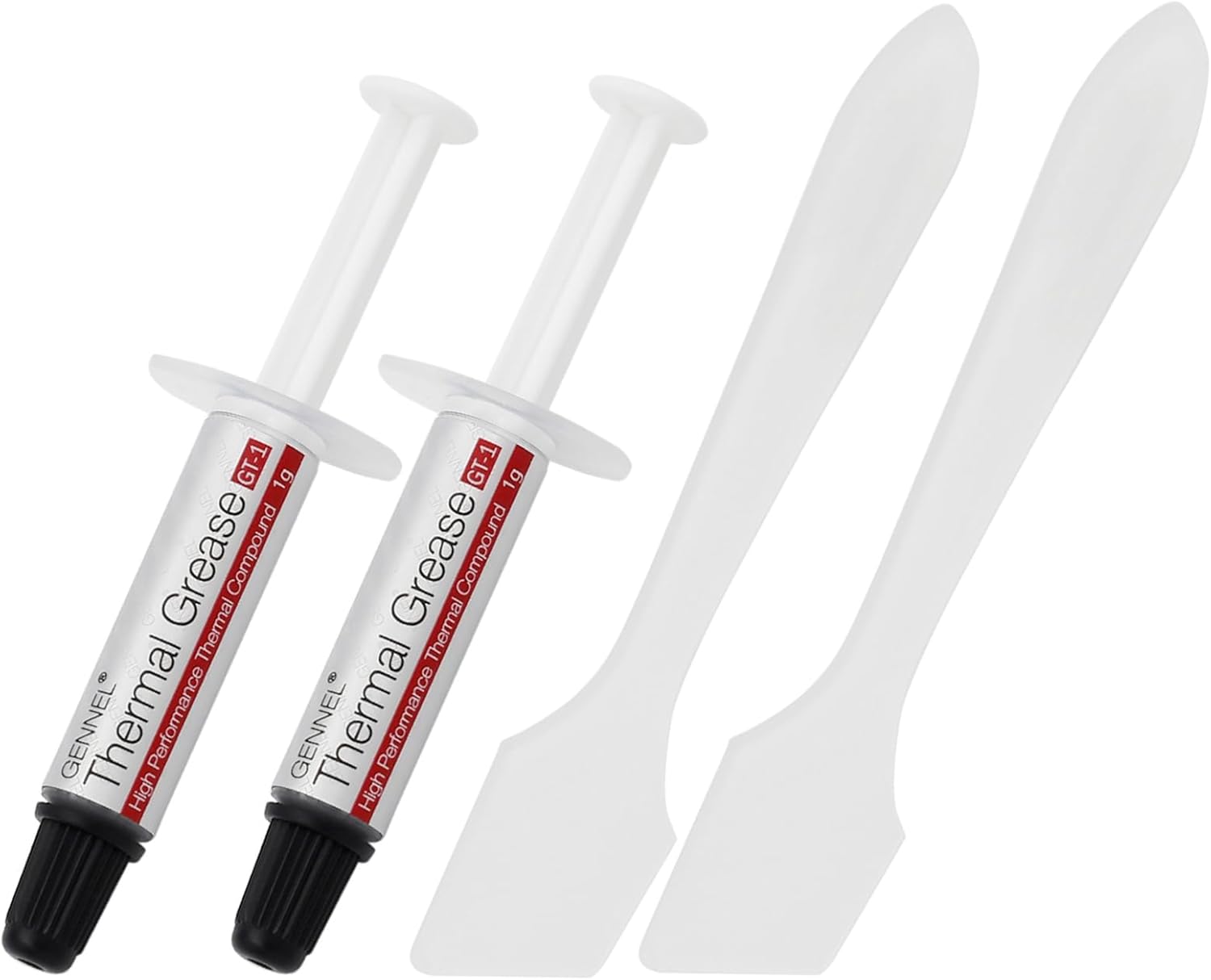 GENNEL2-Pack GT-1 Silver CPU Thermal Paste (1g*2), GPU Heat Sink…$5 \xc2\xb7 98/100
 Dilwe3.5in Computer Temp Monitor, PC Sensor Panel Display, PC CPU…$36 \xc2\xb7 93/100
 CFTGIWIndustryComputer Temp 3.5 I Dimmable Theme Editor Auto Off USB…$28

