
If you have spent any time in PC building circles, you have probably heard the term overclocking. But what is overclocking a CPU, and is it something you should try? This guide explains exactly what overclocking a CPU means, how it works, the benefits and risks involved, and what hardware you need to do it safely.
As an Amazon Associate I earn from qualifying purchases.

Overclocking a CPU means running the processor at a higher clock speed than its factory default, squeezing out extra performance beyond the manufacturer’s rated specification. By increasing the clock multiplier and often the voltage, you push the chip to complete more cycles per second. Done carefully, overclocking can boost gaming and productivity performance, but it generates more heat and requires strong cooling and a compatible motherboard.
Quick answer: Our top pick in 2026 is the Arctic Liquid Freezer III 420 — our #1 rated choice. See the full ranked comparison, alternatives and buying advice below.
What Is Overclocking a CPU and How Does It Work?
At its core, overclocking a CPU increases the frequency at which the processor operates. A CPU’s speed is determined by its base clock multiplied by a multiplier, and overclocking raises that multiplier so the chip runs faster. Because higher frequencies demand more power and produce more heat, overclocking usually involves increasing voltage as well. This extra heat is why robust cooling is essential. The process is typically done through your motherboard’s BIOS or UEFI, as our BIOS settings guide explains.
Since heat is the main obstacle to a stable overclock, your cooling hardware makes or breaks the effort. The table below rounds up coolers and components that support successful CPU overclocking.
| Product | Best For | Standout Feature | Rating |
|---|---|---|---|
| Arctic Liquid Freezer III 420 | Extreme overclocking | Massive radiator for heavy heat loads | 4.8/5 |
| Noctua NH-D15 G2 | Air-cooled overclocks | Top-tier air cooling headroom | 4.9/5 |
| ASUS ROG Strix Motherboard | Overclocking control | Robust power delivery and BIOS tools | 4.7/5 |
| G.Skill Trident Z5 DDR5 | Memory overclocking | High-speed rated kits with XMP | 4.8/5 |
| Corsair RM850x Power Supply | Stable power delivery | Reliable headroom for higher draw | 4.8/5 |
The Benefits and Risks of Overclocking a CPU
Overclocking a CPU offers real performance gains, but it comes with trade-offs worth understanding. On the plus side, a successful overclock can improve frame rates in CPU-bound games and shorten render or compile times. On the downside, it increases heat, power consumption, and system instability if pushed too far. It can also void warranties and, in extreme cases, shorten component lifespan. Weighing these factors helps you decide whether overclocking suits your goals, a topic our performance tuning guide explores further.
Performance Benefits of Overclocking
The primary appeal of overclocking a CPU is extra performance at no additional hardware cost. Games that lean heavily on the processor can see higher and more consistent frame rates, while productivity tasks like video encoding finish faster. For enthusiasts, extracting the maximum from their chip is also a rewarding hobby in itself. The gains vary by chip and workload, but even a modest overclock can provide a noticeable uplift, especially on unlocked processors designed for tuning.
The Risks and Downsides to Consider
Overclocking is not without hazards. Pushing too much voltage or frequency can cause crashes, data corruption, and system instability. The extra heat demands better cooling, and sustained high voltage over years may accelerate wear. Many manufacturer warranties do not cover damage from overclocking. These risks are manageable with careful, incremental tuning and thorough stability testing, but they are real considerations. Our CPU longevity guide discusses how heat and voltage affect hardware lifespan.
What You Need to Overclock a CPU
Successful overclocking requires the right hardware foundation. You need an unlocked CPU, since many chips have locked multipliers that prevent manual overclocking. A motherboard with a capable chipset and strong power delivery is essential, along with a robust cooler to handle the added heat. A quality power supply ensures stable power under increased load. Without these pieces, an overclock will either be impossible or unstable, as our component compatibility guide details.
How to Overclock Safely
Safe overclocking is a patient, methodical process. Start by raising the multiplier in small steps, testing stability after each change with stress-testing software while monitoring temperatures. Increase voltage cautiously only when needed, and never exceed safe voltage limits for your chip. Keep temperatures below throttling thresholds throughout. If the system crashes, dial the settings back. This gradual approach, covered in our stress testing walkthrough, lets you find a stable overclock without risking your hardware.
Should You Overclock Your CPU?
Whether you should overclock depends on your goals and hardware. If you own an unlocked chip, a capable motherboard, and strong cooling, overclocking can unlock meaningful free performance for gaming and productivity. Casual users with locked chips or modest cooling may see little benefit and are better served by the automatic boost algorithms modern CPUs already use. Consider your needs, comfort with tinkering, and tolerance for risk before deciding whether overclocking is worthwhile for you.
Frequently Asked Questions
Is overclocking a CPU safe?
Overclocking a CPU is reasonably safe when done carefully with adequate cooling and gradual, tested adjustments. The main risks come from excessive voltage and heat. By increasing settings incrementally, monitoring temperatures, and staying within safe voltage limits, most users can overclock without damaging their hardware.
Does overclocking a CPU void the warranty?
Overclocking can void your CPU warranty, since many manufacturers do not cover damage caused by running the chip outside its rated specifications. Policies vary by brand, so check the terms before overclocking. Some manufacturers offer separate protection plans that specifically cover overclocking-related damage for enthusiasts.
Do I need a special CPU to overclock?
Yes, you generally need an unlocked CPU to overclock, since many processors have locked multipliers that prevent manual adjustment. You also need a compatible motherboard with a suitable chipset and strong power delivery. Together these ensure the overclock is both possible and stable under load.
How much performance does overclocking add?
Overclocking gains vary by chip, cooling, and workload, typically ranging from a few percent to around ten percent or more in favorable cases. CPU-bound games and heavy productivity tasks benefit most. The exact uplift depends on how much headroom your specific processor has above its factory clocks.
Ready to decide? Our #1 pick for 2026 is the Arctic Liquid Freezer III 420.
Live price & availability on Amazon.
Top picks from this guide
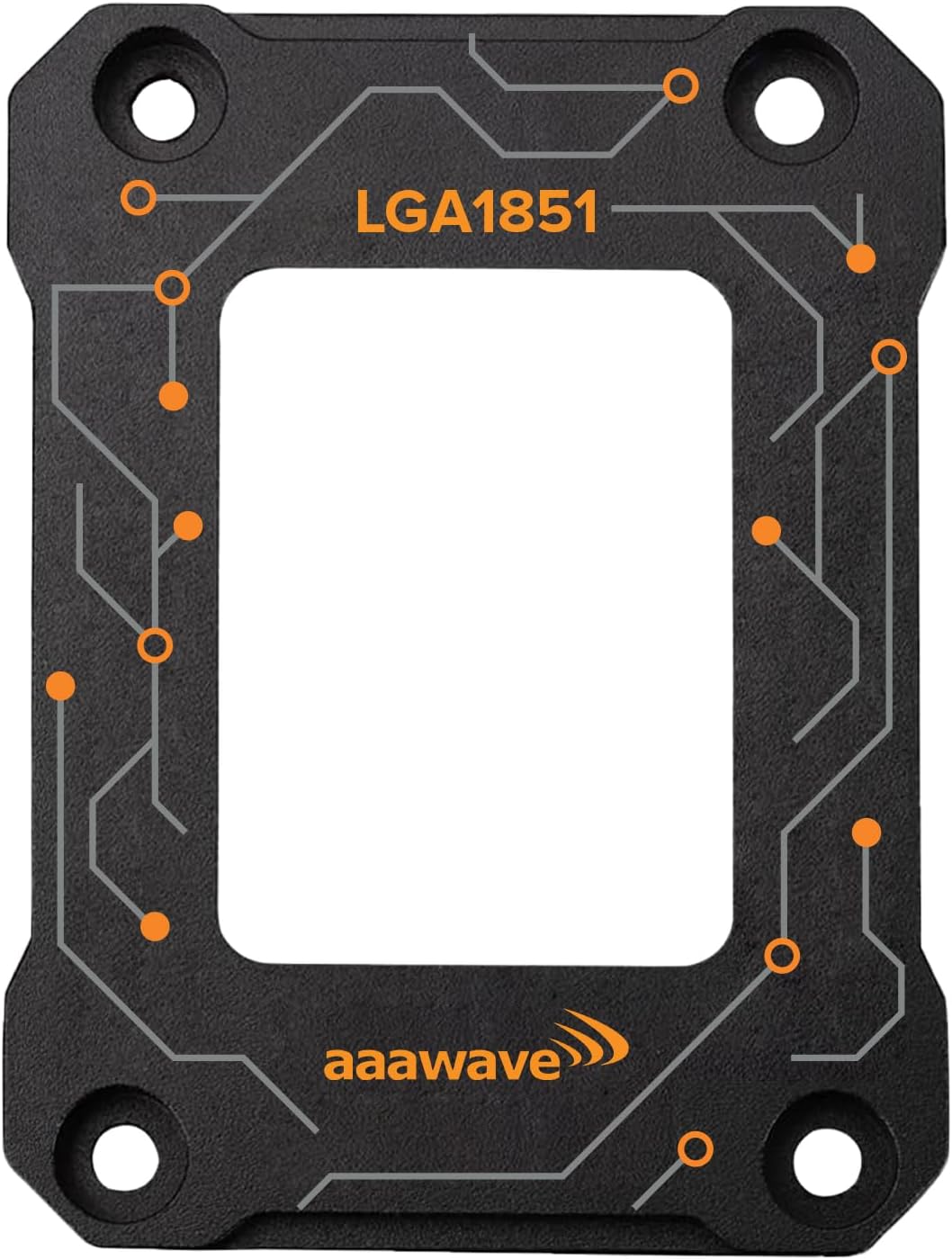 aaawaveAAAwave LGA1851 CPU Bracket Contact Frame Anti-Bending Guard - Black$12 \xc2\xb7 99/100
 ThermalGrizzlyThermal Grizzly Kryonaut Extreme - 2 Gram - Extremely High…$23 \xc2\xb7 99/100
 STORMCRAFTSTROMCRAFT Falcon Intel Core Ultra 7 270K Plus Prebuilt Gaming…$2,000 \xc2\xb7 98/100
 ThermalGrizzlyThermal Grizzly - Duronaut - 6 Gram - Enhanced Durability…$25 \xc2\xb7 98/100

