
One of the most common questions new PC builders ask is what are normal temps for a CPU. Temperature directly affects performance, stability, and the long-term lifespan of your processor, so understanding the healthy ranges is essential. This guide gives you a clear, accurate answer along with the tools and habits that keep your chip running cool.
As an Amazon Associate I earn from qualifying purchases.

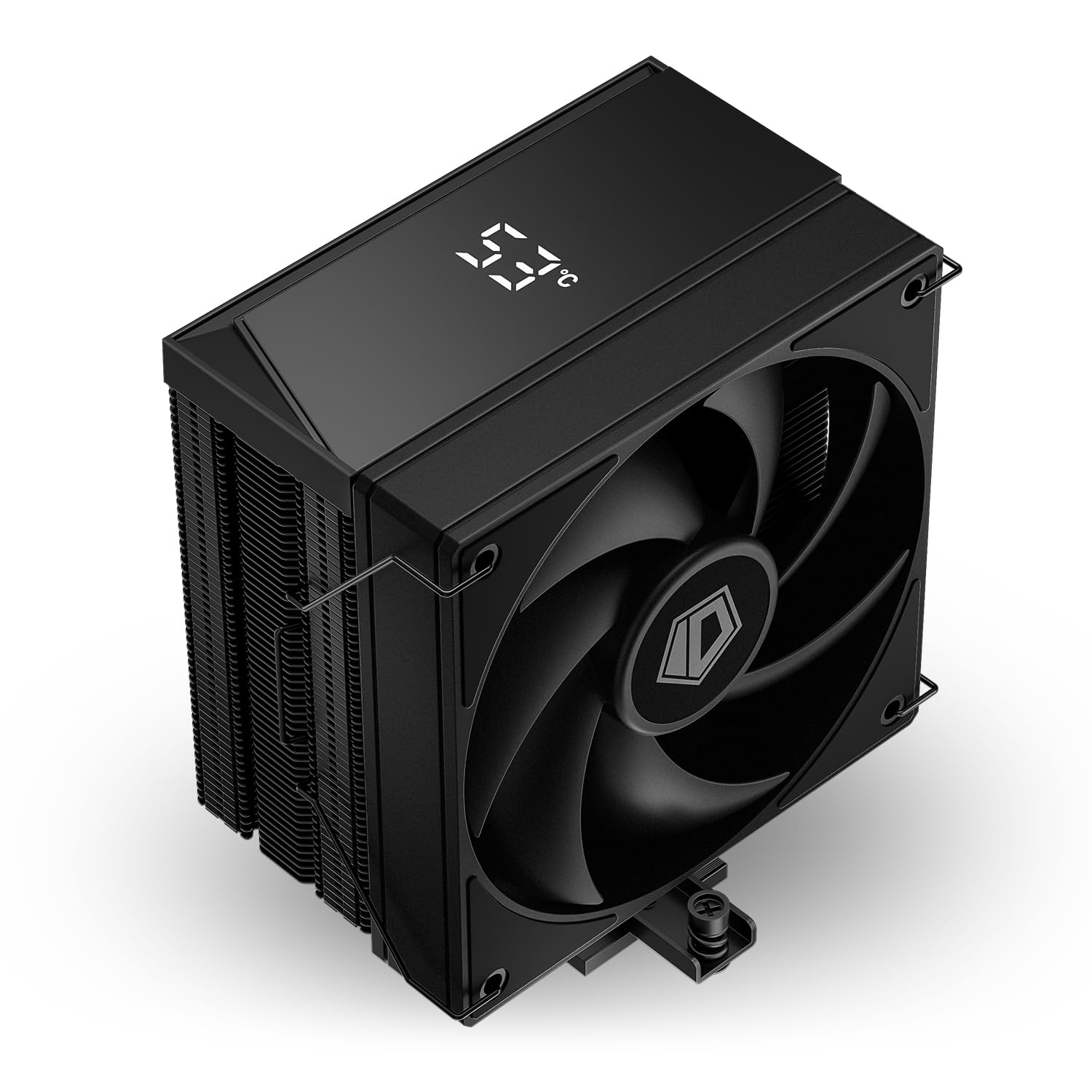
In short, normal CPU temps sit around 30 to 45 degrees Celsius at idle and roughly 60 to 80 degrees Celsius under heavy load. Anything consistently above 85 degrees Celsius warrants attention, and sustained temperatures near 95 to 100 degrees Celsius will trigger thermal throttling or shutdowns. Both AMD and Intel processors are designed to protect themselves, but staying comfortably within safe ranges keeps performance high and hardware healthy.
Quick answer: Our top pick in 2026 is the Noctua NH-D15 Air Cooler — our #1 rated choice. See the full ranked comparison, alternatives and buying advice below.
What Are Normal Temps for a CPU at Idle and Under Load?
Understanding normal CPU temperature means looking at two distinct states: idle and load. At idle, when your computer is sitting at the desktop with little running, a healthy CPU typically reads between 30 and 45 degrees Celsius. Under load, such as gaming or rendering, temperatures naturally climb into the 60 to 80 degrees Celsius range. These figures assume a decent cooler and reasonable case airflow. If your idle temperatures are already high, it often points to a cooling or airflow problem worth investigating in our airflow optimization guide.
To help you gauge where your own system stands, the table below outlines the cooling products that most influence CPU temperatures, from budget air coolers to premium liquid solutions.
| Product | Best For | Standout Feature | Rating |
|---|---|---|---|
| Noctua NH-D15 Air Cooler | High-end air cooling | Dual-tower design rivals liquid performance | 4.9/5 |
| Arctic Liquid Freezer III 360 | Enthusiast liquid cooling | Excellent thermals at a fair price | 4.8/5 |
| be quiet! Dark Rock Pro 5 | Quiet operation | Near-silent under full load | 4.7/5 |
| Thermalright Peerless Assassin 120 | Budget cooling | Flagship-level cooling at low cost | 4.8/5 |
| Arctic MX-6 Thermal Paste | Improving heat transfer | Low thermal resistance compound | 4.7/5 |
Factors That Affect Normal CPU Temperatures
Several variables determine whether your CPU stays within a normal temperature range. The quality of your cooler is the biggest factor, followed by case airflow, ambient room temperature, and the thermal paste between the chip and the cooler. A powerful processor pushed hard will always run hotter than an efficient one at light load. Understanding these influences helps you diagnose problems quickly, and our CPU cooler comparison can point you toward the right upgrade.
How Cooler Type Changes Normal CPU Temps
The single largest influence on CPU temperature is the cooler. A basic stock cooler may keep a chip within spec, but it will run hotter and louder than a premium air or liquid solution. High-end air coolers like the Noctua NH-D15 can rival 240mm liquid coolers, while 360mm all-in-one liquid coolers offer the most headroom for hot, high-core-count processors. If your temperatures exceed the normal range, upgrading the cooler is usually the most effective fix. Compare options in our liquid versus air cooling breakdown.
The Role of Case Airflow in CPU Temperature
Even the best cooler struggles inside a poorly ventilated case. Warm air trapped in the chassis raises the temperature of the air your cooler draws in, pushing CPU temps upward. A balanced configuration of intake and exhaust fans keeps fresh air moving across components. Cable management and dust filters also matter, since blocked airflow and dust buildup steadily raise temperatures over time. Our case fan setup guide explains how to build an effective airflow path.
Ambient Temperature and Thermal Paste
Your room temperature sets the floor for your CPU temperature. A processor in a 30-degree room will always run hotter than the same chip in a 20-degree room. Thermal paste also plays a quiet but important role: dried or poorly applied paste dramatically reduces heat transfer. Reapplying quality paste every few years, or after removing the cooler, restores optimal contact and can lower temperatures by several degrees. This simple maintenance step is easy to overlook.
When Normal CPU Temps Become a Problem
Modern CPUs briefly touching 90 degrees Celsius during intense workloads is not automatically dangerous, since they are built to handle it. The concern arises when temperatures stay pinned near the thermal limit, causing throttling that reduces performance. If you see sustained temperatures above 85 degrees Celsius during normal gaming, investigate your cooling, airflow, and paste. Persistent overheating can also indicate a loose cooler mount, which our troubleshooting checklist helps you diagnose.
How to Monitor and Maintain Normal CPU Temperatures
Keeping your CPU within a normal temperature range starts with monitoring. Free tools such as HWMonitor, HWiNFO, and Core Temp display real-time readings so you can spot problems early. Check temperatures at idle and during a demanding game or stress test to see the full picture. If readings are high, clean dust from fans and heatsinks, verify all fans are spinning, and consider reapplying thermal paste. Consistent monitoring paired with basic maintenance keeps your processor comfortably in the safe zone for years.
Frequently Asked Questions
What is a normal CPU temperature while gaming?
While gaming, a normal CPU temperature typically ranges from 60 to 80 degrees Celsius depending on the chip and cooler. Brief spikes toward 85 degrees are generally fine, but sustained temperatures above that range suggest your cooling or airflow needs attention to avoid throttling.
Is 90 degrees Celsius too hot for a CPU?
A CPU briefly reaching 90 degrees Celsius under heavy load is not immediately dangerous, as modern processors are designed to tolerate it. However, if your CPU sits at 90 degrees constantly, you should improve cooling, since prolonged high temperatures cause throttling and reduce component longevity over time.
How can I lower my CPU temperatures?
You can lower CPU temperatures by improving case airflow, upgrading to a better cooler, reapplying fresh thermal paste, and cleaning dust from fans and heatsinks. Ensuring your case has a balanced intake and exhaust fan setup often produces a noticeable temperature drop with minimal cost.
Do idle CPU temperatures matter?
Yes, idle temperatures are a useful diagnostic. A healthy CPU idles around 30 to 45 degrees Celsius. If your idle temperatures are unusually high, it often indicates poor airflow, a failing cooler, or degraded thermal paste that will lead to worse temperatures under load.
Ready to decide? Our #1 pick for 2026 is the Noctua NH-D15 Air Cooler.
Live price & availability on Amazon.
Top picks from this guide
 PCCOOLERPCCOOLER CPU Air Cooler with Smart Temperature Display, 6 Heatpipes…$40 \xc2\xb7 99/100ARCTICARCTIC MX-4 (4 g) - Premium Performance Thermal Paste for…$5 \xc2\xb7 99/100
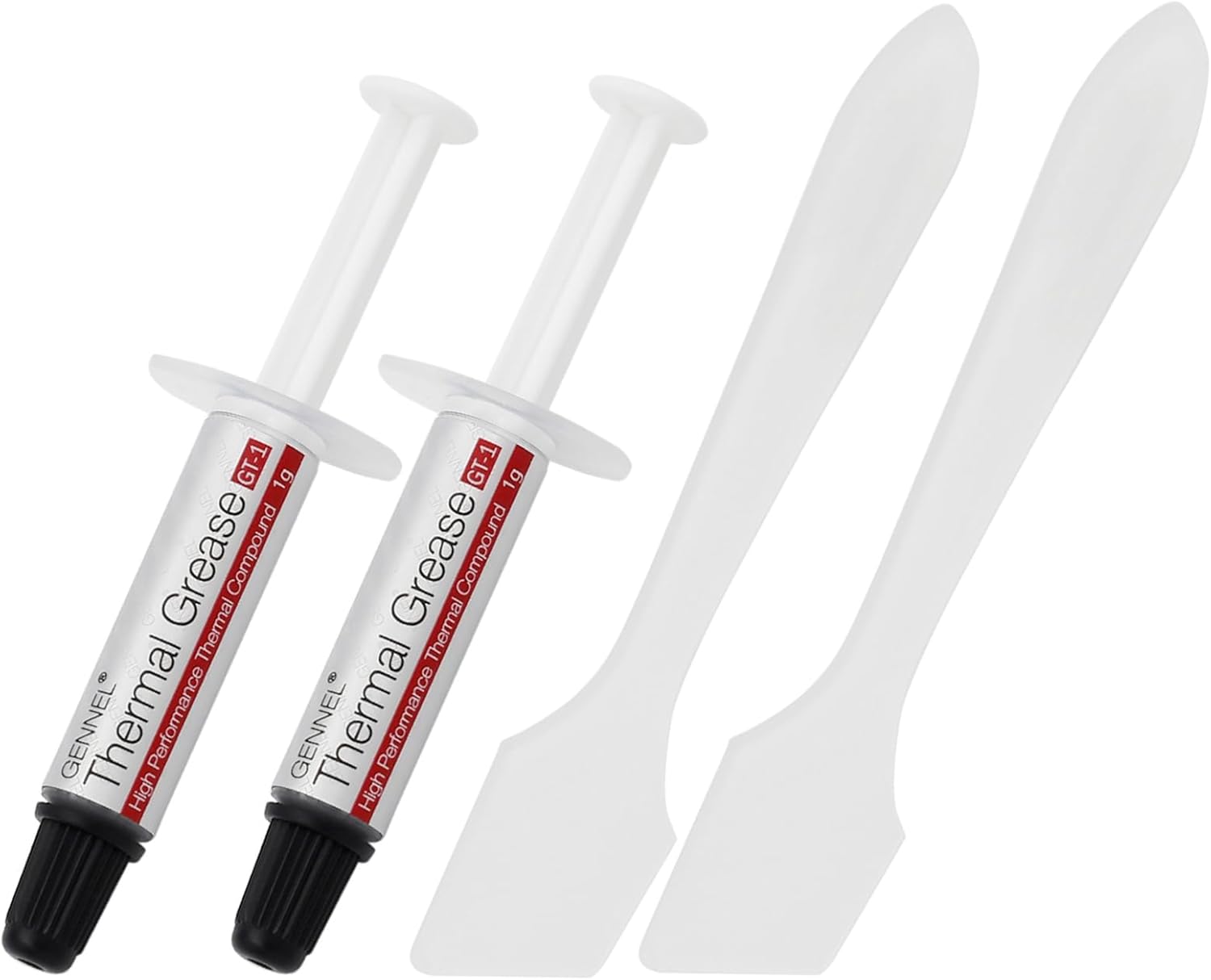 GENNEL2-Pack GT-1 Silver CPU Thermal Paste (1g*2), GPU Heat Sink…$5 \xc2\xb7 98/100
 ThermalrightThermalright Assassin X 120R Digital Black CPU Cooler, Digital Screen…$21 \xc2\xb7 96/100
