
Knowing your CPU normal temp is essential for keeping a PC stable, quiet, and long-lasting, yet many builders only think about it once something already feels wrong. Your processor generates heat every time it works, and staying within safe thermal limits protects both performance and hardware lifespan. This 2026 guide explains the normal temperature ranges for idle and load, why numbers vary between chips, and the cooling gear that keeps everything in check.
As an Amazon Associate I earn from qualifying purchases.

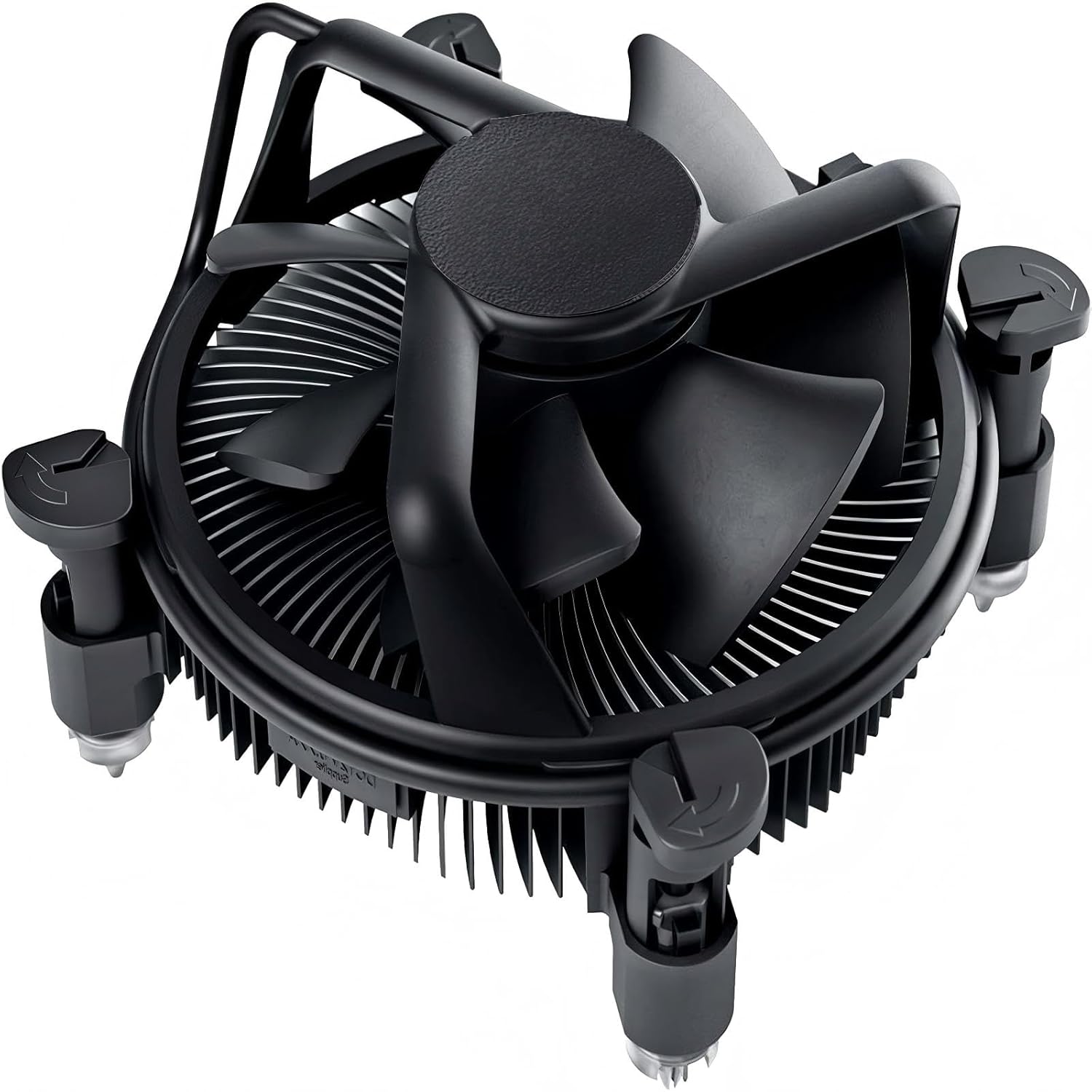
The CPU normal temp for a desktop processor is 30°C to 45°C at idle and 55°C to 80°C under load. Laptops typically run warmer by ten to fifteen degrees because of their compact cooling. Anything below 50°C at rest is healthy, while sustained readings above 90°C signal that your cooling needs attention. Modern AMD Ryzen and Intel Core processors are built to tolerate brief spikes into the mid-80s during demanding work, but you want the everyday average to stay comfortably below that ceiling.
Quick answer: Our top pick in 2026 is the Noctua NH-U12S Redux — our #1 rated choice. See the full ranked comparison, alternatives and buying advice below.
What Counts as a Normal CPU Temp
A normal CPU temp depends heavily on the cooler you pair with your processor. A stock cooler keeps a mainstream chip within spec, but an aftermarket air or liquid cooler drops temperatures substantially and adds headroom for overclocking. The products below are proven performers that keep CPU temperatures in the normal range across a wide variety of builds and budgets.
| Product | Best For | Standout Feature | Rating |
|---|---|---|---|
| Noctua NH-U12S Redux | Compact air cooling | Quiet 120mm performance | 4.8/5 |
| be quiet! Dark Rock Pro 5 | Silent high-end builds | Near-inaudible operation | 4.8/5 |
| ARCTIC Liquid Freezer III 280 | Balanced liquid cooling | Efficient VRM fan included | 4.8/5 |
| Cooler Master Hyper 212 Black | Entry-level upgrades | Affordable proven design | 4.6/5 |
| Thermal Grizzly Kryonaut Paste | Lower contact temps | Premium heat conductivity | 4.9/5 |
Normal CPU Temp at Idle
At idle, your processor handles only background tasks, so a normal CPU temp lands between 30°C and 45°C. Room temperature plays a role here: a warm summer office can add several degrees compared with a cool basement. If your idle readings hover near 55°C, the culprit is usually dust, a loose cooler mount, or aging thermal paste. Our step-by-step cooler reseating guide shows how to fix this in under an hour.
Normal CPU Temp Under Load
Under load, a normal CPU temp rises to 55°C to 80°C, and that is exactly what you should expect during gaming or productivity work. The processor is doing its job, and a good cooler dissipates that heat efficiently. Consistent readings above 85°C during typical use suggest your cooling is undersized or your case airflow is restricted. Comparing your setup against the options in our cooler tier list helps you decide whether an upgrade makes sense.
Why Normal CPU Temp Varies Between Processors
Not every chip runs at the same temperature, even under identical cooling. High-core-count processors and models with aggressive boost algorithms concentrate more heat in a smaller die, which raises reported temperatures. Some Ryzen chips are designed to run hot by default because they boost until they hit a thermal limit. This is normal behavior and not a defect, a point we explain further in our processor thermal behavior explainer.
Tools to Monitor Your Normal CPU Temp
Reliable monitoring is the only way to confirm your CPU temp is normal. HWiNFO, Core Temp, and your motherboard’s BIOS all display live sensor data. For meaningful results, log temperatures during a real workload instead of glancing at them only when the desktop is idle. A short stress test paired with logging reveals your true peak, and matching that peak to the coolers in our CPU cooling buying guide ensures you pick hardware with enough thermal margin.
Restoring a Normal CPU Temp After Overheating
If your temperatures have drifted above normal, a methodical cleanup usually restores them. Blow dust out of the heatsink and fan blades, verify every fan spins on boot, and confirm the cooler is clamped down evenly. Reapplying a pea-sized amount of quality thermal paste closes microscopic gaps that trap heat. When those basics are not enough, stepping up to a larger cooler from our airflow and cooling roundup delivers a lasting drop in temperature.
Frequently Asked Questions About Normal CPU Temp
What is a normal CPU temp while gaming?
A normal CPU temp while gaming is between 60°C and 80°C for most desktop systems. Games place a moderate to heavy load on the processor, and the surrounding heat from your graphics card raises internal case temperature. Readings consistently above 85°C suggest you should improve airflow or upgrade your cooler.
Is 70°C a normal CPU temp?
Yes, 70°C is a perfectly normal CPU temp under load such as gaming or rendering. Processors are engineered to operate reliably at this temperature for years. You would only need to intervene if temperatures approached 90°C, where the chip begins throttling to protect itself from damage.
Why is my CPU temp higher than normal?
A higher-than-normal CPU temp is usually caused by dust buildup, dried thermal paste, a loose cooler, or restricted case airflow. Overclocking and warm ambient room temperatures also raise readings. Working through each of these factors methodically almost always brings temperatures back into the normal range without new hardware.
Does a laptop have a different normal CPU temp?
Yes, laptops typically run ten to fifteen degrees warmer than desktops because their compact chassis limit cooling. A normal laptop CPU temp under load can reach 80°C to 90°C safely. Using a cooling pad and keeping vents clear of dust helps a laptop maintain healthier temperatures during demanding tasks.
Ready to decide? Our #1 pick for 2026 is the Noctua NH-U12S Redux.
Live price & availability on Amazon.
Top picks from this guide
ARCTICARCTIC MX-4 (4 g) - Premium Performance Thermal Paste for…$5 \xc2\xb7 99/100 ThermalrightThermalright Peerless Assassin 120 SE CPU Cooler, 6 Heat Pipes…$35 \xc2\xb7 98/100
 ThermalrightThermalright Assassin X120 Refined SE CPU Air Cooler, 4 Heat…$18 \xc2\xb7 98/100
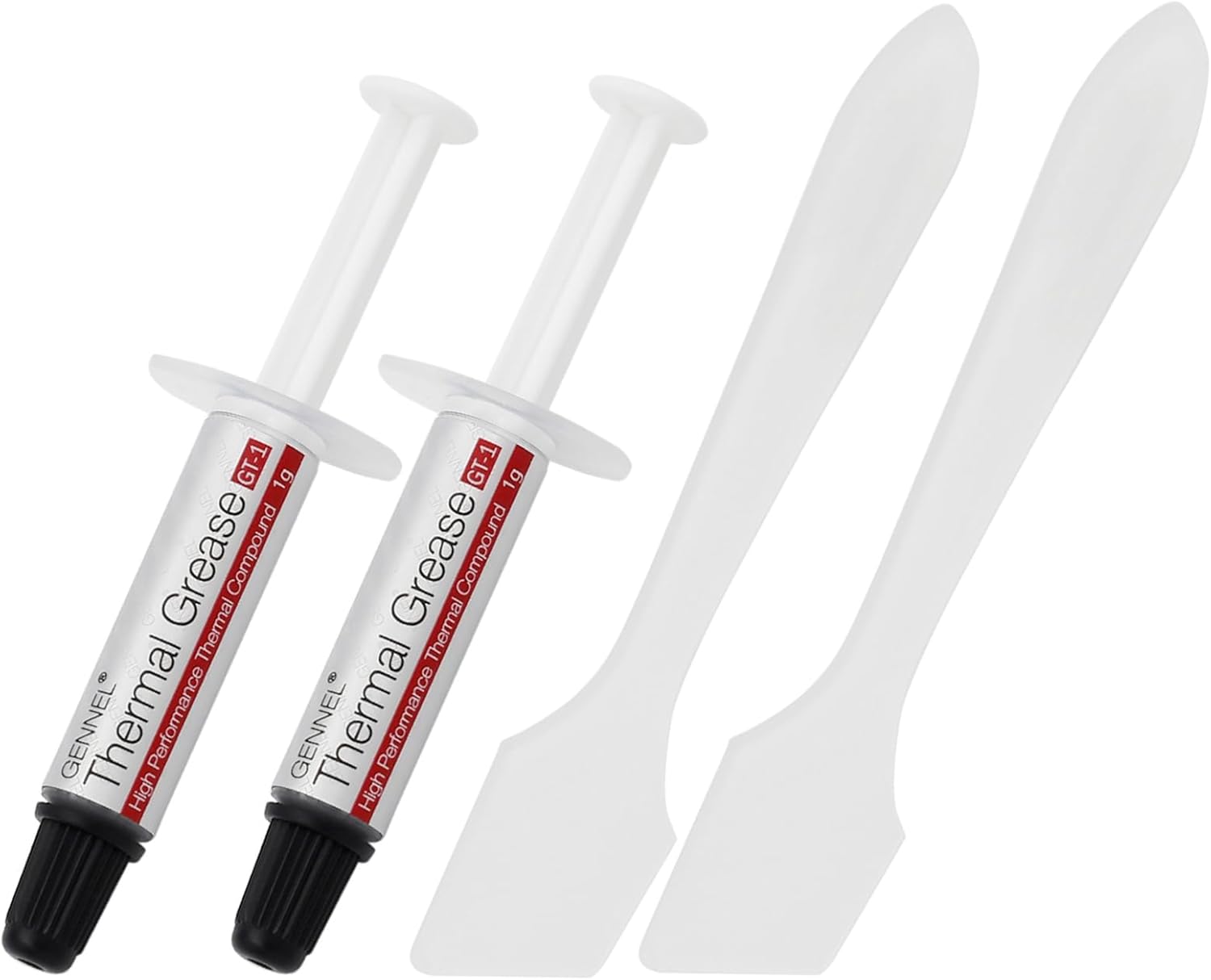 GENNEL2-Pack GT-1 Silver CPU Thermal Paste (1g*2), GPU Heat Sink…$5 \xc2\xb7 98/100
