
Figuring out the normal temp for a CPU is essential knowledge for anyone building or maintaining a desktop PC, because heat is the single biggest threat to processor performance and longevity. Different workloads produce very different readings, so a number that looks alarming during a stress test might be perfectly healthy during everyday use. This guide breaks down realistic temperature ranges for idle, browsing, and heavy load, then covers the cooling gear that keeps your chip running cool and stable.
As an Amazon Associate I earn from qualifying purchases.

Quick answer: Our top pick in 2026 is the Noctua NH-D15 Air Cooler — our #1 rated choice. See the full ranked comparison, alternatives and buying advice below.
What Is the Normal Temp for a CPU?
The normal temp for a CPU depends entirely on what the processor is doing. At idle, with the desktop open and no demanding tasks, a healthy CPU sits between 30°C and 45°C. During light workloads such as web browsing, office documents, or video streaming, expect 40°C to 60°C. Under heavy load like gaming, rendering, or a stress test, normal readings climb to 60°C to 85°C. Modern processors are engineered to tolerate temperatures up to roughly 95°C to 105°C before they throttle to protect themselves, so even a busy CPU in the low 80s is operating comfortably. The key is knowing your baseline: if idle temperatures suddenly jump 15°C above normal, that usually points to dust, dried thermal paste, or a cooling fault worth investigating.
| Product | Best For | Standout Feature | Rating |
|---|---|---|---|
| Noctua NH-D15 Air Cooler | Quiet flagship air cooling | Massive dual-tower heatsink | 4.9/5 |
| ARCTIC Liquid Freezer III 280 | Balanced liquid cooling | Excellent value AIO performance | 4.8/5 |
| Thermalright Peerless Assassin 120 SE | Budget cooling upgrades | High-end cooling for a low price | 4.8/5 |
| NZXT Kraken 240 RGB | Clean, modern builds | Customizable LCD pump display | 4.6/5 |
| Cooler Master Hyper 212 Halo | Entry-level systems | Reliable air cooling with RGB | 4.5/5 |
Normal Temp for a CPU at Idle Versus Load
Understanding the gap between idle and load temperatures helps you interpret your readings correctly. A processor that idles at 35°C and peaks at 78°C under a full stress test is behaving exactly as intended, since that spread reflects the enormous difference in power draw between doing almost nothing and running every core at full speed. If your idle temperatures are already high, say 55°C or more with no tasks running, that points to a mounting or airflow problem rather than a demanding workload. Pairing an efficient air cooler with tidy cable management keeps both idle and load temperatures in check. Always compare your numbers against the workload, not against a single universal figure.
Factors That Change the Normal Temp for a CPU
Several variables influence what counts as normal for your specific system. Ambient room temperature sets the floor, so a hot summer day can push every reading up by several degrees. The cooler you install has the largest impact, with a strong liquid cooling AIO easily outperforming a stock heatsink. Case design and fan configuration determine how quickly heat escapes, and even the quality of your thermal paste matters. Higher-core-count and overclocked processors generate more heat by design, so a normal temperature for a lightweight chip will differ from a normal temperature for a power-hungry flagship running at boost clocks all day.
How to Measure the Normal Temp for Your CPU
Accurate measurement is the only way to know whether your temperatures are healthy. Free tools such as Core Temp, HWiNFO64, and HWMonitor read the sensors built into your processor and display real-time values for each core. To establish your normal range, record idle temperatures after a fresh boot, then run a demanding task or benchmark for 20 minutes and note the peak. Adding quality case fans to improve airflow often reveals how much headroom your cooler really has. Keep an eye on both the package temperature and the hottest individual core, since one hot core can indicate uneven cooler contact that a remount will fix.
Keeping Your CPU at a Normal, Safe Temperature
Maintaining a normal temp for your CPU comes down to good airflow and clean components. Dust is the silent enemy, so clean your filters and heatsink fins every few months. Reapplying thermal paste every two to three years restores heat transfer that degrades over time. Ensuring balanced intake and exhaust airflow through quality high-airflow fans prevents heat from pooling inside the case. If temperatures still run high after these steps, upgrading to a more capable tower cooler or 280mm AIO provides lasting relief. Simple habits like keeping your PC out of direct sunlight and away from heat sources round out an effective cooling strategy.
Frequently Asked Questions About Normal CPU Temp
What is a normal idle temp for a CPU?
A normal idle temperature for a CPU falls between 30°C and 45°C in most systems with adequate cooling. If your processor idles above 55°C with no demanding tasks running, it usually signals dust buildup, dried thermal paste, or a cooler that is not mounted correctly and worth inspecting.
Is 70°C a normal temp for a CPU under load?
Yes, 70°C is a completely normal and safe CPU temperature under a heavy workload like gaming or rendering. Processors are rated to run reliably up to roughly 95°C to 105°C, so 70°C leaves plenty of thermal headroom. There is no need to change your cooling at that temperature.
Does room temperature affect the normal temp for a CPU?
Absolutely. Ambient room temperature sets the baseline your cooler works from, so a warm room raises every reading by several degrees. The same PC can run 5°C to 8°C hotter in a hot room than in an air-conditioned space, which is why measuring temperatures in context matters.
How do I lower an abnormally high CPU temperature?
Start by cleaning dust from your heatsink and fans, then verify your cooler is seated firmly with fresh thermal paste. Improving case airflow with additional fans helps, and upgrading to a stronger cooler resolves stubborn cases. These steps bring most processors back into a normal, safe temperature range quickly.
Ready to decide? Our #1 pick for 2026 is the Noctua NH-D15 Air Cooler.
Live price & availability on Amazon.
Top picks from this guide
 WSHAITEWraith Prism CPU Cooler RGB LED Aluminum Heatsink Copper Core…$23 \xc2\xb7 99/100
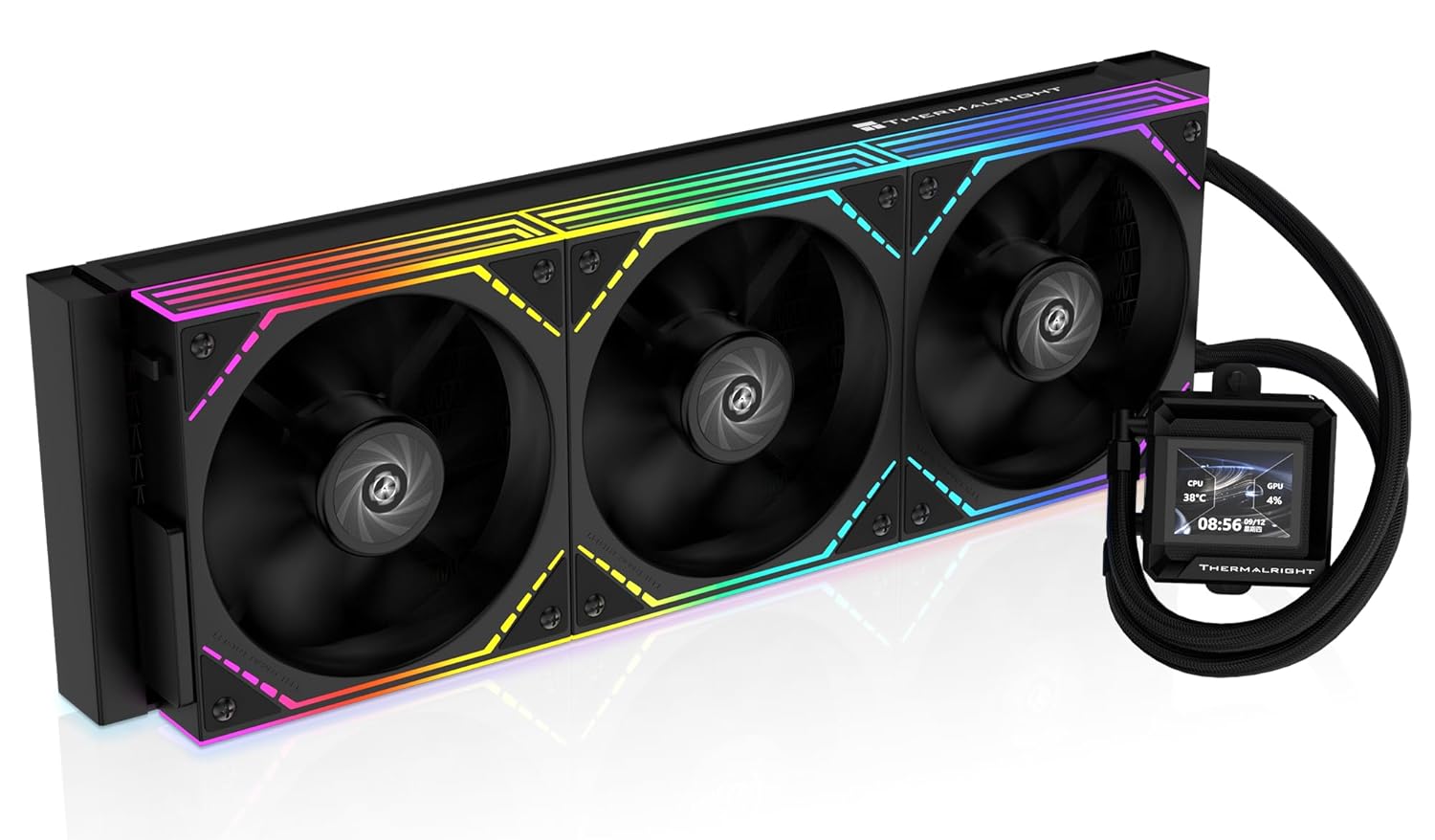 Thermalright FW360 SE ARGB V2 360mm AIO Liquid CPU Cooler,…$85 \xc2\xb7 98/100
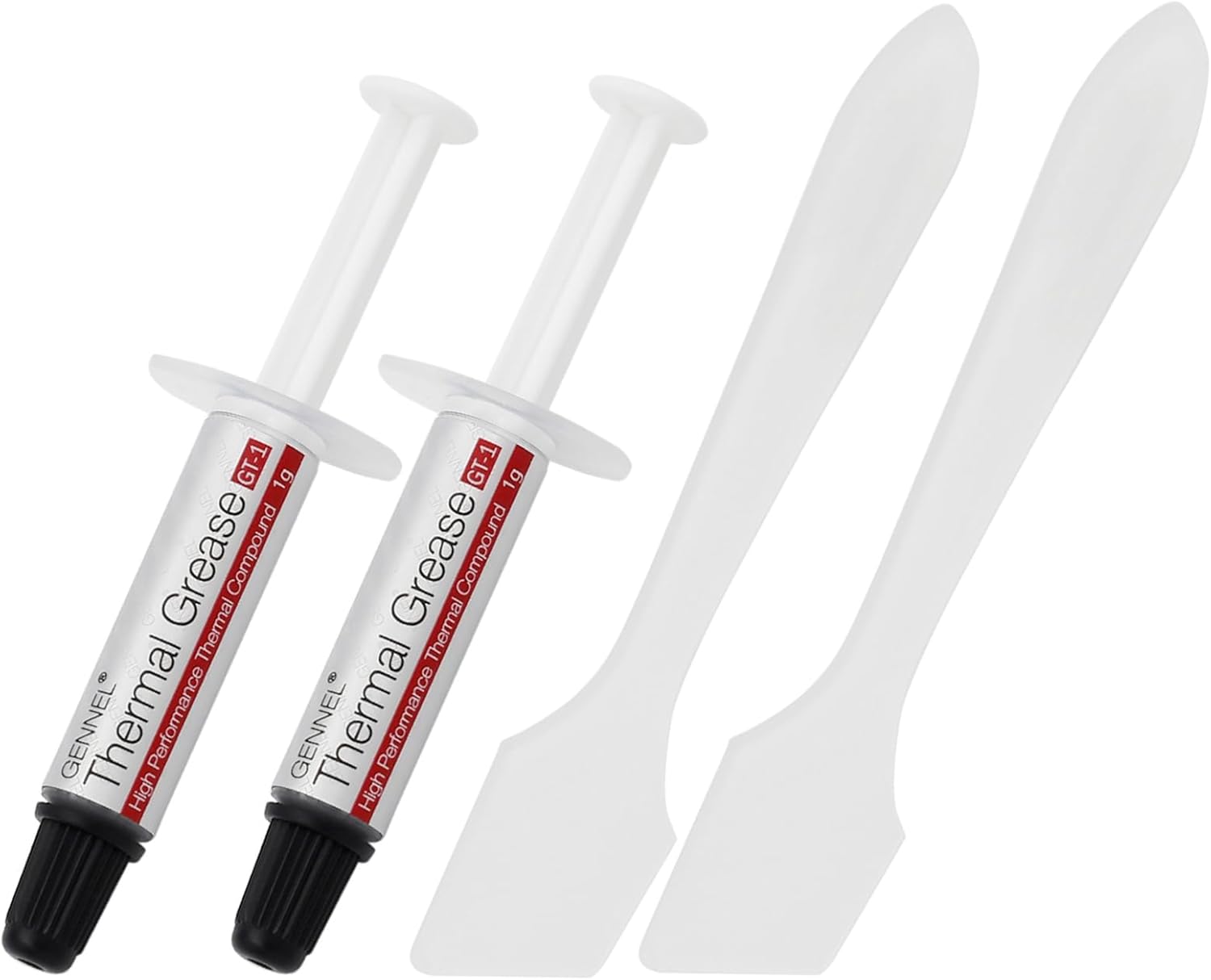 GENNEL2-Pack GT-1 Silver CPU Thermal Paste (1g*2), GPU Heat Sink…$5 \xc2\xb7 98/100
 ARCTICARCTIC Liquid Freezer III Pro 360 A-RGB (White) - AIO…$80 \xc2\xb7 97/100

