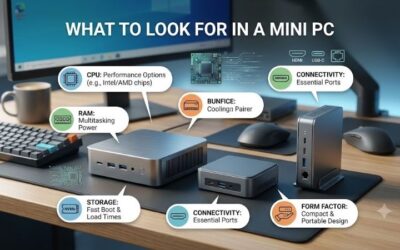
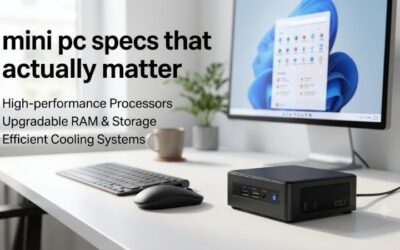
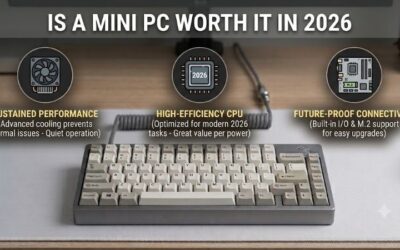
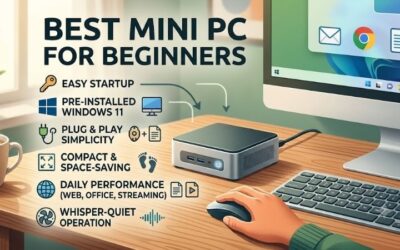
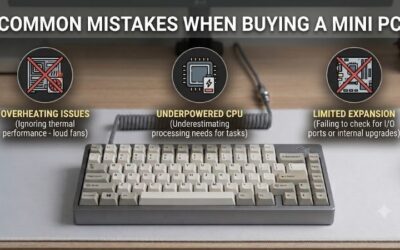
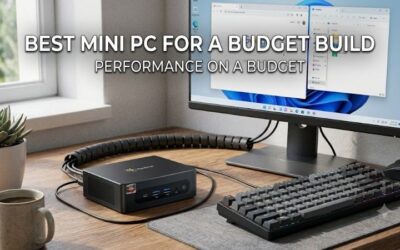
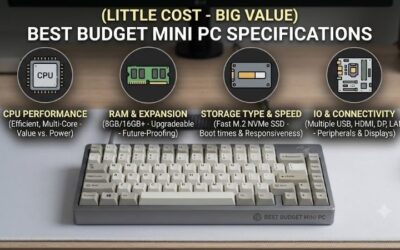
How to choose a mini pc involves evaluating your performance needs, workspace requirements, and hardware expansion options. Understanding these crucial factors prevents overspending on unnecessary features while ensuring smooth multi-tasking. Selecting a capable small desktop keeps your work area organized and efficient.
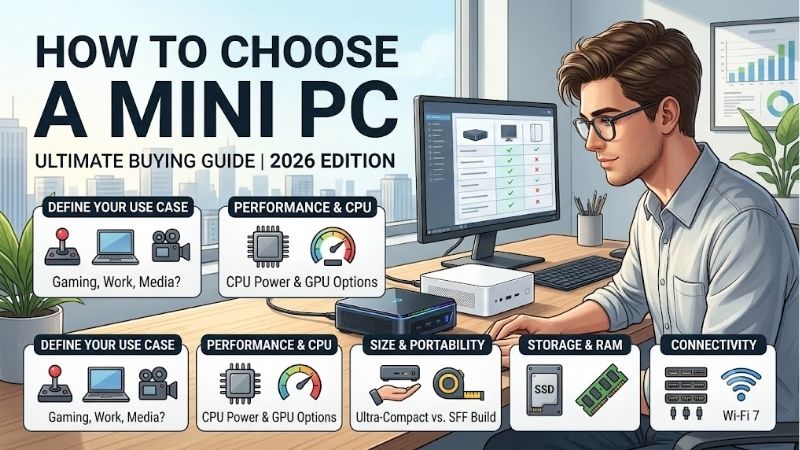
How to Choose the Right Mini PC
Learning how to choose a mini pc empowers shoppers to select a reliable desktop replacement that fits their daily workflow. Evaluating core hardware specifications, connectivity options, and thermal cooling systems ensures long-term system stability while keeping overall operational costs very manageable.
Processor Power and CPU Performance
Evaluating processor speeds is essential when figuring out how to choose a mini pc for home office work or media streaming. Choosing a modern Intel chip guarantees responsive application performance without generating excessive heat during long hours of daily computing activities and web browsing.
Entry-level quad-core processors manage document editing, video calls, and spreadsheets effortlessly. Power users handling video editing or light 3D gaming should prioritize multi-core architectures that deliver higher clock speeds and superior graphics processing capabilities across demanding tasks.
RAM Capacity and Memory Upgradeability
System memory capacity dictates how smoothly your workstation handles multi-tasking and open web browser tabs. Selecting 16GB of DDR4 memory prevents frustrating slowdowns during heavy software operation while keeping future memory upgrades simple through accessible internal expansion slots.
Avoid purchasing basic models with soldered memory if you anticipate needing higher memory capacities down the road. Dual-channel memory configurations boost integrated graphics performance noticeably, ensuring smooth window transitions and responsive multitasking throughout your demanding workday.
Storage Speed and SSD Expandability
Fast solid-state storage drastically reduces operating system boot times and accelerates software loading speeds. Choosing a desktop with a 512GB NVMe SSD ensures ample room for productivity applications, personal media files, and system updates without facing restrictive internal storage limits.
Checking for extra SATA drive bays or secondary M.2 drive slots allows effortless storage expansion whenever file libraries grow. Modern solid-state drives maintain rapid transfer speeds during large file copy operations while consuming minimal electrical power inside compact chassis structures.
Port Selection and Display Output
Abundant physical ports ensure effortless connectivity for keyboards, external drives, and high-resolution monitors. Choosing a unit featuring dual HDMI ports allows a clean dual monitor setup, boosting daily productivity for remote work, document cross-referencing, and online research workflows.
Having easily accessible front USB ports simplifies plugging in flash drives and audio headsets without reaching behind the computer case. Furthermore, fast Wi-Fi 6 wireless networking and Bluetooth support eliminate unnecessary cable clutter across your minimalist desktop office workstation setup.
Top Picks for Compact Desktop Systems
Discovering how to choose a mini pc becomes much easier when comparing real-world system performance across top budget models. The curated comparison table below highlights key processing specifications and hardware features to help you select the ultimate desktop computer for your workspace.
| Model | CPU | RAM / Storage | Best For |
| Beelink SER5 Max | AMD Ryzen 7 5800H | 16GB / 500GB SSD | Heavy Multitasking & Gaming |
| GMKtec NucBox G3 | Intel N100 | 8GB or 16GB / 256GB SSD | Entry-Level Home Workstation |
| TRIGKEY Speed S5 | AMD Ryzen 5 5500U | 16GB / 500GB SSD | Energy Efficiency & Editing |
| Minisforum UN100D | Intel N100 | 16GB / 512GB SSD | VESA Mount & Networking |
| GEEKOM Air12 | Intel N100 | 16GB / 512GB SSD | Premium Build & Cooling |
Beelink SER5 Max
The Beelink SER5 Max is ideal for demanding users who need powerful multi-core processing speeds on a budget. Powered by an AMD Ryzen processor, this versatile system manages photo editing, heavy office multitasking, and light 3D gaming without dropping frames or experiencing annoying performance bottlenecks.
Thermal fan noise becomes noticeable during extended rendering sessions under maximum processing loads. Nevertheless, its exceptional multi-threaded processing power, strong integrated graphics, and easy memory expansion options make it a fantastic overall investment for productive home office power users.
GMKtec NucBox G3
The GMKtec NucBox G3 offers an unbeatable entry point for budget-conscious buyers needing a basic home workstation setup. Featuring an efficient quad-core processing chip, it delivers snappy web browsing, 4K video playback, and daily document editing inside a remarkably small, space-saving desktop enclosure.
The lightweight plastic outer case feels less premium than expensive metal workstation enclosures. Still, remarkably low electrical power consumption, whisper-quiet operation, and reliable daily performance make it an exceptional value choice for budget shoppers seeking essential desktop computing power.
TRIGKEY Speed S5
The TRIGKEY Speed S5 caters to home users who prioritize energy efficiency while requiring dependable multi-core processing speeds. Equipped with AMD integrated graphics, this compact unit executes smooth media streaming, remote office tasks, and casual gaming without overwhelming your electrical utility bill.
The internal cooling fan spins up slightly higher under continuous maximum computing operations compared to basic Intel chips. Even so, accessible memory slots, fast storage responsiveness, and stable multi-display output capabilities deliver extraordinary functional value for everyday productivity.
Minisforum UN100D
The Minisforum UN100D is engineered for minimalist office layouts needing flexible networking and VESA mount capability. This quiet desktop mounts neatly behind compatible monitors, creating an organized workstation while providing smooth dual-screen 4K media performance and fast local file transfers.
Internal storage expansion options remain slightly restricted due to its ultra-compact chassis housing design. However, dual Ethernet networking ports, whisper-quiet active fan cooling, and low energy usage make it a superb option for specialized home routing labs and clutter-free office setups.
GEEKOM Air12
The GEEKOM Air12 provides top-tier structural build quality for users who value hardware durability and effective cooling. Featuring an efficient active cooling fan and rigid metallic shielding, it delivers whisper-quiet daily stability for spreadsheet analysis, web browsing, and remote video conferencing.
Retail pricing sits slightly higher than plastic competitors offering identical entry-level processing hardware. Regardless, superior thermal heat dissipation, premium chassis materials, and outstanding long-term system reliability fully justify the modest price premium for quality-conscious buyers.
Frequently Asked Questions
Navigating hardware specifications and performance requirements often raises practical questions for first-time buyers. Choosing the ideal mini PC requires evaluating daily software demands, display setups, and upgrade potential. Review our expert answers below to clarify key technical details before buying.
Is learning how to choose a mini pc difficult for beginners?
Understanding how to choose a mini pc starts with checking whether a tiny system can replace a bulky tower. A modern compact desktop PC delivers identical speeds for daily browsing, office productivity apps, and media playback without occupying valuable physical space across your home office desk workspace.
Most units arrive with pre-installed operating systems, allowing immediate plug-and-play setup out of the box. Users only need to connect an HDMI display, standard USB peripherals, and power adapter before completing a brief setup wizard, making the transition completely painless for non-technical buyers.
Can a compact mini desktop handle dual 4K monitors?
Yes, most modern budget mini PCs include dual HDMI or DisplayPort outputs capable of driving two 4K displays simultaneously. Modern integrated graphics chips provide hardware video decoding that handles high-resolution video streaming and multi-window productivity without lag or screen stuttering.
Using dual monitors significantly improves daily workflow efficiency for spreadsheet management, research, and video conferencing. Ensuring your chosen model includes fast HDMI 2.0 or USB-C video output features guarantees crisp visual display quality and fluid cursor movements across both screens.
How does energy efficiency compare to traditional tower PCs?
Compact desktop systems consume significantly less electrical power than traditional full-sized desktop computers. Operating between 10 to 35 watts during typical workloads, these energy efficiency powerhouses lower electricity costs noticeably over months of continuous home office or server operation.
Lower power draw also results in minimal internal heat output, allowing smaller fan designs that operate quietly in peaceful work environments. This energy efficiency makes compact systems ideal for continuous background operations like home automation hubs, file servers, or long remote work shifts.
Are internal components upgradeable in tiny desktop PCs?
Most compact systems allow easy access to internal RAM slots and M.2 solid-state storage drives using simple hand tools. Removing the bottom chassis plate reveals expansion bays that let users expand system memory capacity or insert larger storage drives as digital photo libraries grow over time.
However, central processing units and integrated graphics chips are permanently soldered onto the motherboard and cannot be upgraded later. Buyers should pick a processor that satisfies performance requirements for several years while relying on accessible slots to upgrade RAM and storage as needed.
Final Thoughts
Knowing how to choose a mini pc ensures you secure maximum computing performance, energy efficiency, and desk space savings. Whether you need an entry-level home workstation or a powerful desktop replacement, evaluating core hardware specifications empowers you to buy the right compact computer with confidence.