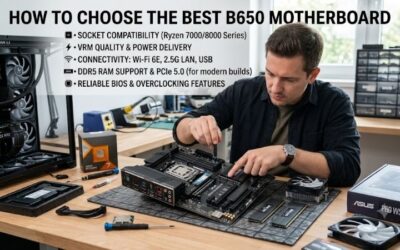
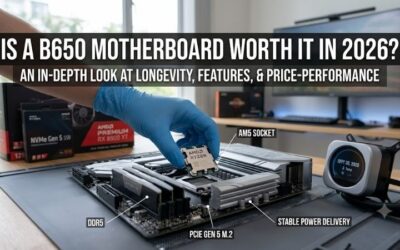
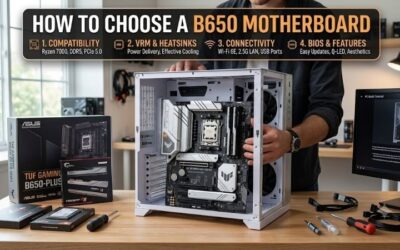
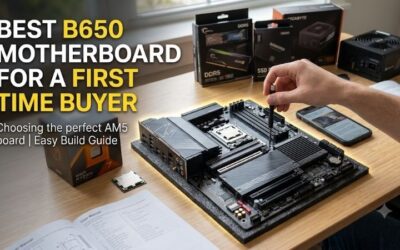
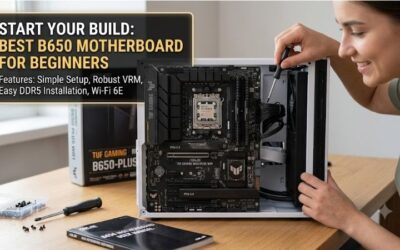
Best budget b650 motherboard narrows a crowded AM5 market to four budget-focused choices with meaningful differences in size, memory expansion, storage, and networking. This guide matches each board to a practical build, highlights real trade-offs, and avoids paying for hardware features that will sit unused in a gaming or productivity PC.
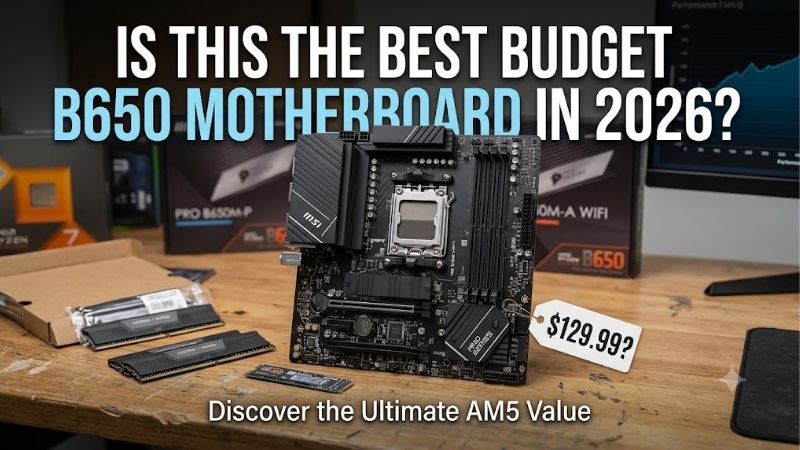
Quick answer: For most people in 2026, the best budget b650 motherboard is the MSI PRO B650-S WIFI — our #1 rated choice. See the full ranked comparison, alternatives and buying advice below.
How to Choose a Budget B650 Motherboard
A budget B650 board is easy to misjudge because similar models can differ in DIMM count, M.2 generation, wireless hardware, and rear I/O. This best budget b650 motherboard guide narrows those differences to four picks, then matches each board to case size, memory plans, storage needs, and networking so you spend on hardware your build will use.
Form Factor And Expansion
For a budget B650 purchase, start with physical layout. Micro-ATX boards save case space, while ATX models leave more room around the CPU socket and expansion slots. That matters with large graphics cards, add-in cards, or bulky coolers. ASRock and Gigabyte favor compact systems; MSI and ASUS suit roomier towers.
ASRock B650M-HDV/M.2 is the smallest option here, while Gigabyte B650M D3HP AX keeps a 24.4cm square micro-ATX footprint with four memory slots. MSI PRO B650-S WIFI and ASUS PRIME B650-PLUS WIFI use ATX layouts. Pick ASRock or Gigabyte for compact cases, and MSI or ASUS when expansion room matters more.
Memory Capacity And DIMMs
Memory capacity is where budget boards diverge. ASRock B650M-HDV/M.2 has two DDR5 slots and supports up to 128GB, enough for conventional gaming but less flexible later. Four-slot boards let you start with two modules and add capacity, although matched kits remain preferable. DIMM count therefore matters before memory speed.
MSI PRO B650-S WIFI and Gigabyte B650M D3HP AX support up to 256GB through four DDR5 DIMMs, while ASUS PRIME B650-PLUS WIFI supports up to 192GB. ASRock suits lean systems, ASUS handles substantial multitasking, and MSI or Gigabyte offer the most capacity headroom here. Choose according to expected workload and upgrade plans for years.
M.2 Storage And PCIe
M.2 storage determines how far a budget board can grow with NVMe drives. A Gen5 slot supports newer PCIe 5.0 SSDs, while Gen4 remains fast enough for mainstream gaming and everyday work. More sockets can separate system, game, and project drives. Check both slot count and generation because B650 models vary considerably here.
ASRock B650M-HDV/M.2 and ASUS PRIME B650-PLUS WIFI each include one PCIe 5.0 x4 M.2 slot plus one PCIe 4.0 x4 slot. MSI PRO B650-S WIFI and Gigabyte B650M D3HP AX provide two PCIe 4.0 x4 connections. For Gen5 storage choose ASRock or ASUS; for simple dual-Gen4 storage choose MSI or Gigabyte and keep the expansion plan predictable.
Wired And Wireless Connectivity
Connectivity should be judged by the devices you plug in. 2.5GbE is useful for fast local transfers when the network supports it, while Wi-Fi matters when Ethernet is inconvenient. Rear USB count and speed also affect desks with external SSDs, controllers, microphones, and other accessories. Start with your real device count.
MSI PRO B650-S WIFI, Gigabyte B650M D3HP AX, and ASUS PRIME B650-PLUS WIFI include Wi-Fi 6E and 2.5GbE, while ASRock B650M-HDV/M.2 provides 2.5GbE plus a Key E slot for an optional wireless module. Choose MSI, Gigabyte, or ASUS for built-in Wi-Fi; choose ASRock when wired networking is enough for the build right from the start.
Top Picks
This best budget b650 motherboard roundup keeps this shortlist focused on useful differences. MSI PRO B650-S WIFI is the balanced ATX choice, ASRock B650M-HDV/M.2 targets low-cost compact builds, Gigabyte B650M D3HP AX favors compact gaming with Wi-Fi, and ASUS PRIME B650-PLUS WIFI adds fast storage and broad rear I/O.
| Product | Best For | Key Spec | Watch Out For |
|---|---|---|---|
| MSI PRO B650-S WIFI | Best Overall | 4 DDR5 DIMMs, 256GB, 2× PCIe 4.0 M.2, Wi-Fi 6E, 2.5GbE | No PCIe 5.0 M.2 |
| ASRock B650M-HDV/M.2 | Best Value | 2 DDR5 DIMMs, 128GB, 1× Gen5 + 1× Gen4 M.2, 2.5GbE | Wi-Fi module not included |
| Gigabyte B650M D3HP AX | Best For Compact Gaming | Micro-ATX, 4 DDR5 DIMMs, 256GB, 2× Gen4 M.2, Wi-Fi 6E | No Gen5 M.2; only 2 system-fan headers |
| ASUS PRIME B650-PLUS WIFI | Best For Fast Connectivity | 4 DDR5 DIMMs, 192GB, 1× Gen5 + 1× Gen4 M.2, Wi-Fi 6E, 8 rear USB ports | Only 2 M.2 sockets |
MSI PRO B650-S WIFI
For a build, MSI PRO B650-S WIFI is Best Overall because it combines ATX spacing, four DDR5 slots, Wi-Fi 6E, 2.5GbE, and a rear 20Gbps USB-C port. It also provides four system-fan headers. The main omission is PCIe 5.0 M.2 support, which matters to buyers planning a next-generation NVMe drive for PC towers.
MSI uses two PCIe 4.0 x4 M.2 sockets and supports up to 256GB of DDR5 with EXPO. This best budget b650 motherboard is practical for gaming builds using mainstream storage and connectivity. The trade-off is storage depth: two NVMe sockets cover many systems, but buyers planning several SSDs may prefer more slots for expansion.
ASRock B650M-HDV/M.2
ASRock B650M-HDV/M.2 earns Best Value by keeping B650 focused on essentials. It has an 8+2+1 power-phase design, 2.5GbE, BIOS Flashback, and one Gen5 plus one Gen4 M.2 slot. Its 24.4 by 22.6cm micro-ATX footprint is useful when both build size and spending need to stay controlled.
This best budget b650 motherboard uses two DDR5 DIMM slots with a 128GB maximum, and Wi-Fi is not included. Rear I/O is modest, with two USB 3.2 Gen1 Type-A ports, one Type-C port, and four USB 2.0 ports. For a wired gaming PC with one or two SSDs, those limits are usually manageable overall for a focused gaming system.
Gigabyte B650M D3HP AX
Gigabyte B650M D3HP AX is Best For Compact Gaming because it combines a micro-ATX footprint with four DDR5 slots, Wi-Fi 6E, 2.5GbE, and two PCIe 4.0 M.2 sockets. It supports Ryzen 7000, 8000, and 9000 processors and up to 256GB of memory, so a small case does not require a small memory ceiling.
This best budget b650 motherboard has a lean expansion layout. Gigabyte provides one CPU-connected PCIe 4.0 x16 graphics slot and one PCIe 3.0 x1 slot, while two system-fan headers provide less fan capacity than MSI. Both M.2 sockets are PCIe 4.0, so buyers wanting Gen5 storage should look elsewhere in practice.
ASUS PRIME B650-PLUS WIFI
ASUS PRIME B650-PLUS WIFI is Best For Fast Connectivity because its ATX layout includes Wi-Fi 6E, 2.5GbE, eight rear USB ports, optical S/PDIF, and four DDR5 slots. It supports up to 192GB and gives Ryzen 7000 or 9000 systems one PCIe 5.0 x4 M.2 slot plus one PCIe 4.0 x4 slot.
This best budget b650 motherboard has capacity and storage trade-offs. Two M.2 sockets leave less room for multiple NVMe drives than three-slot designs, and the 192GB memory ceiling is below MSI and Gigabyte. For an ATX gaming or productivity build, its fast USB, Wi-Fi 6E, 2.5GbE, and Gen5 storage can still be a useful mix.
Frequently Asked Questions
This best budget b650 motherboard FAQ addresses the four questions that usually remain after comparing specifications: platform longevity, onboard Wi-Fi, PCIe 5.0, and RAM capacity. The answers below focus on practical 2026 buying decisions, including when a cheaper feature set is enough and when paying for extra expansion makes sense.
Is B650 Still A Good Budget Choice In 2026?
Yes, B650 remains a sensible budget platform in 2026 when your system uses a compatible Ryzen processor and DDR5 memory. These boards cover PCIe 4.0 graphics connectivity, NVMe storage, 2.5GbE, and Wi-Fi 6E on three picks. The key is buying features your build actually needs.
The exception is a system with unusually high expansion needs. Several add-in cards, many NVMe drives, or numerous fast external devices make the exact board layout more important than the B650 name. Check the slot and I/O map before purchase. For ordinary gaming and productivity, these four boards cover distinct priorities without excess spending.
Do I Need Wi-Fi On A Budget B650 Board?
No. You do not need onboard Wi-Fi for a budget B650 system. ASRock B650M-HDV/M.2 leaves the wireless module out but provides a Key E slot for a compatible Wi-Fi/BT card, so wired users avoid paying for unused hardware. Its 2.5GbE port also supports faster local networking than standard gigabit Ethernet.
Wi-Fi 6E is more useful when your router supports 6GHz and the PC can receive that band reliably. MSI, Gigabyte, and ASUS include it, so they fit Wi-Fi rooms. ASRock can add wireless later through its Key E slot. The practical choice depends on network hardware and placement.
Is PCIe 5.0 Necessary For Gaming?
No. PCIe 5.0 is optional for gaming, and a good PCIe 4.0 NVMe SSD remains a sensible baseline. The main graphics slots here use PCIe 4.0 with Ryzen 7000 and 9000 processors, while Gen5 support applies to selected M.2 storage. A Gen5 M.2 does not make the graphics slot Gen5.
Gen5 helps with large file transfers, demanding applications, or future SSD upgrades. ASRock B650M-HDV/M.2 and ASUS PRIME B650-PLUS WIFI provide that option, while MSI and Gigabyte use two Gen4 M.2 sockets. Choose around your workload and plan, not the version number alone.
How Much RAM Should I Install On B650?
For most gaming PCs, 32GB of DDR5 is a sensible starting point, while 64GB becomes more useful for heavy multitasking, creative work, virtual machines, or development. A matched two-stick kit keeps the initial setup straightforward. Capacity should come before an extreme memory-frequency target that your workload may never use.
ASRock B650M-HDV/M.2 is limited to two DIMMs and 128GB, while MSI and Gigabyte reach 256GB and ASUS reaches 192GB. This makes capacity more important than speed. Buy enough RAM for years, then treat supported frequencies as secondary after compatibility and stability.
Final Thoughts
This best budget b650 motherboard shortlist works best when matched to the rest of the PC. MSI is the balanced ATX choice, ASRock cuts cost and size, Gigabyte pairs compact dimensions with four RAM slots and Wi-Fi 6E, and ASUS combines ATX connectivity with Gen5 storage. Choose the model whose trade-offs fit your build.
Ready to decide? Our #1 pick for 2026 is the MSI PRO B650-S WIFI.
Live price & availability on Amazon.