
Wondering what is a good temp for a CPU is a natural concern for any PC owner, since heat directly influences how well your processor performs and how long it lasts. A good temperature isn’t a single number but a range that shifts depending on whether your machine is idling, browsing, or working hard. This guide spells out good temperature targets for each situation, explains what raises or lowers those numbers, and recommends cooling gear that keeps your CPU running cool and dependable.
As an Amazon Associate I earn from qualifying purchases.
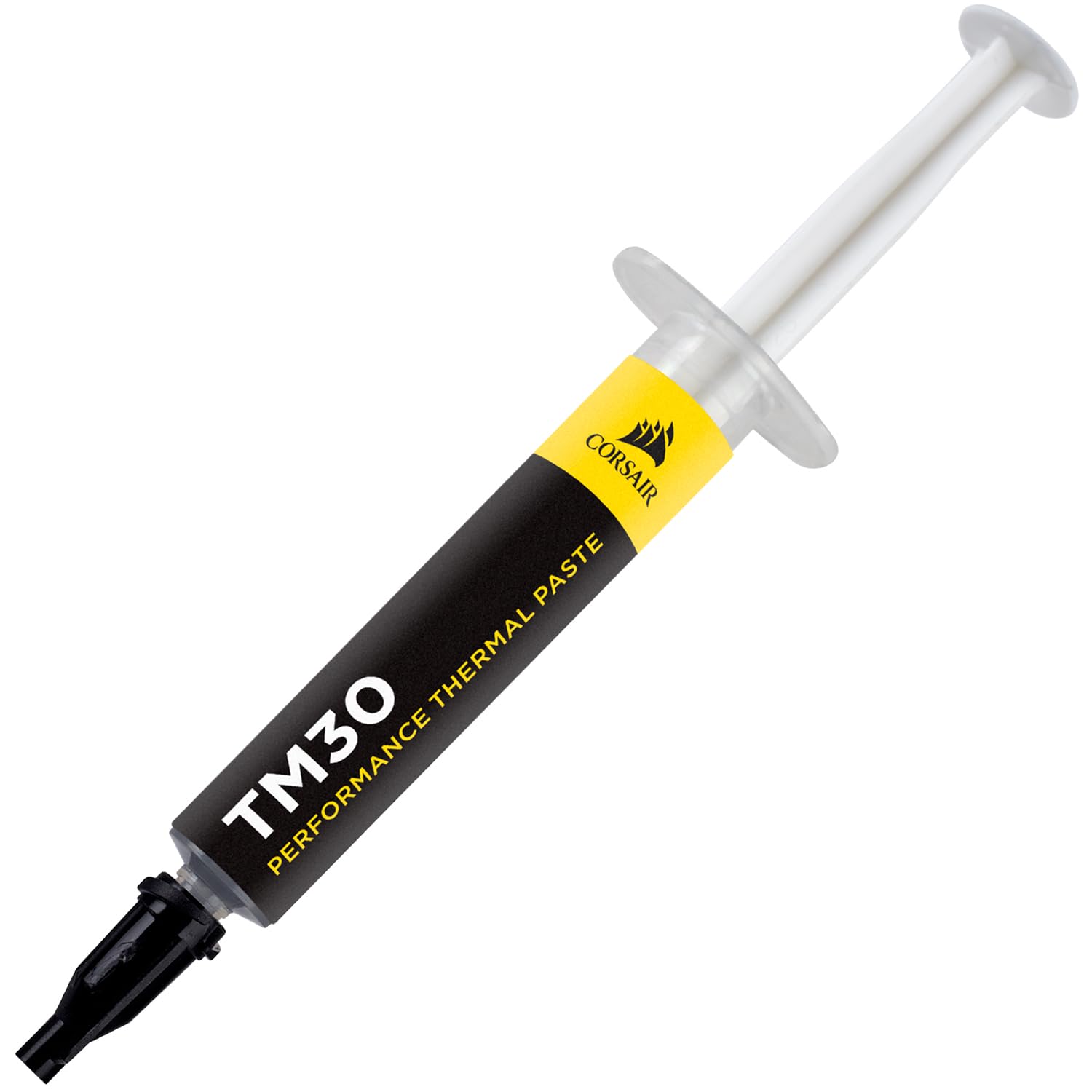
Corsair TM30 Performance Thermal Paste | Ultra-Low Thermal Impedance CPU/GPU | 3 Grams|w/applicator, Silver for Desktop

Quick answer: Our top pick in 2026 is the Noctua NH-D15 Air Cooler — our #1 rated choice. See the full ranked comparison, alternatives and buying advice below.
What Is a Good Temp for a CPU?
A good temp for a CPU depends on the workload. At idle, a good reading is 30°C to 45°C. During light everyday tasks like browsing or streaming, 45°C to 60°C is good. Under a heavy load such as gaming or rendering, a good CPU temp is anything below 80°C, with the mid-70s being excellent for air cooling. Since modern processors are rated to run safely up to roughly 95°C to 105°C before throttling, staying under 80°C leaves a healthy margin. A good temp, in short, keeps the chip well beneath its thermal limit while letting it boost fully. If your CPU rarely reaches the high 80s and never hits 90°C during ordinary use, your cooling is performing well and there is no cause for concern.
| Product | Best For | Standout Feature | Rating |
|---|---|---|---|
| Noctua NH-D15 Air Cooler | Keeping load temps low quietly | Premium dual-tower heatsink | 4.9/5 |
| ARCTIC Liquid Freezer III 280 | Value liquid cooling | Strong performance for the price | 4.8/5 |
| Thermalright Phantom Spirit 120 SE | Budget cooling upgrades | Dual-tower cooling at low cost | 4.8/5 |
| NZXT Kraken 240 RGB | Clean modern builds | Customizable LCD pump display | 4.6/5 |
| Cooler Master Hyper 212 Halo | Entry-level systems | Reliable air cooling with RGB | 4.5/5 |
A Good Temp for Your CPU at Idle
At idle, a good CPU temp sits between 30°C and 45°C, reflecting a processor that is barely working. This range gives you a useful baseline to compare against load readings. If your CPU idles noticeably higher, around 55°C or more with nothing demanding running, that usually signals dust buildup, dried thermal paste, or a cooler that is not seated correctly. Pairing your chip with an efficient air cooler and keeping cables tidy helps idle temperatures stay low. A cool idle is the foundation of good temperatures across every workload your system handles.
A Good Temp for Your CPU Under Load
Under a sustained load like gaming or video editing, a good CPU temp stays below 80°C to 85°C, keeping the chip clear of the throttling threshold. Readings in this range show your cooler is well matched to the processor’s heat output. A capable liquid cooling AIO makes reaching these targets easy even during marathon sessions. If your load temperatures push past 90°C, the chip may reduce clocks to protect itself, so improving airflow or cooling restores both a good temp and steady performance. Load temperatures are where cooling quality truly shows.
Factors That Affect a Good CPU Temp
Several factors decide whether your system reaches a good temp. Ambient room temperature sets the floor, so a warm room lifts every reading. The cooler you install is the biggest lever, and upgrading to a strong tower cooler can drop load temperatures dramatically. Case airflow, fan quality, dust levels, and the condition of your thermal paste all matter. Processor choice counts too, since high-core-count and overclocked chips generate more heat. Understanding these variables lets you set a realistic good-temp target for your specific build instead of comparing against a very different system.
How to Reach a Good CPU Temp
Reaching a good temp starts with matching your cooler to your processor and ensuring strong airflow. Add balanced intake and exhaust case fans so heat leaves the case efficiently, and clean dust filters regularly to preserve cooling capacity. Reapplying thermal paste every couple of years maintains good heat transfer. A roomy case with a mesh front panel maximizes any high-airflow cooling setup. Monitoring software verifies your results, confirming that idle and load temperatures both land in the good range. Simple habits like keeping your PC away from heat sources complete the picture for consistently good temperatures.
Frequently Asked Questions About a Good CPU Temp
Is 70°C a good temp for a CPU?
Yes, 70°C is a good temp for a CPU under a heavy load like gaming or rendering. It sits well below the roughly 95°C to 105°C thermal limit of modern processors, leaving a comfortable safety margin. There is no need to adjust your cooling when your chip peaks around 70°C during demanding tasks.
What is a good idle temp for a CPU?
A good idle temp for a CPU is between 30°C and 45°C. If your processor idles much higher, around 55°C or more with no tasks running, it typically indicates dust buildup, dried thermal paste, or a cooler that is not mounted correctly and should be checked and cleaned.
Does a good CPU temp improve gaming performance?
Yes. Keeping a good CPU temp prevents thermal throttling, allowing the processor to hold its full boost clocks during play. This produces steadier frame rates and smoother gameplay. Good temperatures also reduce fan noise and help protect the long-term health of your CPU and the components around it.
How do I know if my CPU temp is good enough?
Use monitoring software such as Core Temp or HWiNFO64 to check idle and load readings. If your CPU idles in the 30s or 40s and peaks below 80°C to 85°C during heavy use, your temperatures are good. Readings consistently near the thermal limit are the sign that cooling improvements are needed.
Ready to decide? Our #1 pick for 2026 is the Noctua NH-D15 Air Cooler.
Live price & availability on Amazon.
Top picks from this guide
 NoctuaNoctua NT-H2 3.5g, Thermal Computer Paste incl. 3 Cleaning Wipes…$15 \xc2\xb7 99/100
 ARCTICARCTIC MX-6 (2 g) - Ultimate Performance Thermal Paste for…$5 \xc2\xb7 98/100Corsair TM30 Performance Thermal Paste | Ultra-Low Thermal Impedance CPU/GPU…$7 \xc2\xb7 98/100
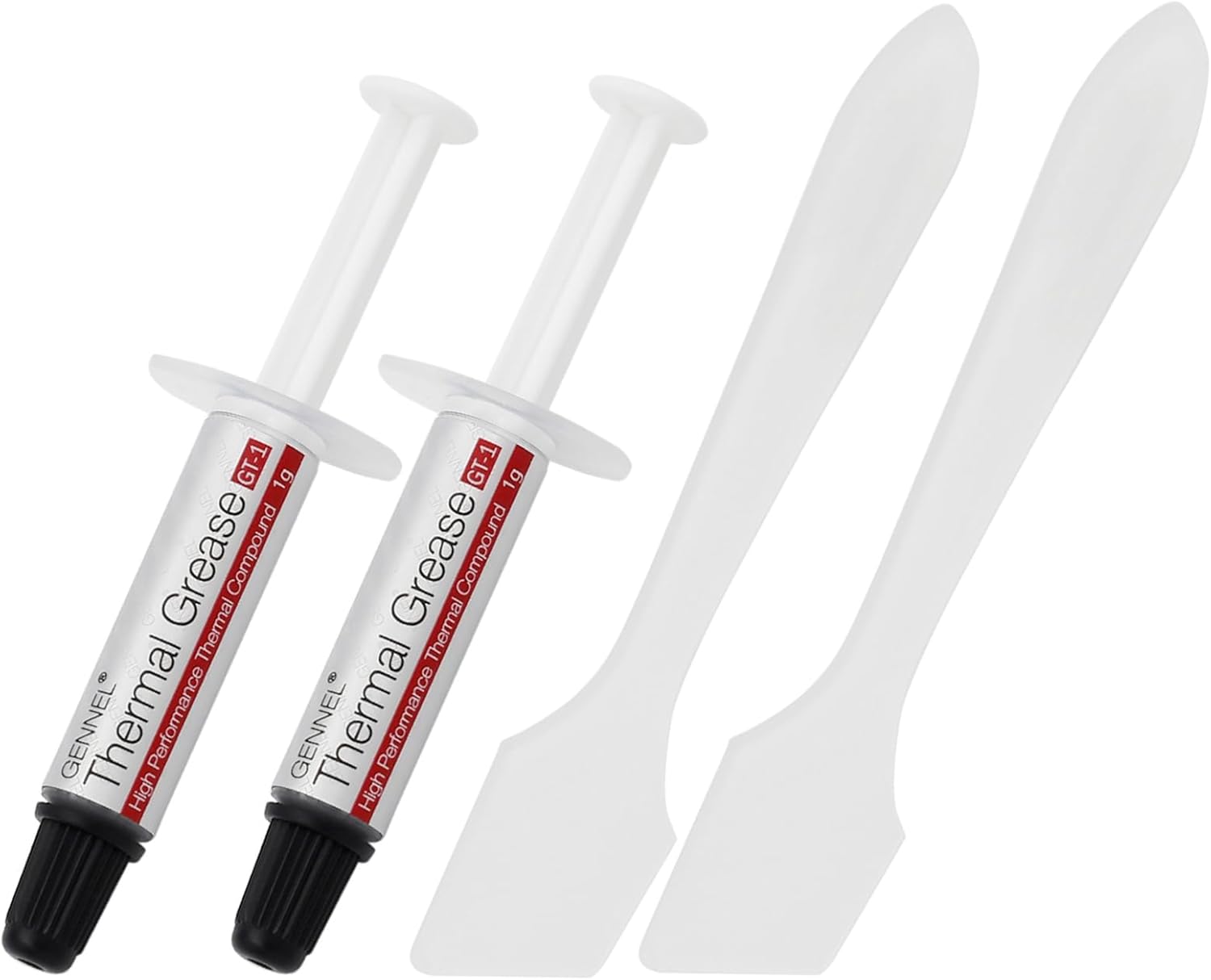 GENNEL2-Pack GT-1 Silver CPU Thermal Paste (1g*2), GPU Heat Sink…$5 \xc2\xb7 98/100

